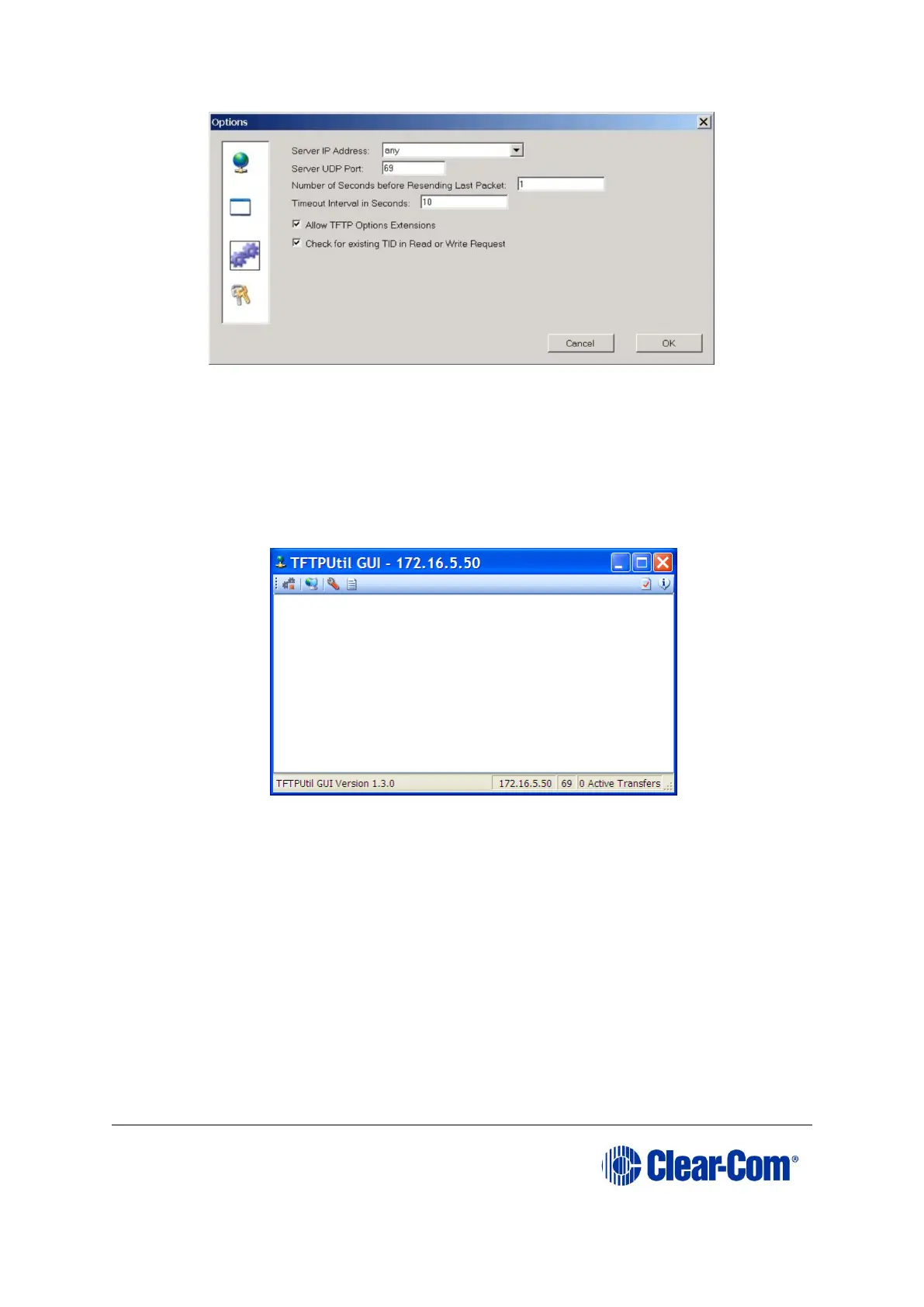
Figure 14-20: TFTPUtil settings
9. If a firewall is running it may request permission for the program to have access
when the TFTP server is run for the first time. Click Yes. Click OK and OK again.
10. Check that your PC IP address is correctly displayed on the main header of the
TFTP application:
Figure 14-21: Checking the PC IP address
11. Connect an Ethernet cross-over cable from the PC to the Ethernet port at the
back of the V-series panel and disconnect the cable that connects to the matrix.
Your PC is now ready to act as a file server to a V-series panel and the panel is
now ready to be told which files to upload.
12. To upgrade the V-Series U-Boot Loader:
a. Press and hold down both the MAIN and AUX knobs on the V-Series Panel
while applying a reset.
The reset may be applied by either power cycling the panel or poking a
paper clip into the reset hole between the H/S and MENU buttons.



 To Next Page