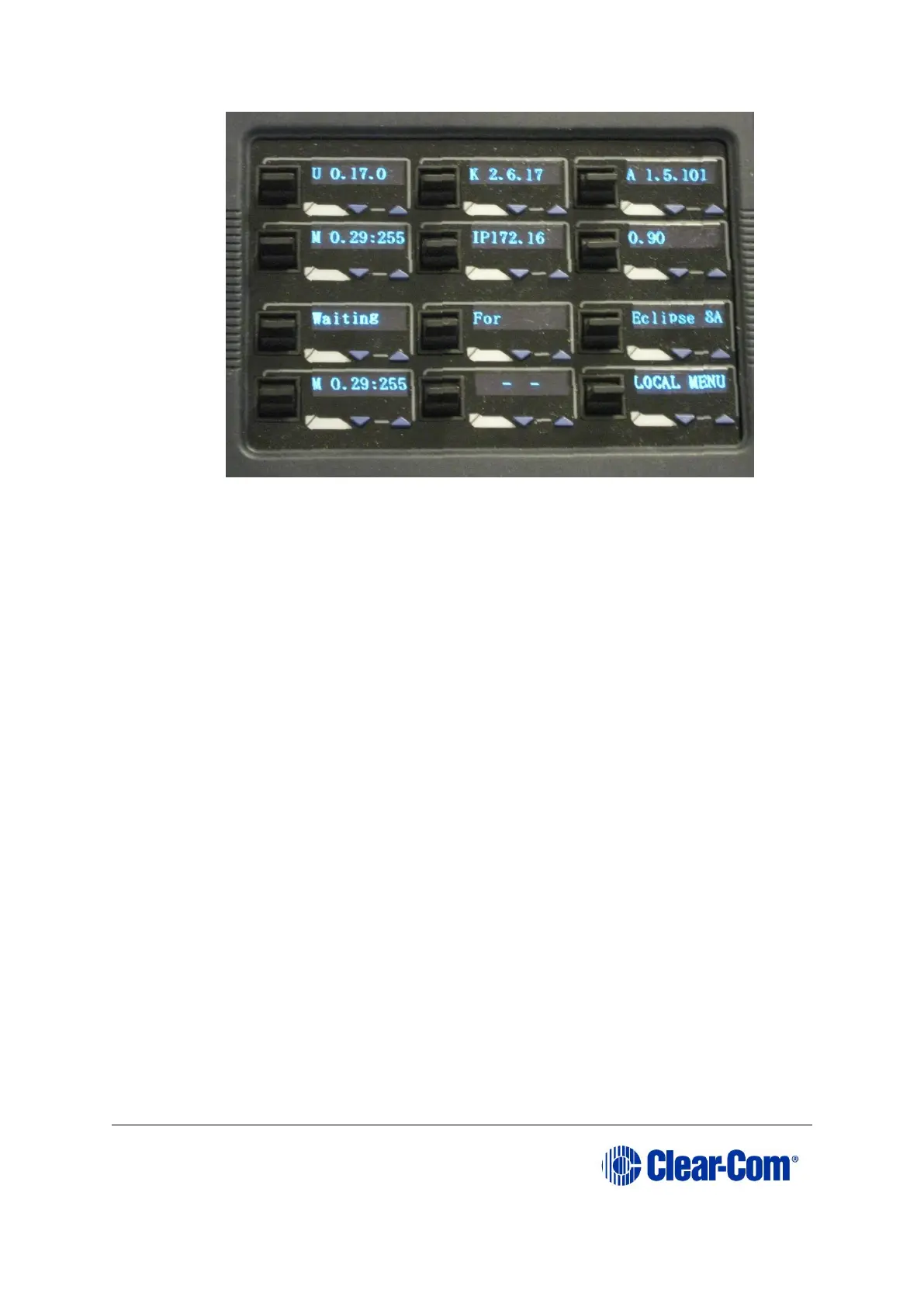
Figure 14-22: Panel after update reset
Notes:
After the V-Series panel has been upgraded using the TFTP server some of the
level settings may be disabled. IP settings will also be lost. To restore the level
and IP settings, download a map from EHX using the Clear Matrix Data option.
14.3.1 Upgrading the V-Series Display Module
The only upgradeable component in a V-Series expansion panel is the Display Module.
When the parent V-series panel has its Display Module updated, the updates are
automatically propagated to the expansion panels.
However, this only occurs if the expansion panel is plugged in at the time the parent
panel is upgraded. Expansion panels connected afterwards are not upgraded.
The Display Module upgrade is only performed using EHX. The required files (*.fwp
format) are available from the Drivers USB:
• Drivers USB > ECLIPSE DRIVERS > Panel_Software > V-Series > Display_Module >
xxxxxx-Display PIC Boot Loader
• Drivers USB > ECLIPSE DRIVERS > Panel_Software > V-Series > Display_Module >
xxxxxx-Display PIC Application Code
Where xxxxxx represents a product number.
For more information, see 14.1.1 Locating Panel *.fwp files on the software USB.



 To Next Page