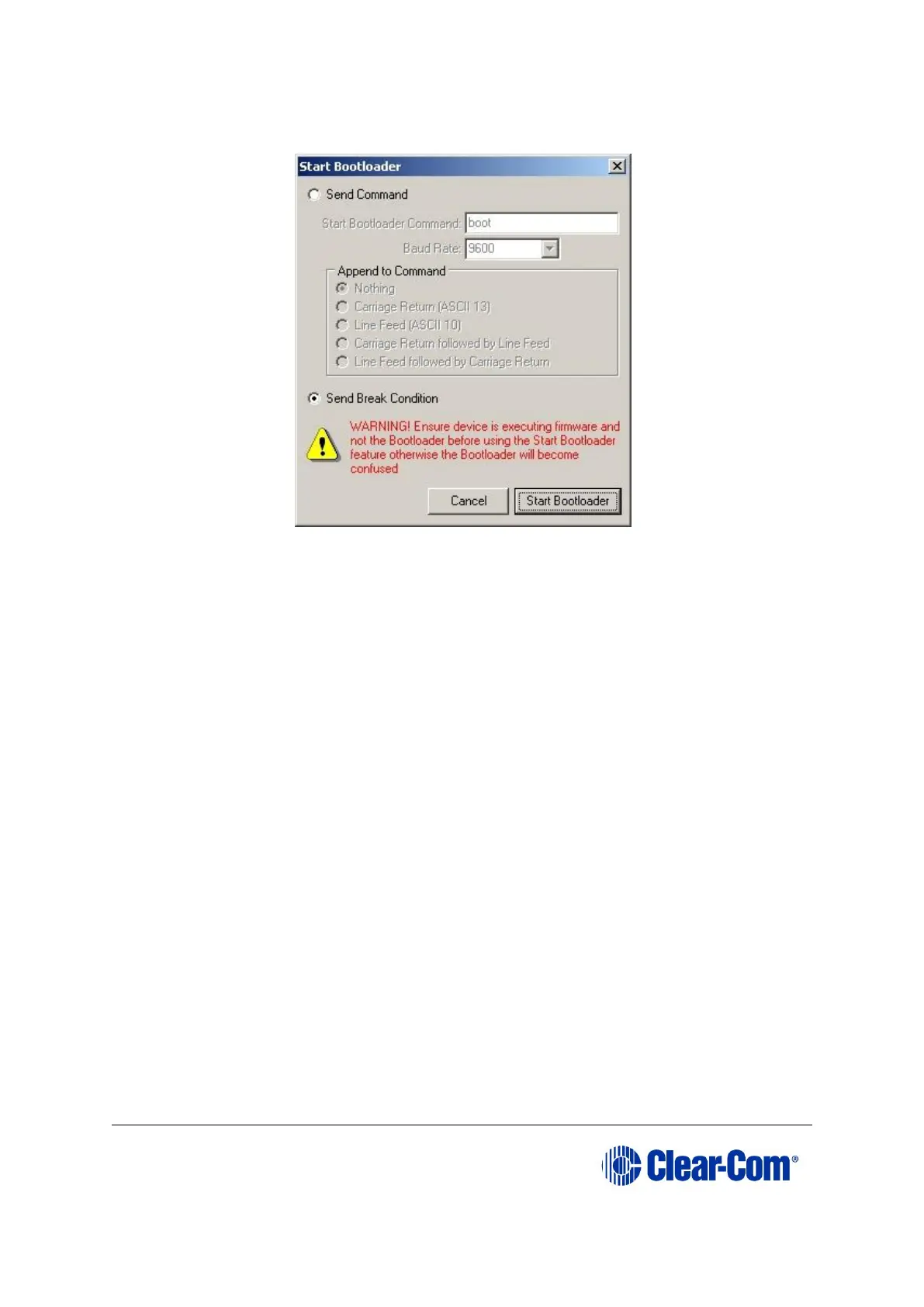
From the drop-down menu, select Start Bootloader.
Figure 15-5: Start Bootloader dialog
6. Ensure that Send Break Condition is checked, then press Start Bootloader.
7. The configuration dialog is re-displayed after a few seconds. In box 5, press
Start.
Note:
The status bar along the bottom displays Programming device, and the
progress bar displays the state of the operation.
After about 20 seconds, Finished is displayed in the status bar. The device has
now been reprogrammed. Power cycle the TEL-14 to activate the new firmware.



 To Next Page