The download of a FreeSpeak II application requires an *.fww format file, which is
located on the software USB. This must be placed in a location that is accessible by the
installed EHX application.
Note:
The Eclipse HX v9.1 contains all the firmware files required for upgrading a FreeSpeak II
beltpack or antenna.
The download of a beltpack application requires:
• A powered beltpack connected to a PC via a USB connection
• A copy of EHX installed with the appropriate USB drivers (part of a standard EHX installation)
To upgrade FreeSpeak II beltpack or antenna application code via USB using EHX:
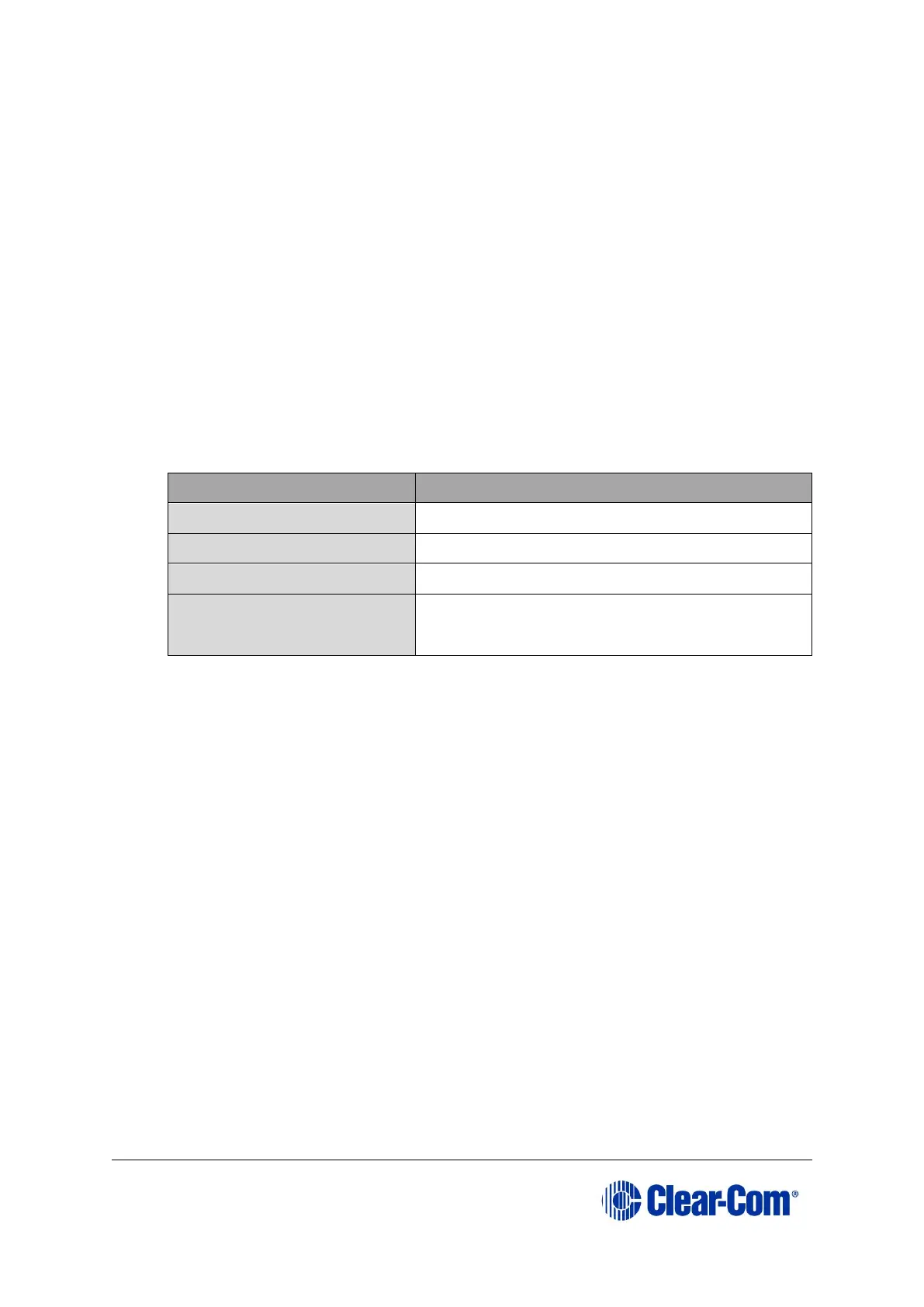
1. Ensure that you have the following equipment:
EHX must be installed and configured.
Appropriate *.fww format
application
The appropriate *.fww format beltpack and
antenna code is available from the software
USB
Table 46: Required equipment
2. Start EHX on the PC.
3. Connect the FreeSpeak II beltpack or antenna to the PC using either a micro USB
cable.
4. Select Tools->Apply Wireless Firmware Via USB from the EHX menu.
5. The Update Wireless Firmware Via USB Dialog will now appear.
6. Click Browse and then browse to the appropriate *.fww file.
7. Click Update Firmware to begin the update process.
8. A bar will indicate the progress of the upgrade process. It may take 10-20
seconds to initially connect to the device and begin the upgrade.
9. When the upgrade has completed, EHX will display a message box indicating
whether the upgrade has been successful. The beltpack or antenna device should
restart itself.



 To Next Page