Commonwealth Bank Albert User Guide 21
4.1 Learn how to use the solution.
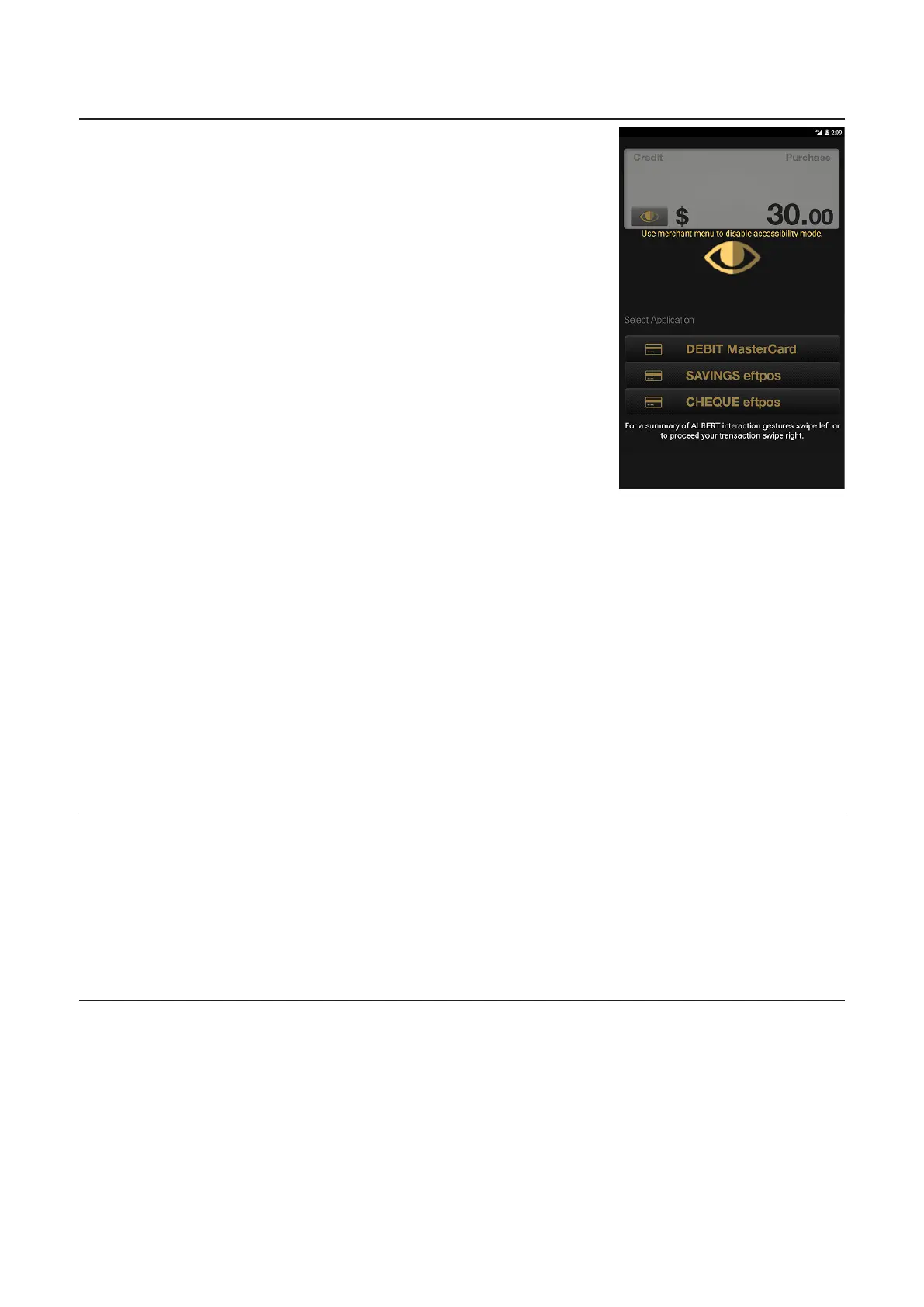
Account Type
Screen
• The standard account type
selection screen will display
if the PIN entry only was
selected.
• If the PIN entry and
account selection &
Complete transaction
options were selected the
Account Type screen will
appear in the accessible
mode.
• Text-to-speech will prompt
the customer to select
Cheque, Savings, or
Credit, or for EFTPOS EMV
(Europay, MasterCard and
Visa) cards. The account
selection will be displayed
on a continuous loop
allowing the customer to
locate the correct account
by swiping le or right. To
confirm the correct account
selection the customer will
double tap the screen with
a single finger.
• Once selected, text-to-
speech will notify the
customer of the selection.
PIN Entry Screen • When on this screen, the text-to-speech prompts will instruct the
customer to enter their PIN, based on the instructions below.
• A dot will display in the box when each digit is entered.
• Pressing the Merchant Context Menu Buon on this screen has
no eect.
• There will be no instructions or display on the screen, to prevent
anyone from seeing what is entered.



 To Next Page