Introduction Getting Ready
Taking Pictures
Playback Set Up
EN-101
NEXTBACK
Contents Glossary Index Nomenclature Menus and Settings Troubleshooting
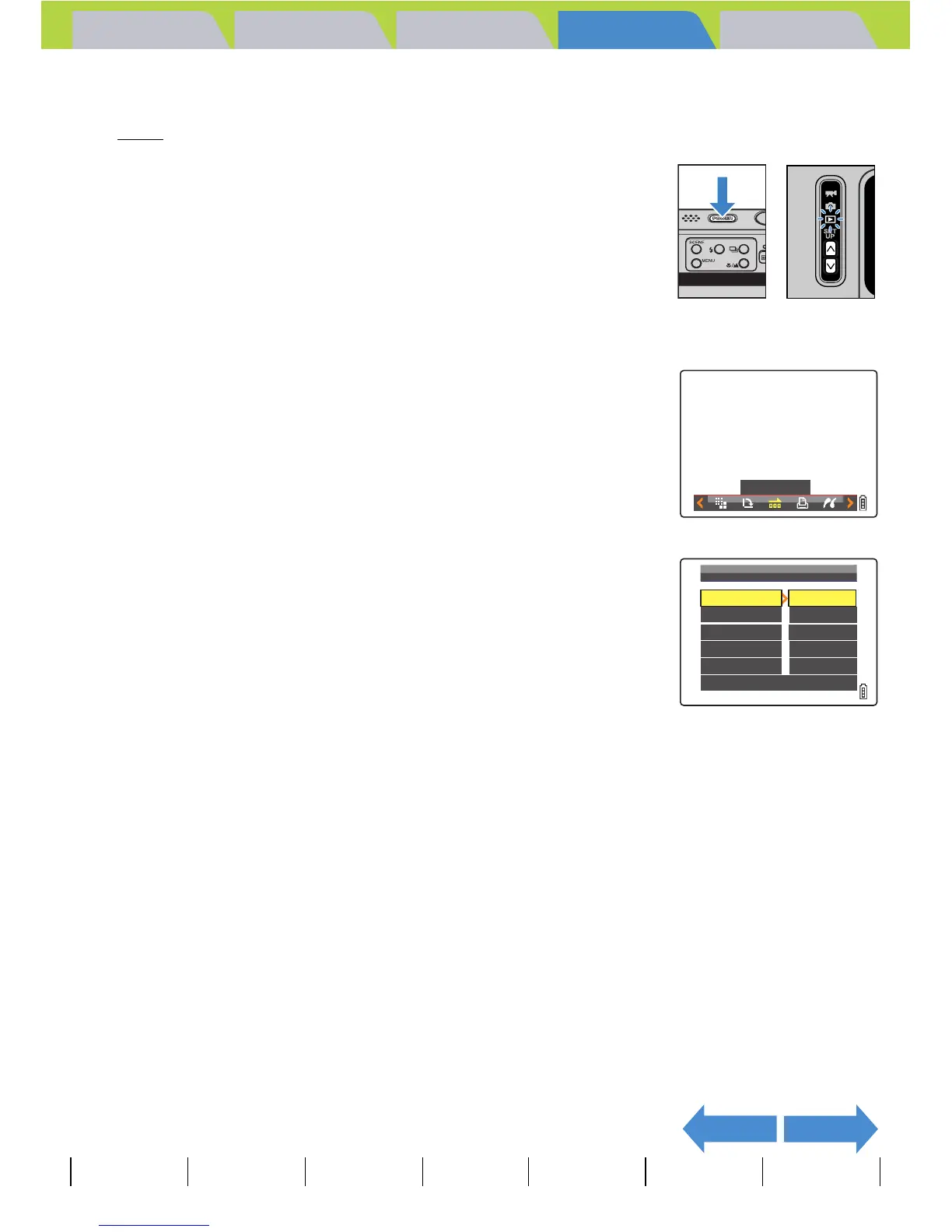
Starting and Ending an [AUTO PLAY] Slideshow
See p.98 for more information on the [AUTO PLAY] settings.
1 Turn the camera on and press the mode
buttons UD until "P" lights up on the
mode select LED.
2 Press the MENU button K to display the menu icons.
3 Move the selector lever left l or right r
to select AUTO PLAY [o] and press E.
4 Move the selector lever up u to select
[START], then press E.
The slideshow begins.
BNote
Press the MENU button K to end a slide show
in progress.
AUTO PLAY
OFF
THIS
FRAME
2SEC
PLAYBACK
SETTING
AUTO
PLAY
RETURN
START
FRAME
RECORD/MOVIE
EFFECT
STARTSTART
INTERVAL
EXECUTE



 To Next Page