Introduction Getting Ready
Taking Pictures
Playback Set Up
EN-118
NEXTBACK
Contents Glossary Index Nomenclature Menus and Settings Troubleshooting
6 Press the MENU button K.
Resizing all the images
You can use this procedure to resize all the images recorded on a memory
card.
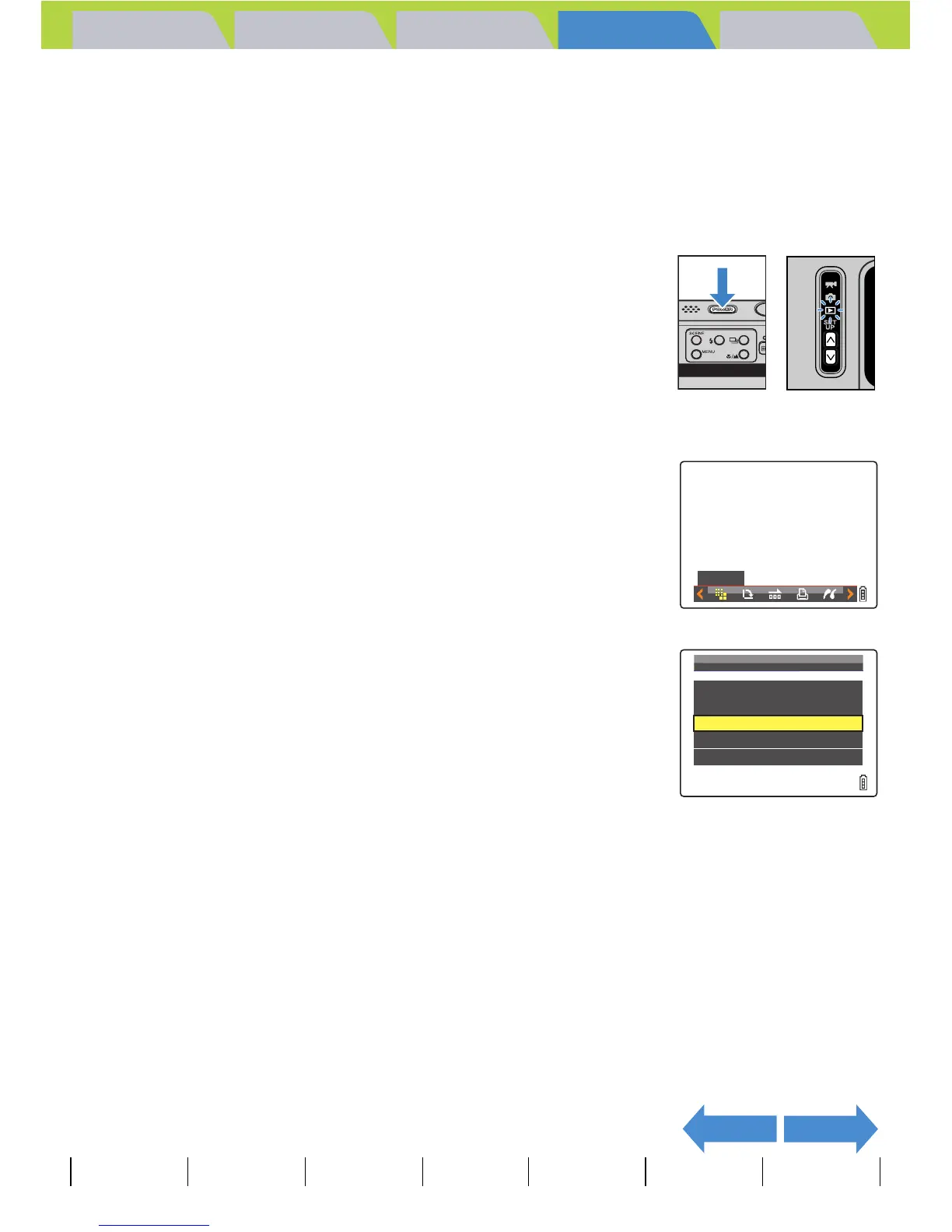
1 Turn the camera on and press the mode
buttons UD until "P" lights up on the
mode select LED.
2 Press the MENU button K to display the menu icons.
3 Move the selector lever left l or right r
to select RESIZE [V ] and press E.
The resize menu appears.
4 Move the selector lever up u or down d
to select [RESIZE ALL IMAGES], then
press E.
Notes about the desired use are displayed next to each image size.
RESIZE
RESIZE
MENU
EXECUTE
RESIZING
VIEW
RESIZED
IMAGE
RESIZE
ALL
IMAGES
ERASE
ALL
RESIZED
IMAGE
RETURN



 To Next Page