Introduction Getting Ready
Taking Pictures
Playback Set Up
EN-49
NEXTBACK
Contents Glossary Index Nomenclature Menus and Settings Troubleshooting
[N] Setting the Frame Rate for Movies (frames per
second)
«Applicable mode: M»
The frame rate refers to the number of frames shot per second in a movie.
The available frame rate settings are 30 frames per second [30fps] and 15
frames per second [15fps].
Although movement in movies with a frame rate of 30 fps is smooth, the
available shooting time for 30 fps movies is shorter than for movies shot at
15 fps.
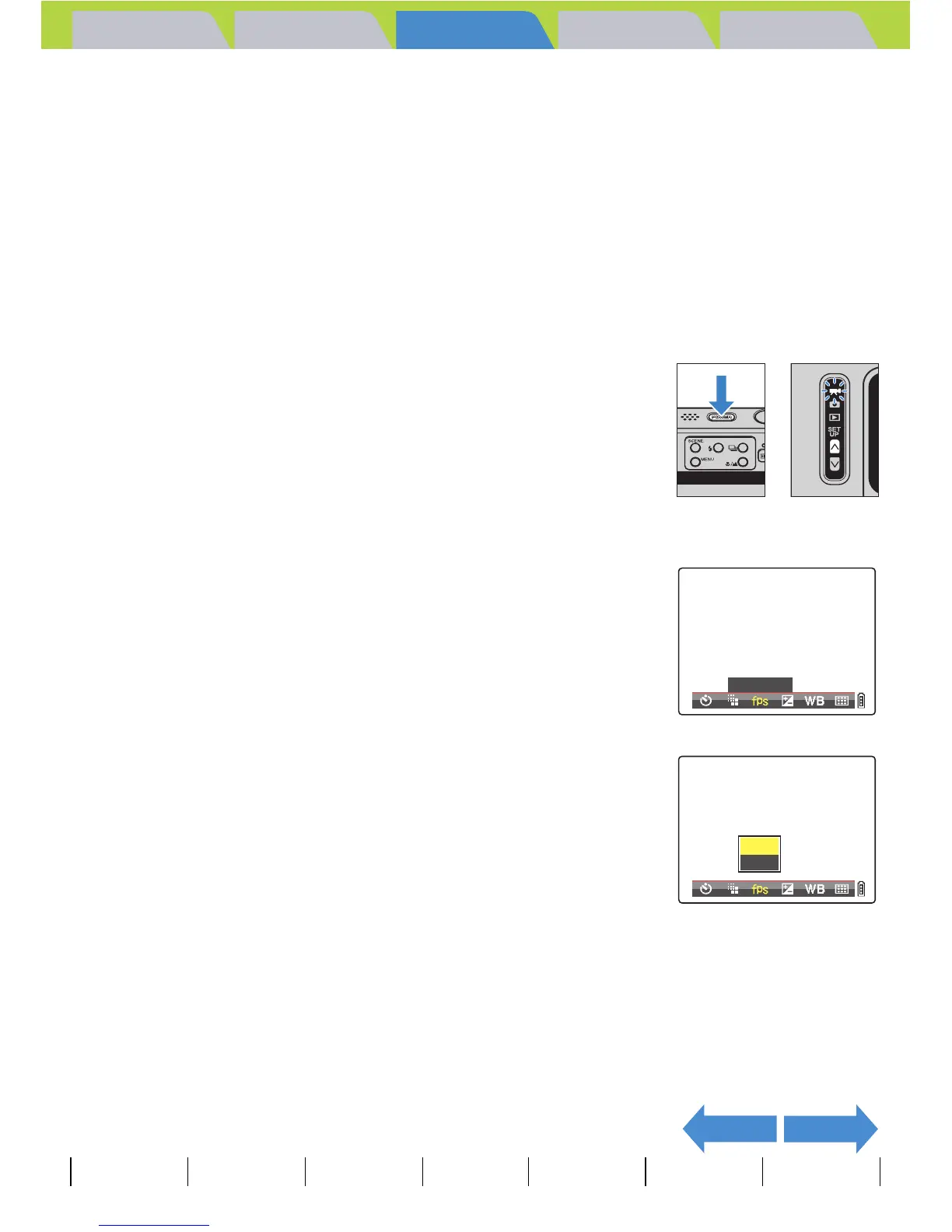
1 Turn the camera on and press the mode
button U until "M" lights up on the mode
select LED.
2 Press the MENU button K to display the menu icons.
3 Move the selector lever left l or right r
to select FRAME/SEC [N] and press E.
4 Move the selector lever up u or down d
to select the desired frame rate and press
E.
This sets the frame rate.
[30fps]: 30 frames are shot per second. (Default)
[15fps]: 15 frames are shot per second.
FRAME/SEC
15fps
30fps



 To Next Page