Introduction Getting Ready
Taking Pictures
Playback Set Up
EN-87
NEXTBACK
Contents Glossary Index Nomenclature Menus and Settings Troubleshooting
Viewing Your Images Enlarged
«Applicable images: Still images only»
You can move the selector lever lr to enlarge an image during playback.
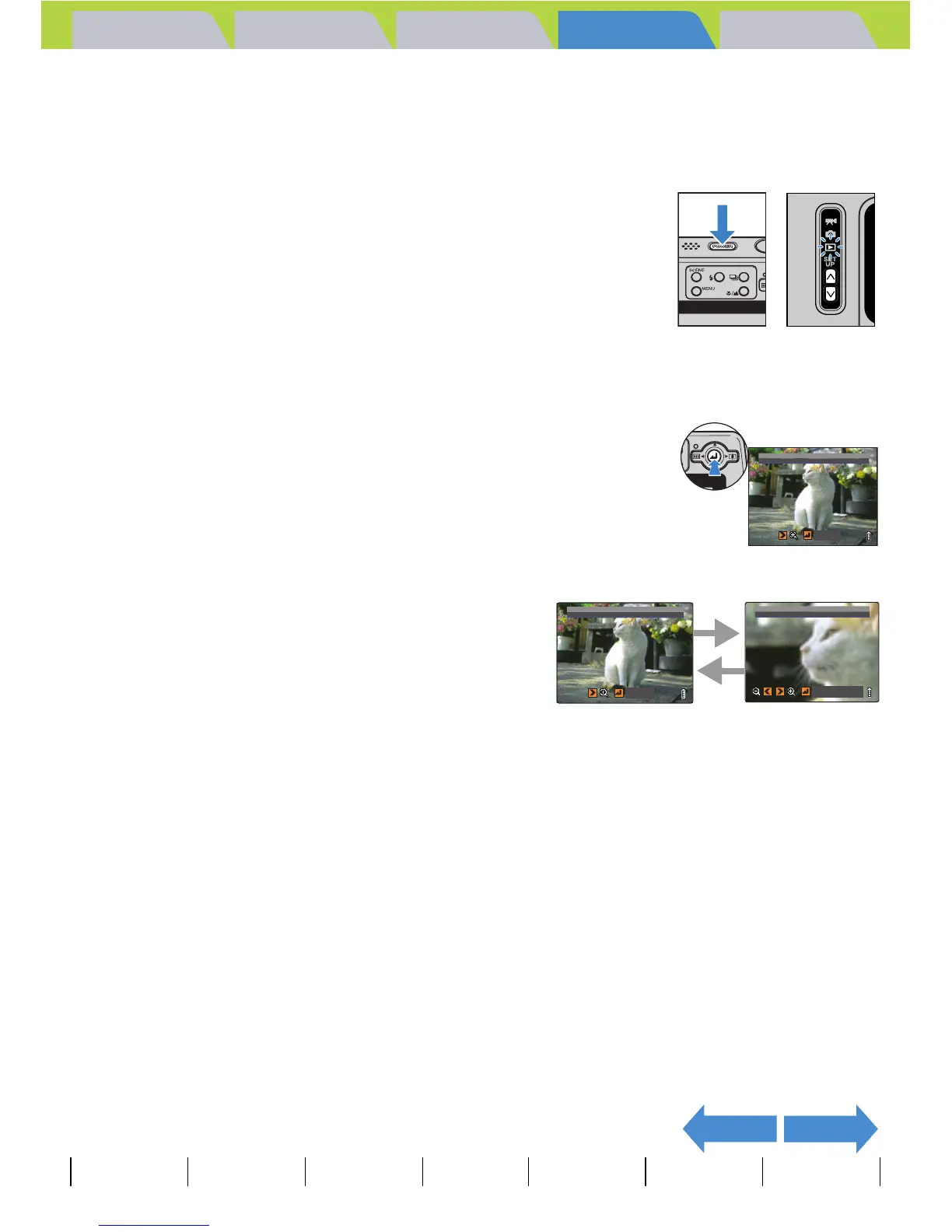
1 Turn the camera on and press the mode
buttons UD until "P" lights up on the
mode select LED.
2 Move the selector lever left l or right r to select the image
to playback.
3 Press E to display the zoom
magnification adjustment screen.
4 Move the selector lever right rT .
The image is enlarged as follows each time you move
the selector lever right rT: 2x Æ 4x Æ 8x.
BNote
• To restore a magnified image
to its original size, move the
selector lever left lW. The
image reverts to its original
size in 3 steps each time you
move the selector lever
lW, as follows: 4x Æ 2x Æ
original size.
• To quickly return an enlarged
image to its original size
during zoomed playback,
simply press the MENU button
K.
RETURN
ZOOM AREA
r
l
X4.0



 To Next Page