Introduction Getting Ready
Taking Pictures
Playback Set Up
EN-64
NEXTBACK
Contents Glossary Index Nomenclature Menus and Settings Troubleshooting
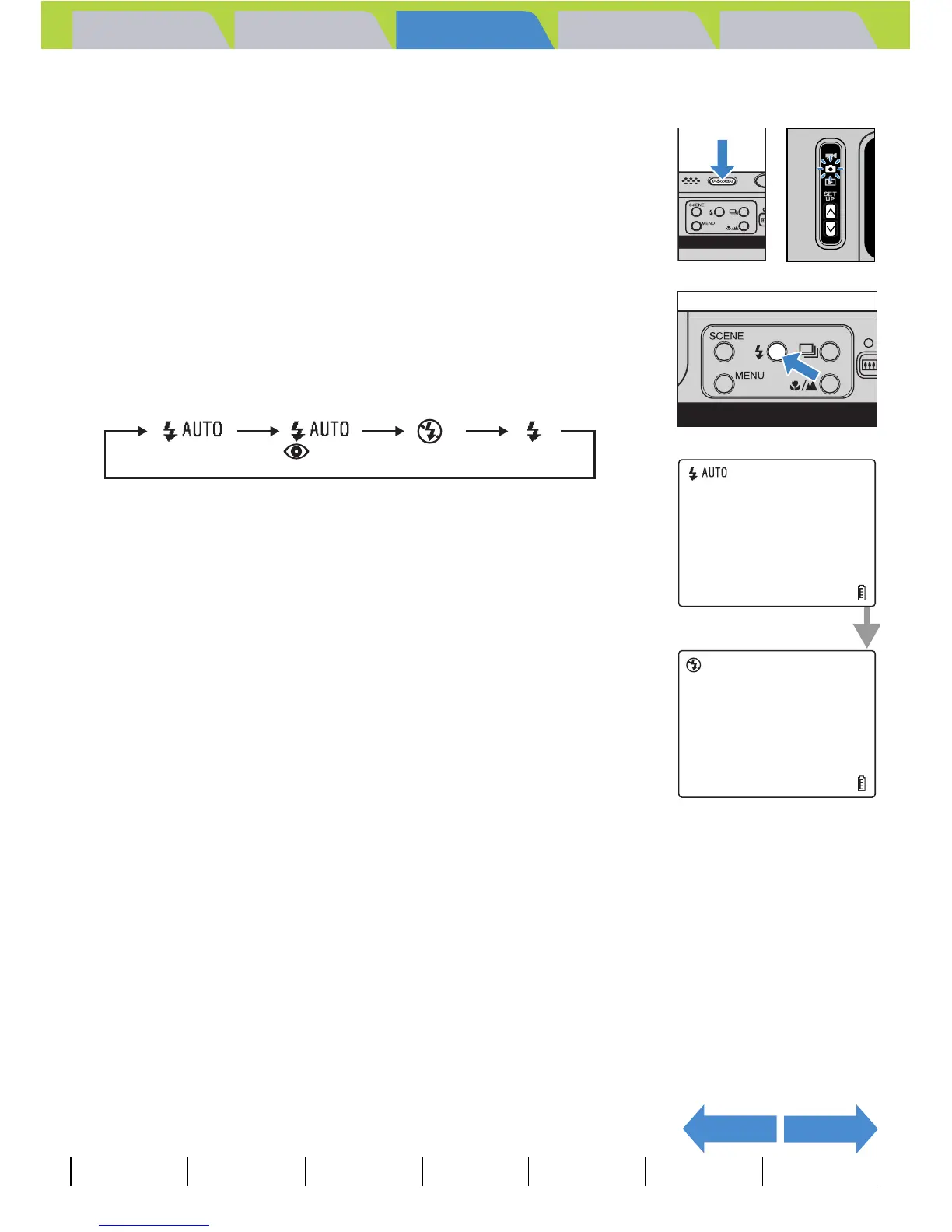
Setting the Flash Mode
1 Turn the camera on and press the mode
buttons UD until "C" lights up on the
mode select LED.
2 Press the flash button Y to select the
icon for the mode you want to set.
The flash mode icon changes in the cycle shown below each time you
press the flash button Y.
BNote
This setting reverts to the default value when you turn the camera off.
(Default)



 To Next Page