Introduction Getting Ready
Taking Pictures
Playback Set Up
EN-93
BACK
Contents Glossary Index Nomenclature Menus and Settings Troubleshooting
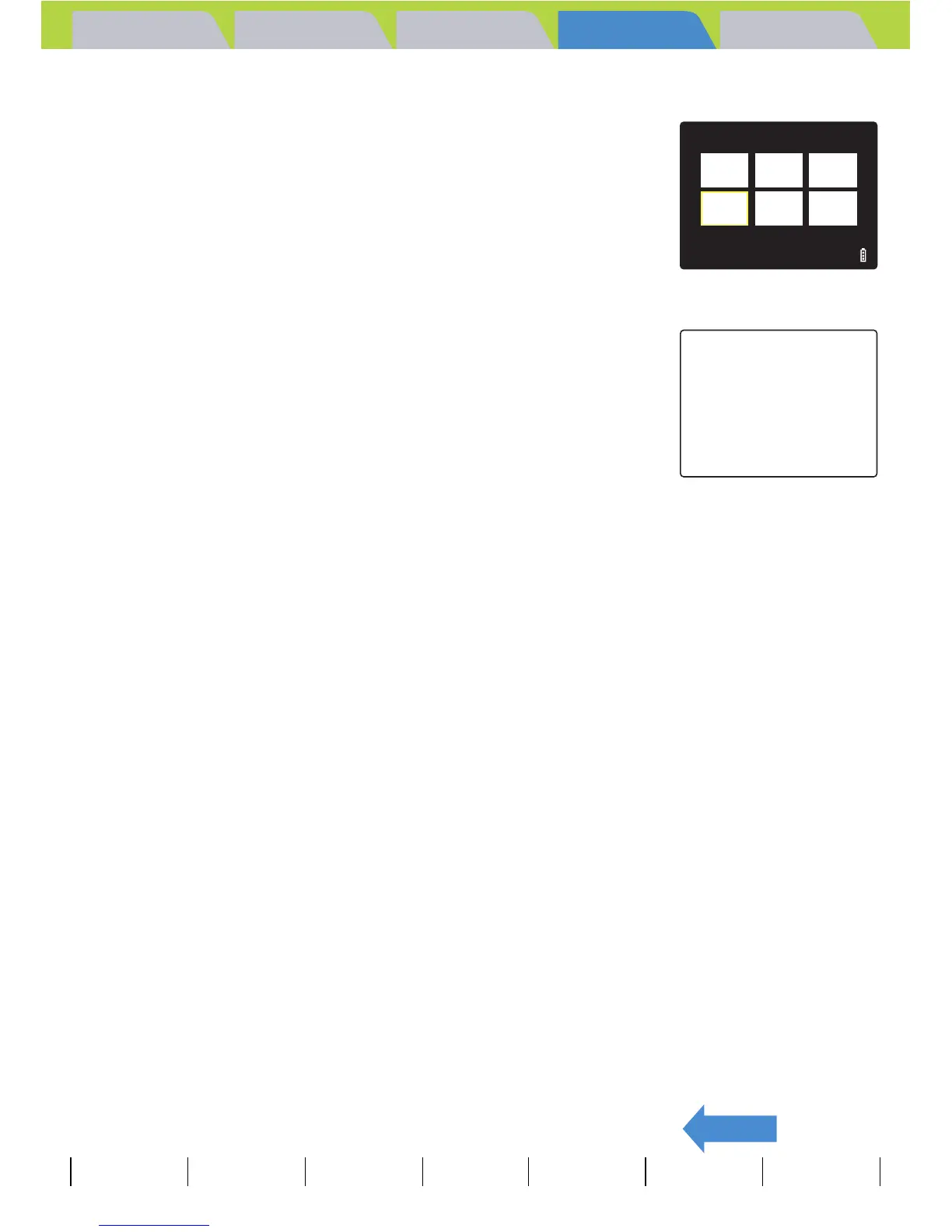
To return to normal playback (SINGLE playback)
1 In MULTI playback / GROUP playback
mode, move the selector lever up, down,
left or right udlr to select the image
to be viewed in the normal playback
mode.
2 Press E.
BNote
For GROUP playback mode, when you select an
image that belongs to a group, the first image from
that group is displayed in SINGLE playback mode.
ABC
DEF
4/18
D
FRAME



 To Next Page