Introduction Getting Ready
Taking Pictures
Playback Set Up
EN-108
NEXTBACK
Contents Glossary Index Nomenclature Menus and Settings Troubleshooting
6 Press the MENU button K.
Unprotecting an image
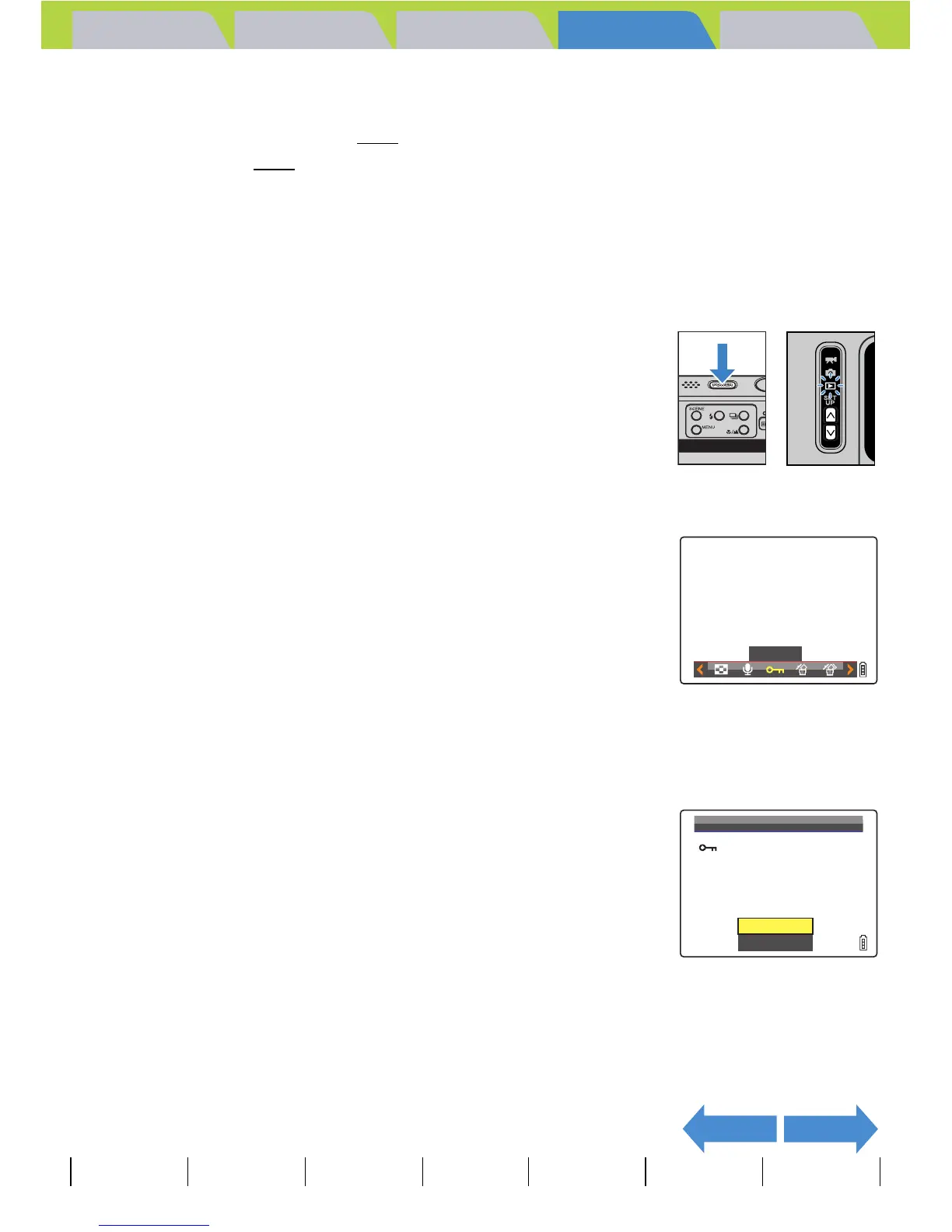
1 Turn the camera on and press the mode
buttons UD until "P" lights up on the
mode select LED.
2 Press the MENU button K to display the menu icons.
3 Move the selector lever left l or right r
to select PROTECT [U] and press E.
4 Move the selector lever left l or right r to select the image
to be unprotected.
The [U] icon is displayed with protected images.
5 Move the selector lever up u to select
[EXECUTE], then press E.
The image protection is removed.
6 Press the MENU button K.
A Important
[ERASE ALL] (Æ p.106) does not erase protected images. However, [FORMAT]
(Æ p.163
) erases all of the images on the card, including protected images.
BNote
In SINGLE playback mode, press the SCENE button I to view the protection settings
screen. Move the selector lever up u to select [SET] and press E to protect the currently
displayed image.
BNote
• To unprotect another image, repeat steps 4 and
5.
• In GROUP playback, all of the images in a
group of continuous shots are unprotected when
you unprotect an image from a group.
PROTECT
EXECUTE
RETURN
UNPROTECT?



 To Next Page