Introduction Getting Ready
Taking Pictures
Playback Set Up
EN-73
NEXT
Contents Glossary Index Nomenclature Menus and Settings Troubleshooting
Setting the Focus
[FOCUSING] Selecting the Focusing Method
«Applicable mode: C/M»
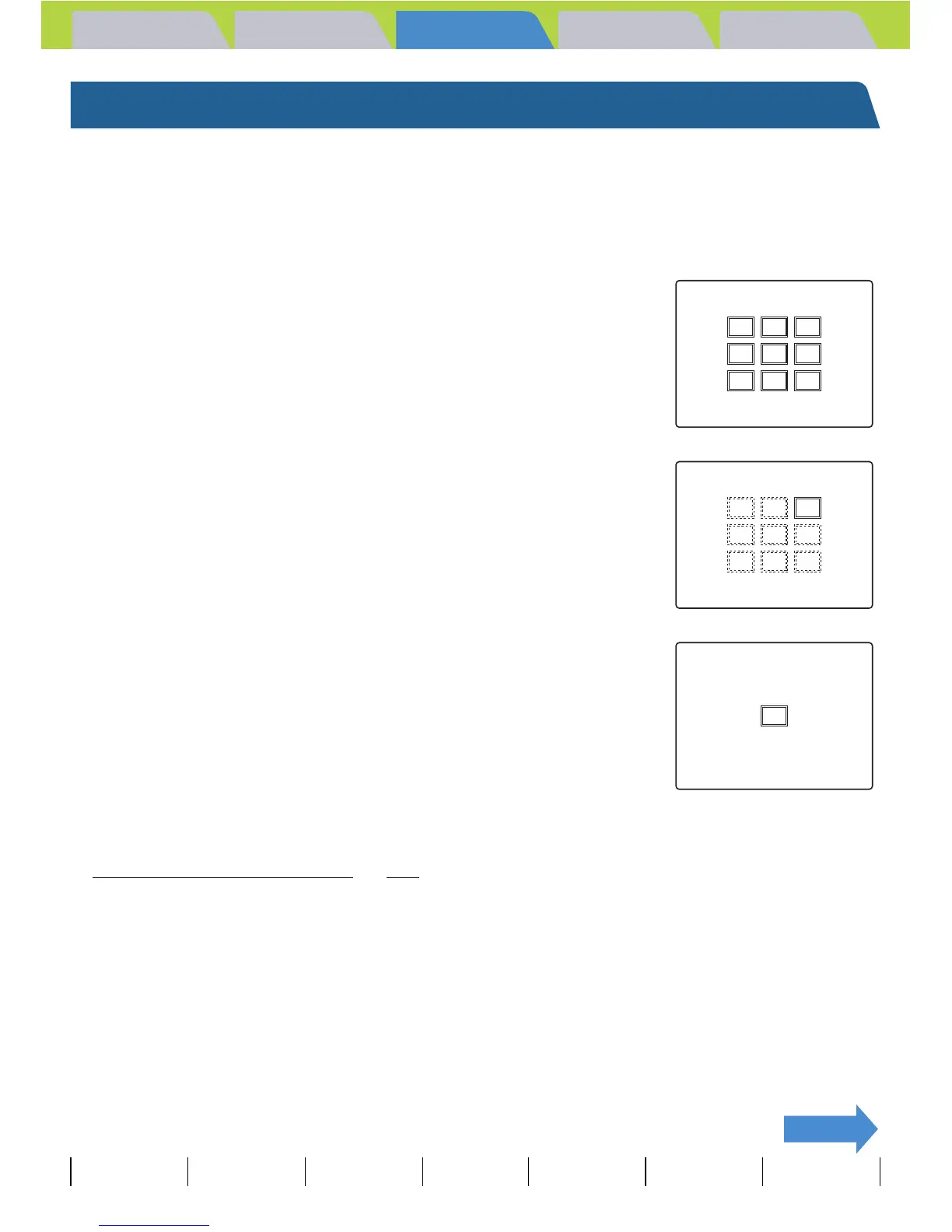
You can select either of 2 automatic focusing modes: [MULTI AF] or [SPOT
AF].
[MULTI AF] : The camera automatically chooses the location to focus on
from multiple points on the screen. This mode uses a wide
focusing frame, and is useful for shots such as photos of 2
people standing side by side. (Default)
When you press the shutter release button half way, the one
location out of the nine focus frames that is focused is
displayed.
[SPOT AF] : Use this mode to focus on a specific part of your subject. You
should also use this mode when you use focus lock to take
pictures.
* When the subject you want to focus on is not inside the focus frame, use focus lock to set the focus.
( "
Focusing Off-Center (Focus Lock)" Æ p.75)
1 Turn the camera on and press the mode buttons UD until
"C" or "M" lights up on the mode select LED.
2 Press the MENU button K to display the menu icons.



 To Next Page