Introduction Getting Ready
Taking Pictures
Playback Set Up
EN-58
NEXT
Contents Glossary Index Nomenclature Menus and Settings Troubleshooting
[k] Using the Self-Timer
«Applicable mode: C/M»
The self-timer is useful for shots where you want to include the
photographer in the shot, such as commemorative photographs. In this
mode, the shutter releases either 2 seconds or 10 seconds after you press
the shutter release button. The 2-second delay on the self-timer is also
useful for preventing camera shake when you are shooting still
photographs using Macro or Night View mode.
1 Turn the camera on and press the mode buttons UD until
"C" or "M" lights up on the mode select LED.
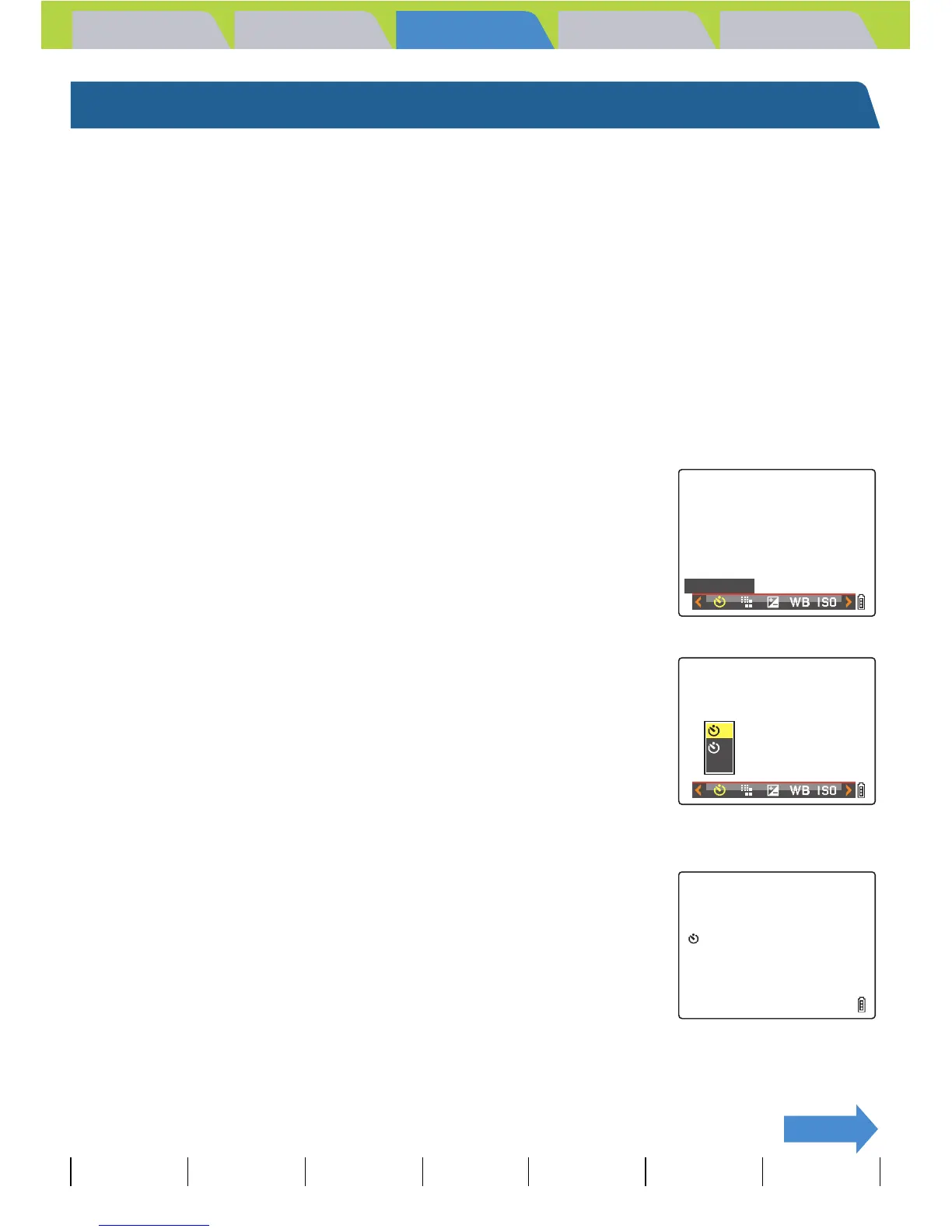
2 Press the MENU button K to display the menu icons.
3 Move the selector lever left l or right r
to select SELF TIMER [k] and press E.
4 Move the selector lever up u or down d
to select the desired delay and press E.
The self-timer is now set.
An icon appears on the LCD monitor to show the selected delay.
[l] : Sets the self-timer delay to 10 seconds.
[m] : Sets the self-timer delay to 2 seconds.
[OFF] : Normal photography. (Default)
5 Press the MENU button K.
SELF
TIMER
10
2
OFF
10



 To Next Page