Introduction Getting Ready
Taking Pictures
Playback Set Up
EN-112
NEXTBACK
Contents Glossary Index Nomenclature Menus and Settings Troubleshooting
Playing back a recorded message
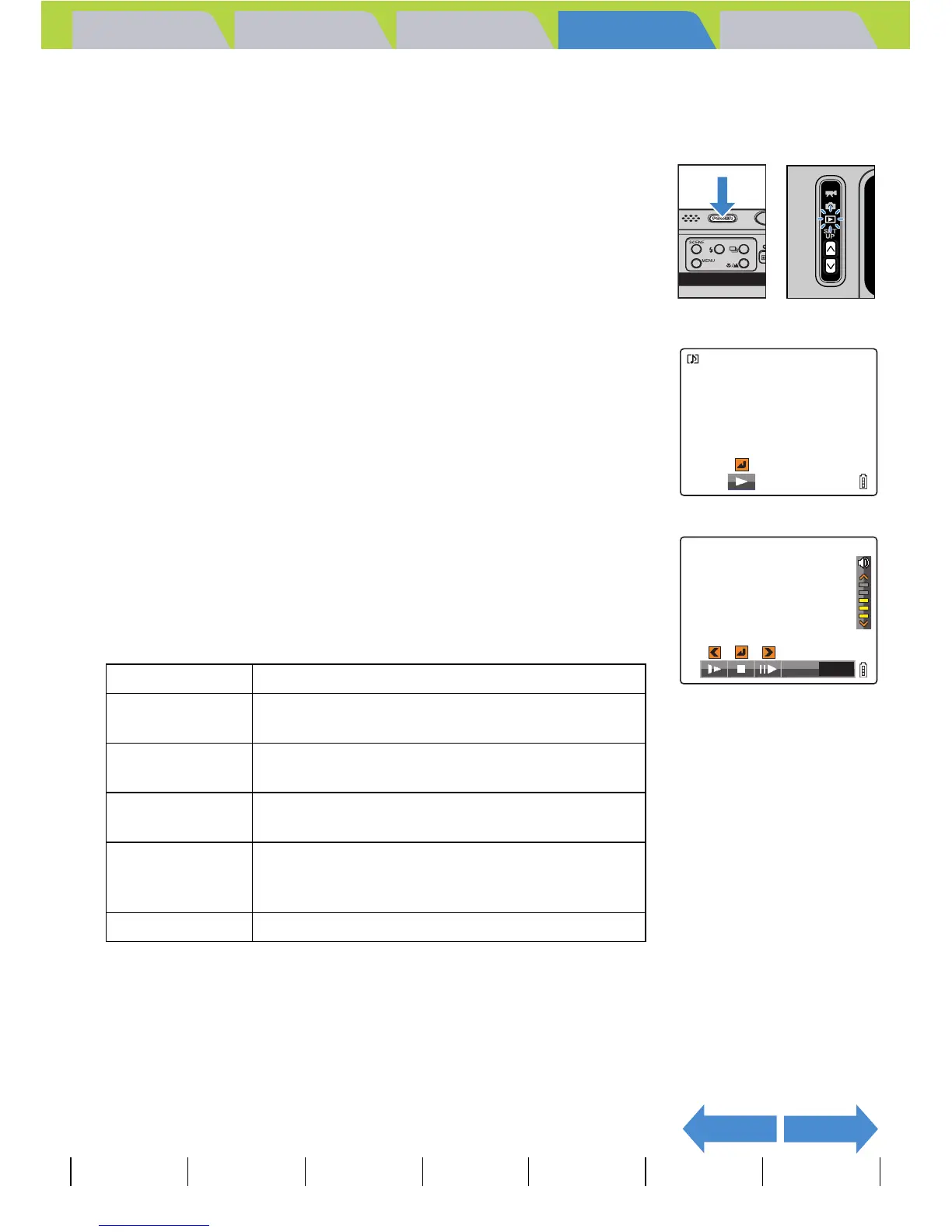
Use the procedure below to play back a postrecorded voice message.
1 Turn the camera on and press the mode
buttons UD until "P" lights up on the
mode select LED.
2 Move the selector lever left l or right r
to select the image you want to playback.
The [y] icon is displayed for images with a postrecorded message.
3 Press E.
Voice message playback begins.
The table below shows the operations that can be performed during
message playback.
Operation Description
Selector lever
up u
Increases the volume.
Selector lever
down d
Decreases the volume.
Selector lever
left l
Hold the lever left to play back the message at
half speed. Release to return to normal playback.
Selector lever
right r
Hold the lever right to play back the message at
double speed. Release to return to normal
playback.
E Press to stop voice message playback.
00:12



 To Next Page