Introduction Getting Ready
Taking Pictures
Playback Set Up
EN-110
NEXT
Contents Glossary Index Nomenclature Menus and Settings Troubleshooting
[
p
] Adding Sounds to Still Images (POSTRECORDING)
«Applicable images: Still images only»
This feature allows you to add recorded voice messages to photographed
images.
Recording a message
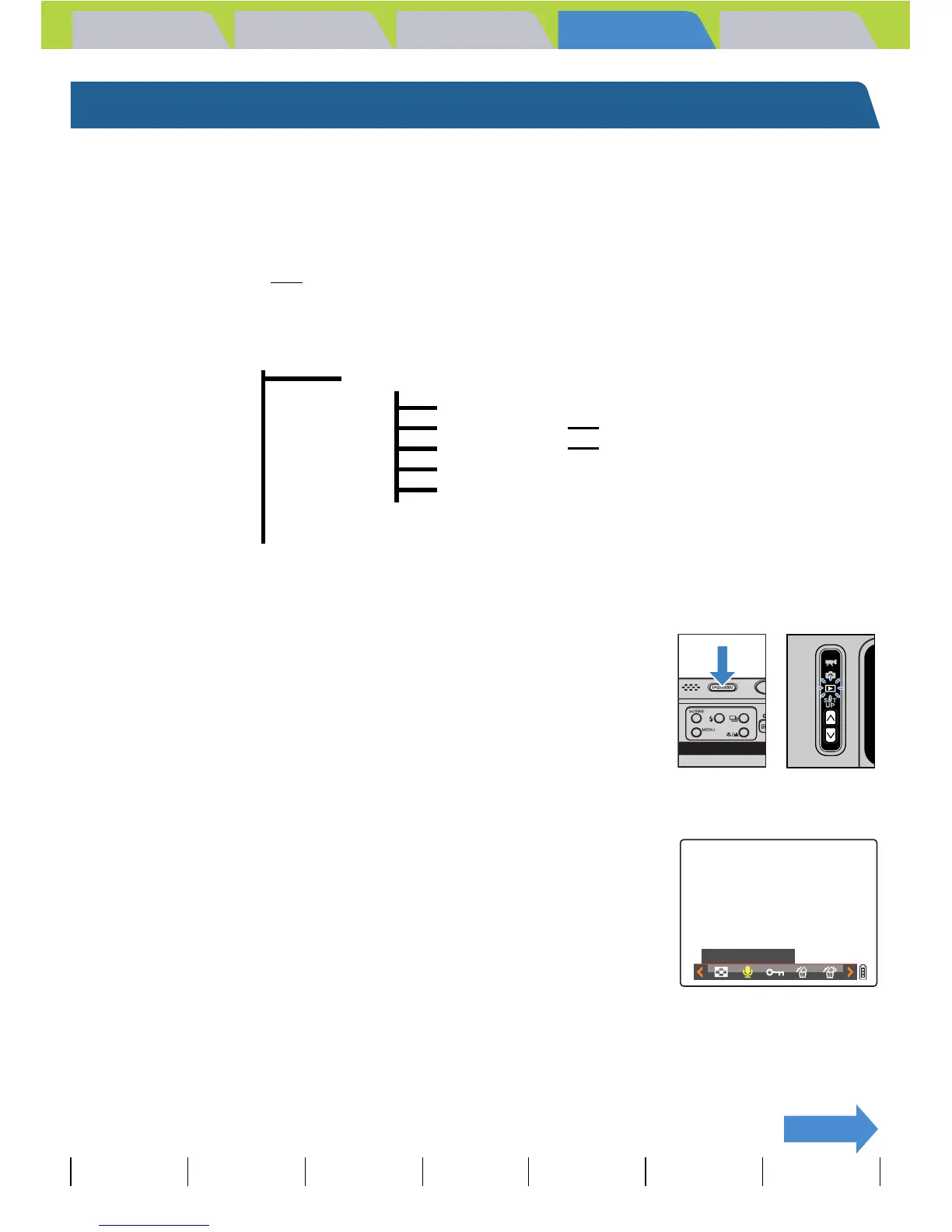
1 Turn the camera on and press the mode
buttons UD until "P" lights up on the
mode select LED.
2 Press the MENU button K to display the menu icons.
3 Move the selector lever left l or right r
to select POSTRECORDING [p] and press
E.
4 Move the selector lever left l or right r to select the image
to which you want to add the voice message.
BNote
• These settings can also be used in MULTI playback / GROUP playback modes
(Æ p.90
).
• Postrecorded audio is saved in the same folder as the image file, but with a different file
extension, as shown below.
Image file that has had audio attache



 To Next Page