Introduction Getting Ready
Taking Pictures
Playback Set Up
EN-55
NEXTBACK
Contents Glossary Index Nomenclature Menus and Settings Troubleshooting
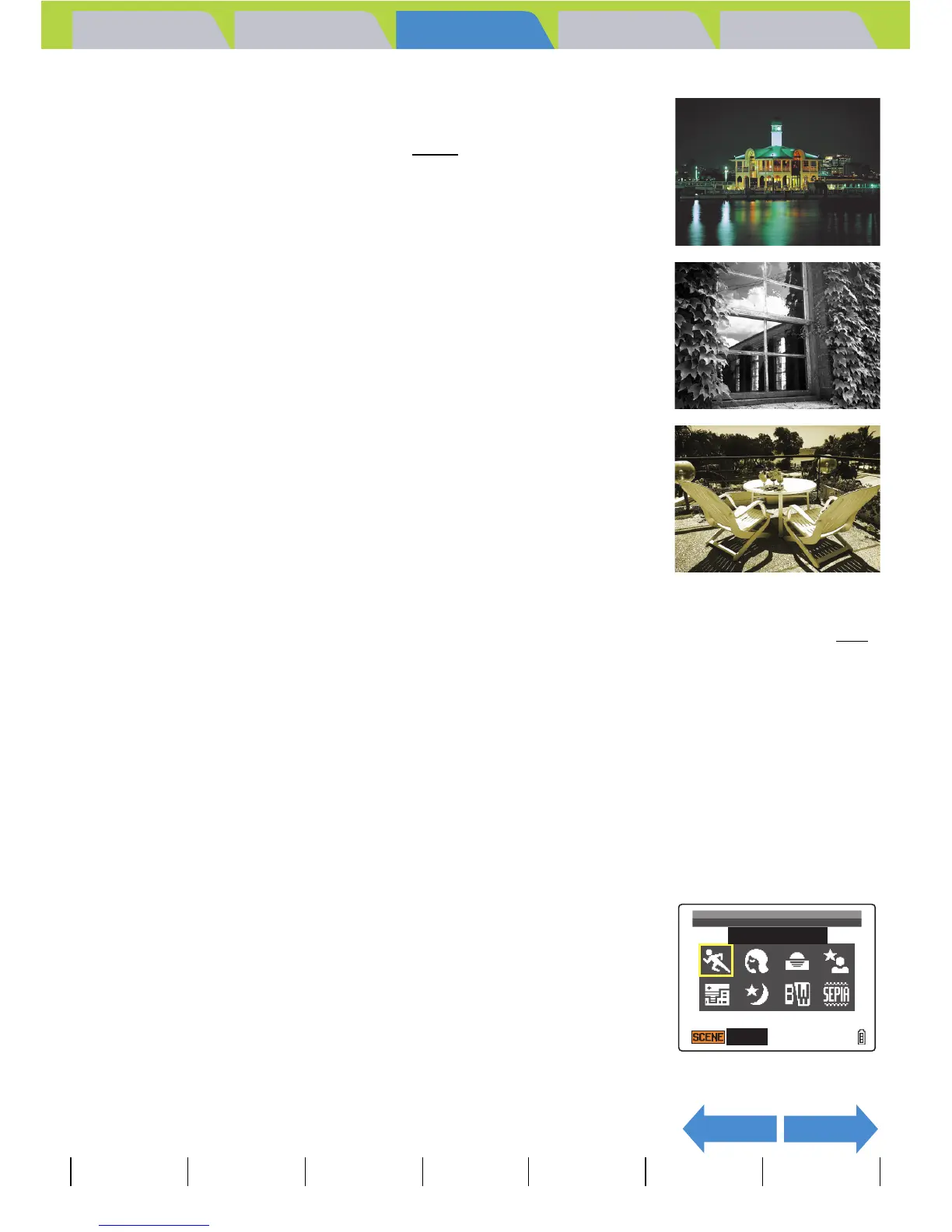
d Night View mode
This is the best scene mode for shots of nighttime scenes.
The flash is turned off and the focus is fixed at infinity
.
M Black and White mode
This mode gives the same colors as photographs taken using monochrome
film.
N Sepia mode
This mode gives the same colors as photographs taken using sepia film.
Cancelling Scene Modes
«Applicable mode: C»
1 Press the SCENE button I while in the
scene mode configuration.
A Important
Because slow shutter speeds are used in Sunset, Night Portrait, Twilight and Night View
modes, you should place the camera on a stable surface and use the self-timer (Æ p.58
)
when taking pictures to prevent camera shake.
SCENE MODE
CANCEL
SPORTS ACTION



 To Next Page