Introduction Getting Ready
Taking Pictures
Playback Set Up
EN-136
NEXT
Contents Glossary Index Nomenclature Menus and Settings Troubleshooting
Connecting to a Windows PC
You can view images you have shot with this camera on a PC, copy the
images to the PC and edit them, and then send them from the PC via e-mail.
First check the operating system software on your PC and then read the
relevant sections for your software.
Computer hardware and software requirements
• Must be equipped with a USB port as standard (required for camera
connection)
• Must be equipped with a CD-ROM drive for Windows 98 and Windows
98SE (required for installing the USB drivers)
• Must have Windows 98, Windows 98SE, Windows Me, Windows 2000
Professional, Windows XP Home Edition or Windows XP Professional
pre-installed
* Successful operation is not guaranteed on systems where the software
has been upgraded to the versions listed above.
* This product supports USB2.0 (Hi-Speed).
By connecting this product to a personal computer that supports Hi-
Speed, data can be exchanged at a faster rate.
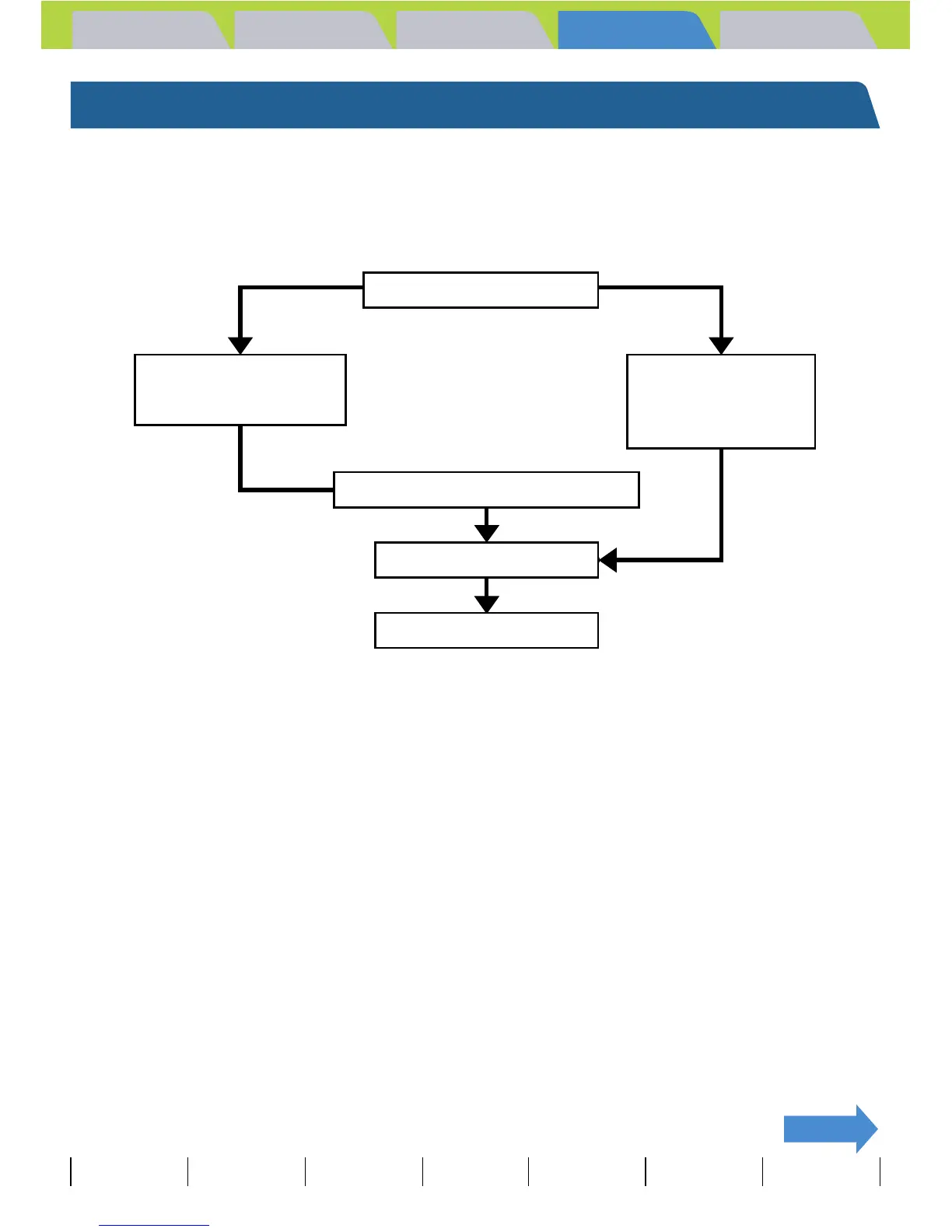
Computer operating system
Windows 98
Windows 98SE
Windows Me
Windows 2000
Windows XP
Install the USB drivers.
Connect the USB cable.
View the images on the PC.



 To Next Page