Introduction Getting Ready
Taking Pictures
Playback Set Up
EN-52
BACK
Contents Glossary Index Nomenclature Menus and Settings Troubleshooting
Erasing images
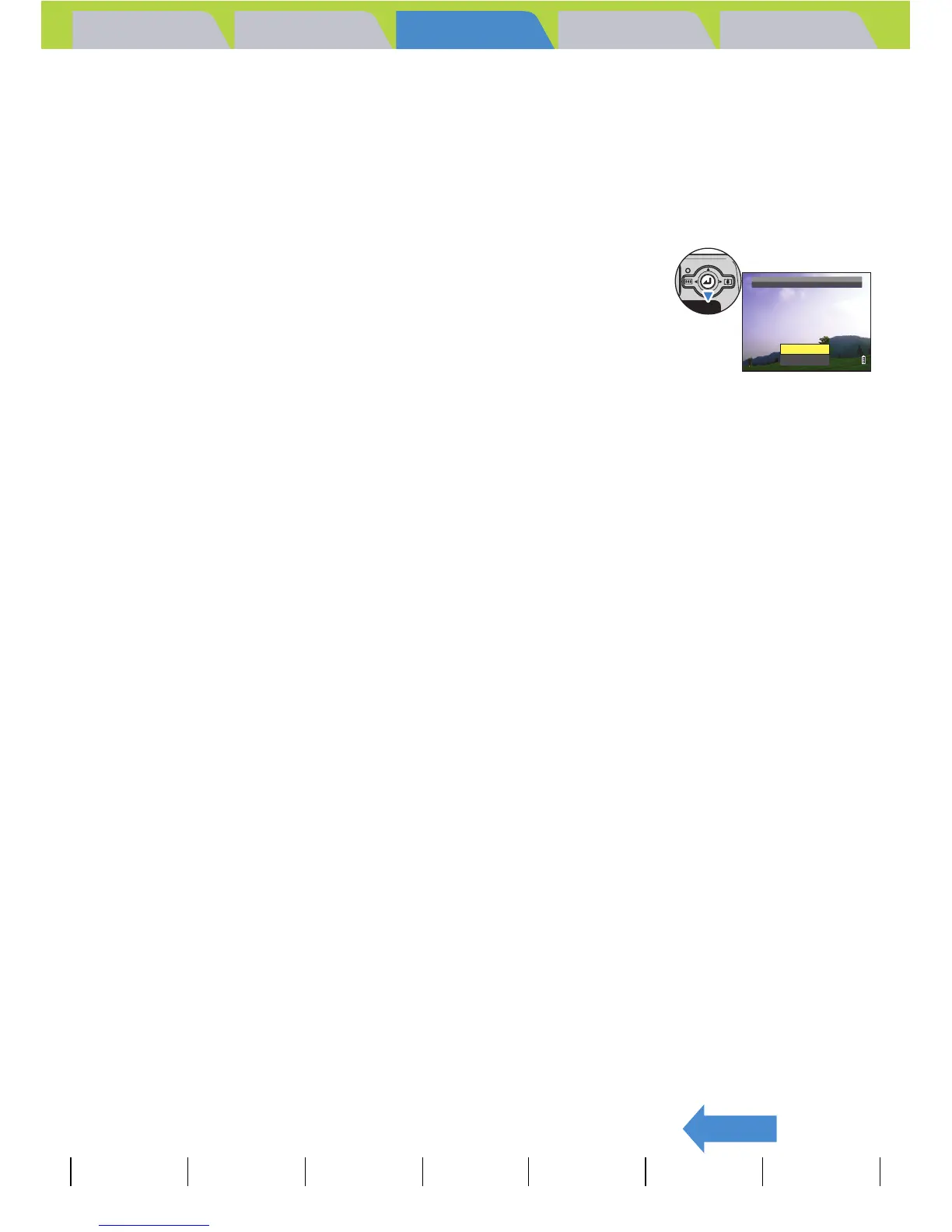
1 While an image is displayed, move the
selector lever down d.
A message appears asking you to confirm that you want to erase the
image.
2 Move the selector lever up u to select [EXECUTE], then press
E.
The image is erased.
Press the shutter release button down half way to return to the normal shooting screen.
A Important
Quick View cannot be used in the following situations:
• When there is no memory card inserted
• When the card/battery cover is open
• When there are no images stored on the memory card
EXECUTE
CANCEL
ERASE
IMAGE?



 To Next Page