Introduction Getting Ready
Taking Pictures
Playback Set Up
EN-74
NEXTBACK
Contents Glossary Index Nomenclature Menus and Settings Troubleshooting
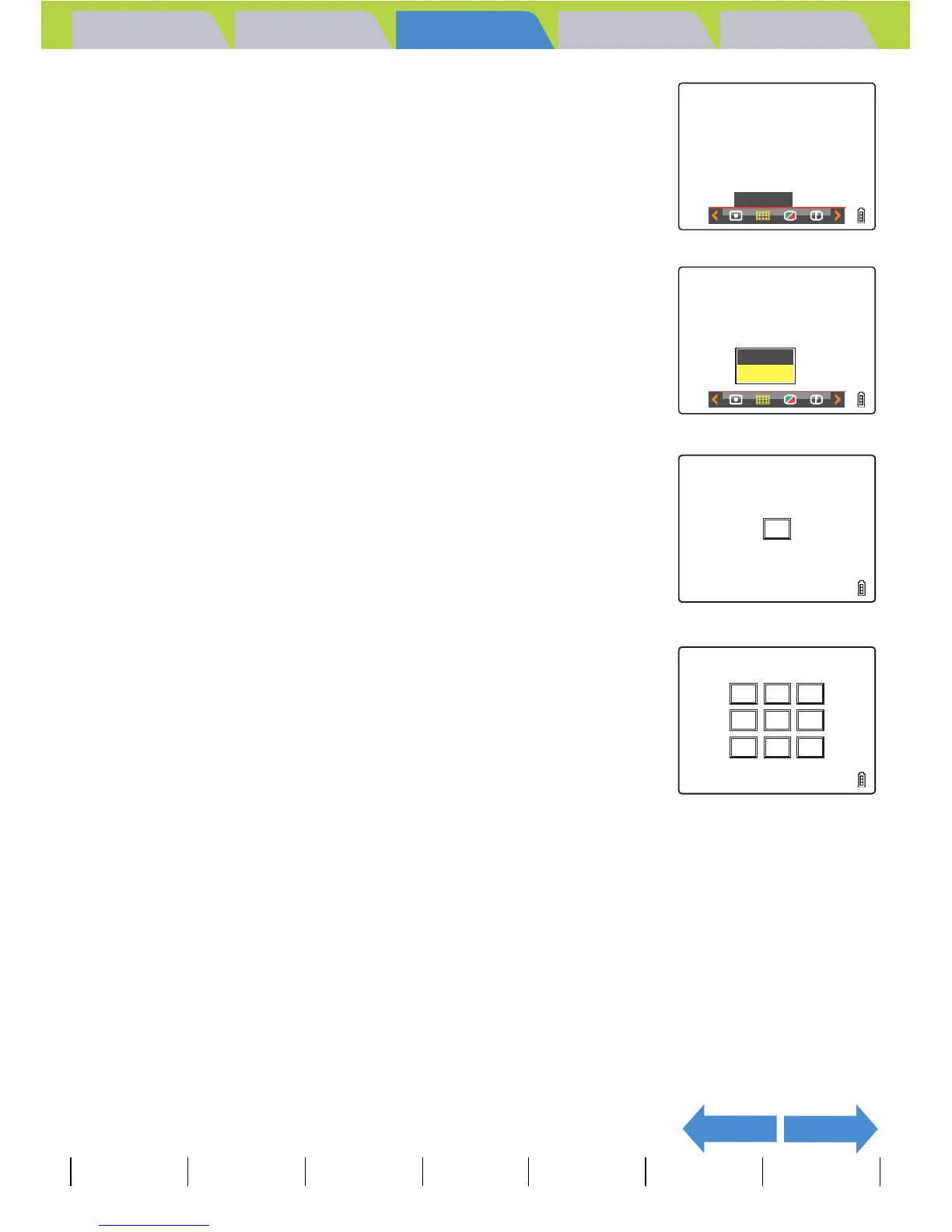
3 Move the selector lever left l or right r
to select FOCUSING [J] and press E.
4 Move the selector lever up u or down d
to select the desired mode and press E.
The focusing frame is now set.
5 Press the MENU button K.
The selected focusing frame appears on the LCD monitor.
A Important
• This setting is retained when you turn the camera off.
• In Twilight mode, Night View mode and Landscape mode, the focus is fixed at infinity
and the [FOCUSING] setting cannot be changed. The focus frame is not displayed.
FOCUSING
MULTI
AF
SPOT
AF



 To Next Page