Introduction Getting Ready
Taking Pictures
Playback Set Up
EN-161
BACK
Contents Glossary Index Nomenclature Menus and Settings Troubleshooting
[J] Erasing individual images (ERASE)
«Applicable images: Still images / movies»
Use the procedure below to erase a single image.
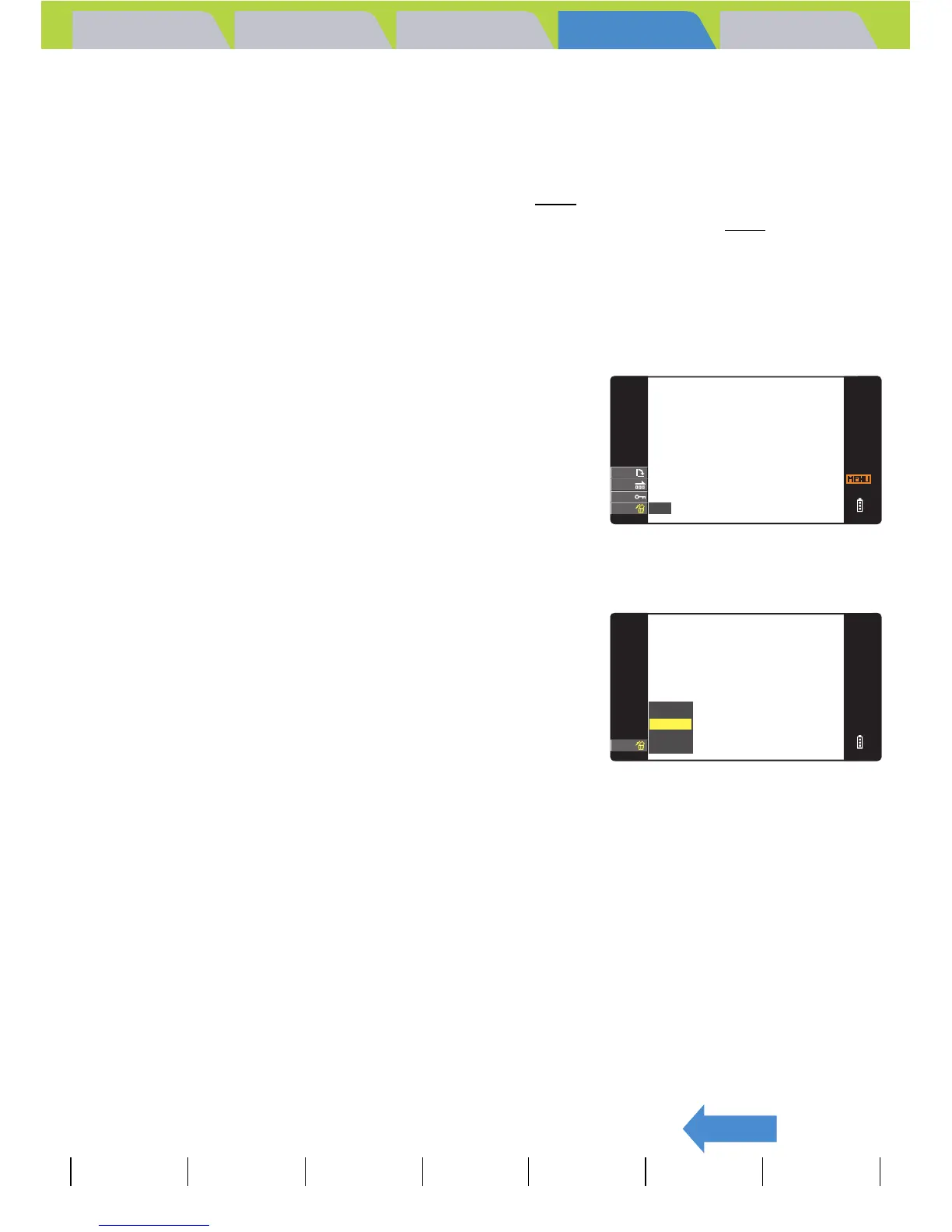
1 Press the MENU button K during playback to display the
menu icons.
2 Move the selector lever down d to
select ERASE [J] and press E.
3 Move the selector lever left l or right r to select the image
you want to erase.
4 Move the selector lever up u to select
[EXECUTE], then press E.
The image is erased and the next image appears.
If there are no further images, the "NO IMAGE" message appears.
5 Press the MENU button K.
A Important
• You cannot erase protected images (Æ p.107).
• When you erase an image with a postrecorded voice message (Æ p.110
), the sound file
is also erased.
BNote
To erase another image, repeat steps 3 and
4.
RETURN
ERASE
EXECUTE
CANCEL



 To Next Page