Introduction Getting Ready
Taking Pictures
Playback Set Up
EN-167
NEXTBACK
Contents Glossary Index Nomenclature Menus and Settings Troubleshooting
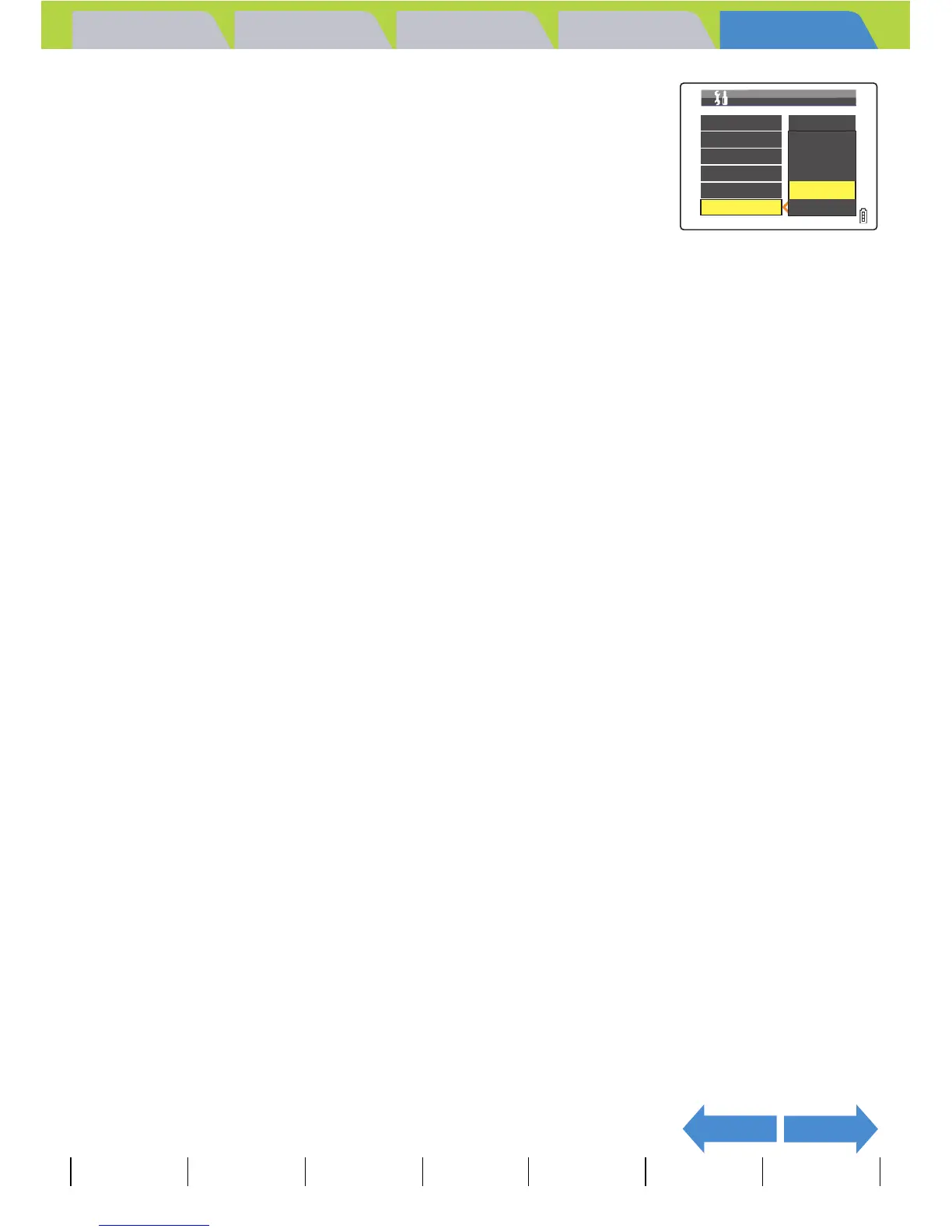
3 Move the selector lever up u or down d
to select the desired time, then press E.
The selected setting is applied.
[NO PWR OFF] : The camera is not automatically turned off. Take care
to remember to turn the camera off yourself.
[15SEC] : In "C" and "M" mode, the LCD monitor turns off after
15 seconds. In "P" and "G" mode, the camera
shuts down after 1 minute.
[30SEC] : In "C" and "M" mode, the LCD monitor turns off after 30 seconds. In "P" and "G"
mode, the camera shuts down after 1 minute.
[1MIN.] : In "C" and "M" mode, the LCD monitor turns off after 1 minute. In "P" and "G" mode,
the camera shuts down after 1 minute. (Default)
[3MIN.] : In "C" and "M" mode, the LCD monitor turns off after 3 minutes. In "P" and "G"
mode, the camera shuts down after 3 minutes.
A Important
The power save function does not operate in the following situations:
• During a slideshow
• While shooting or playing back a movie
• While playing back continuous shots
• In PC mode (while connected to a computer)
• When connected to a PictBridge-compatible printer
BNote
This setting is retained when you turn the camera off.
AF MODE
FORMAT
BRIGHT CNTRL
DATE
INSERT DATE
SAF
NO PWR OFF
15SEC
30SEC
1MIN.
POWER SAVE 3MIN.
SET UP(1/3)



 To Next Page