Introduction Getting Ready
Taking Pictures
Playback Set Up
EN-183
BACK
Contents Glossary Index Nomenclature Menus and Settings Troubleshooting
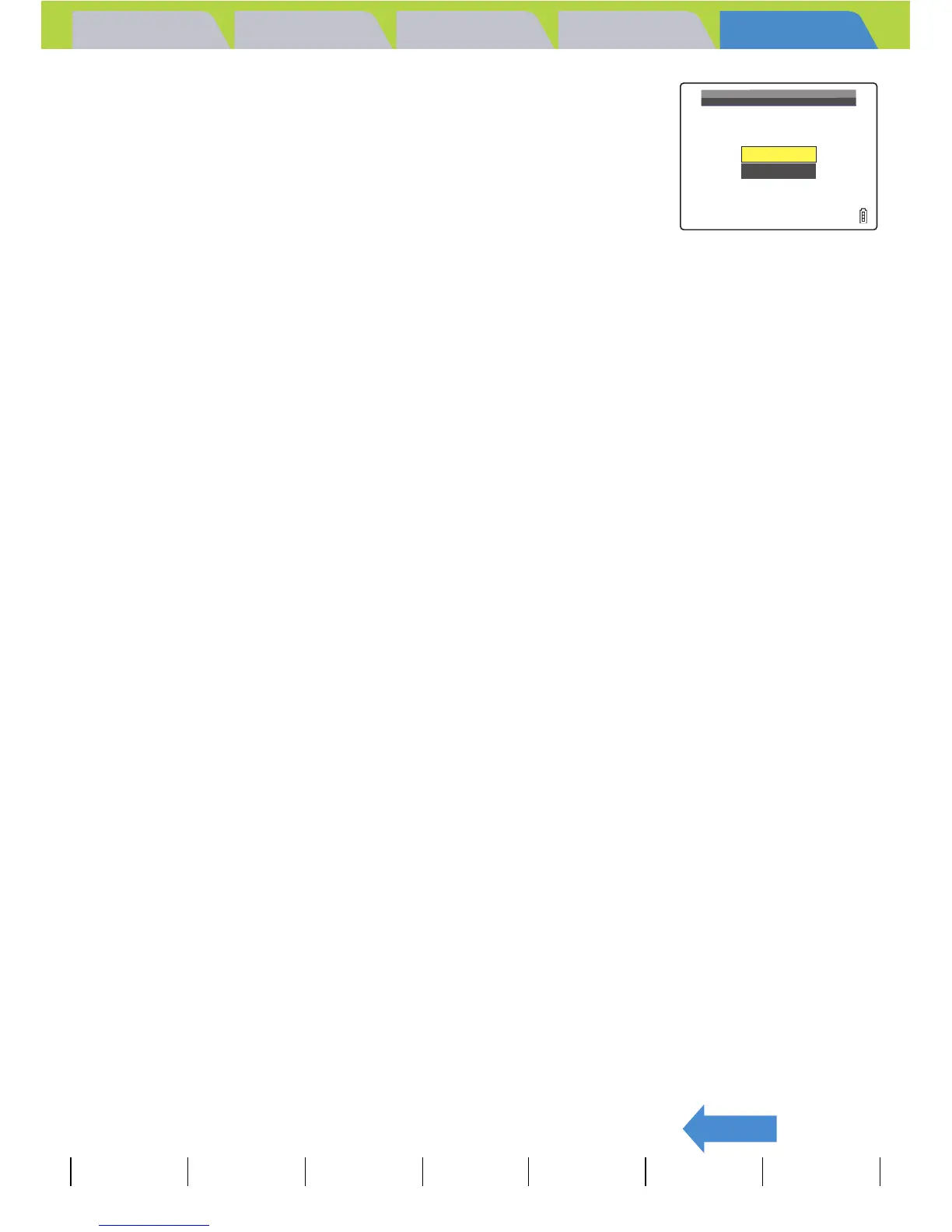
3 Move the selector lever up u to select
[EXECUTE], then press E.
The image file numbers are reset and the SET UP menu screen
reappears.
BNote
• Folders "100CXBOX" to "999CXBOX" can be created.
• [FILE NO.] cannot be used if the "999CXBOX" folder has already been created.
• To reset the folder numbers and begin again from "100CXBOX", reset the file numbers
without inserting the memory card and insert a formatted memory card before shooting.
RESET
NUMBER?
EXECUTE
CANCEL



 To Next Page