Introduction Getting Ready
Taking Pictures
Playback Set Up
EN-20
BACK
Contents Glossary Index Nomenclature Menus and Settings Troubleshooting
Digital cameras also offer the user a range of other options, including connecting to a computer and getting
your images printed at a print processing store.
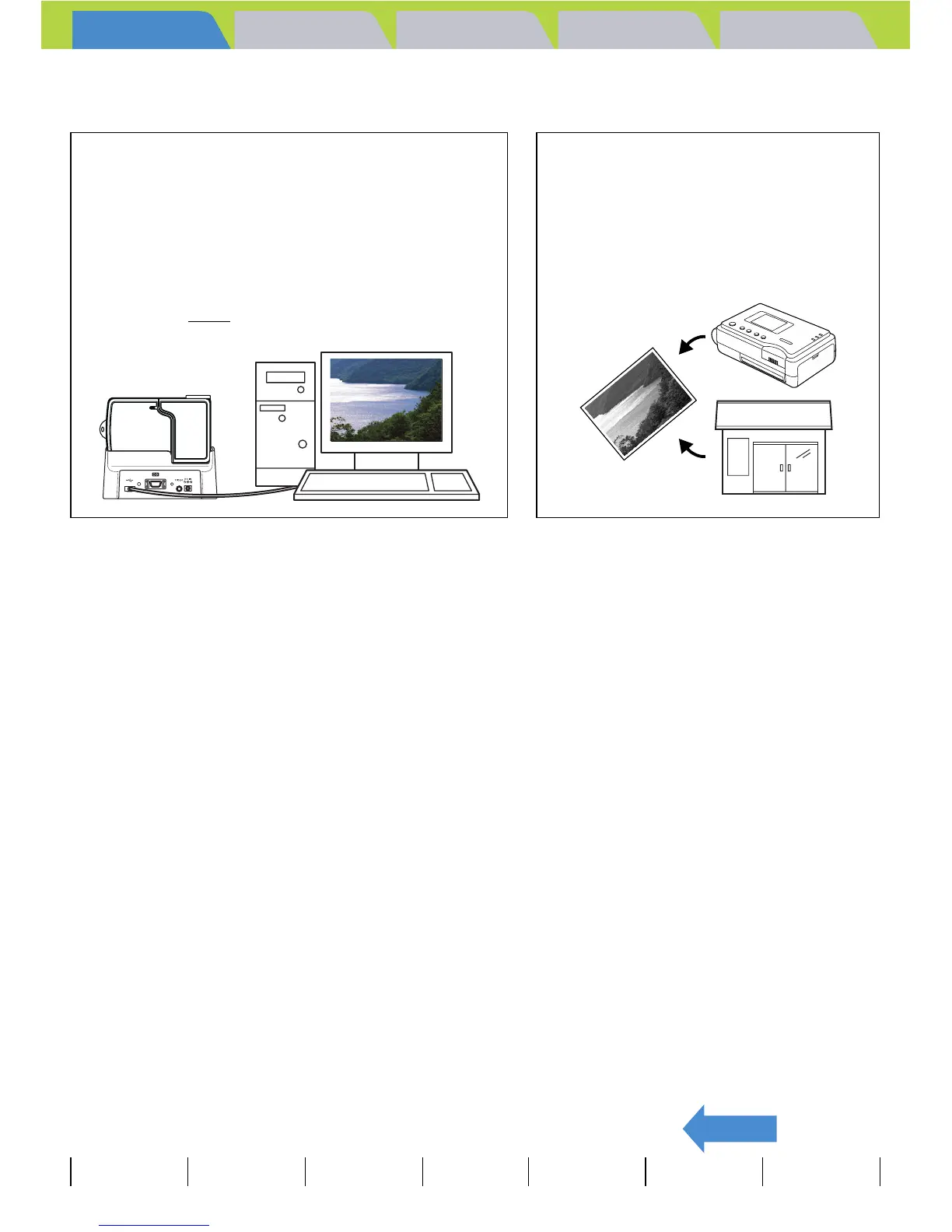
Connecting to a computer
Connecting your camera to a computer using the
dedicated USB cradle and USB cable gives you access
to a wide range of uses for your images, including using
image retouching software to edit your images on a
computer and sending them as attachments via e-mail.
* Windows 98 and Windows 98SE users must install the
USB driver from the CD-ROM provided with the
camera. (Æ p.137
)
Digital printing
You can either print out your images directly
on a printer or download them onto a
memory card and take them to your local
print processing store for printing.
* Consult your local print processing store
for details of the print services offered.



 To Next Page