O
eratin
Ke
s Dis
la
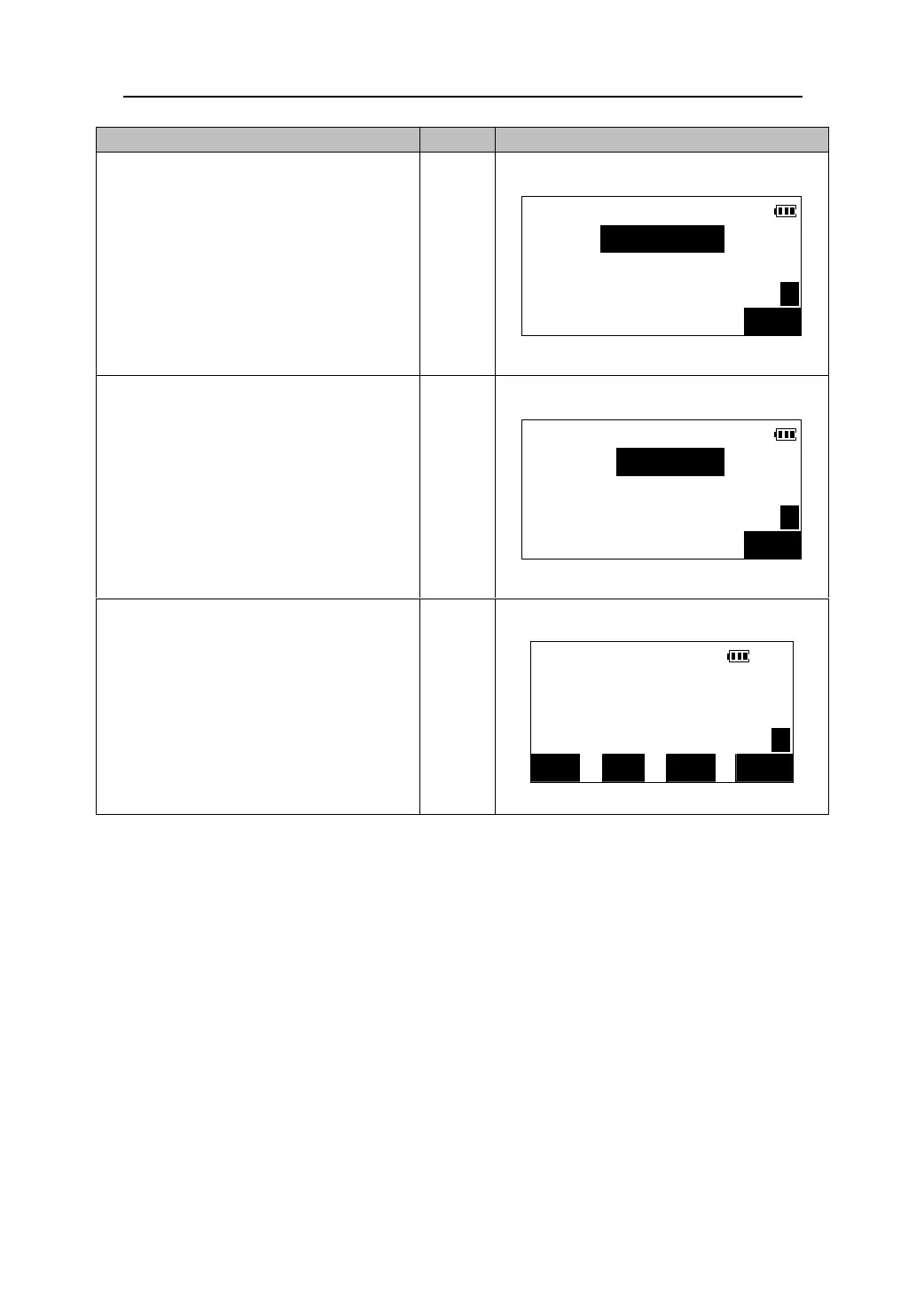
1.Press 【EDM】 in the first page of the
Meas Mode.
EDM set
Mode: Fine s.
C & R c r n : OF F
P C : 0 P1
OK
【EDM】
【】
【】
EDM set
2. Press 【】/【】or press 【PAGE】directly
to move the cursor to the scale factor line.
Scale F: 1.000000
P3
CAUTION: If you have set the scale factor to any value other than 1.000000, Double
check the setting during the next time you wish to use the instrument. Make sure the
scale factor is set appropriately each and every use.
OK
3.Input the scale factor,press 【OK】 and
return to the Meas mode.
【OK】
MEAS
H
ZA 99°43′13″
120°09′12″ P1 HAR
DIST SHV HSET EDM
44











 To Next Page