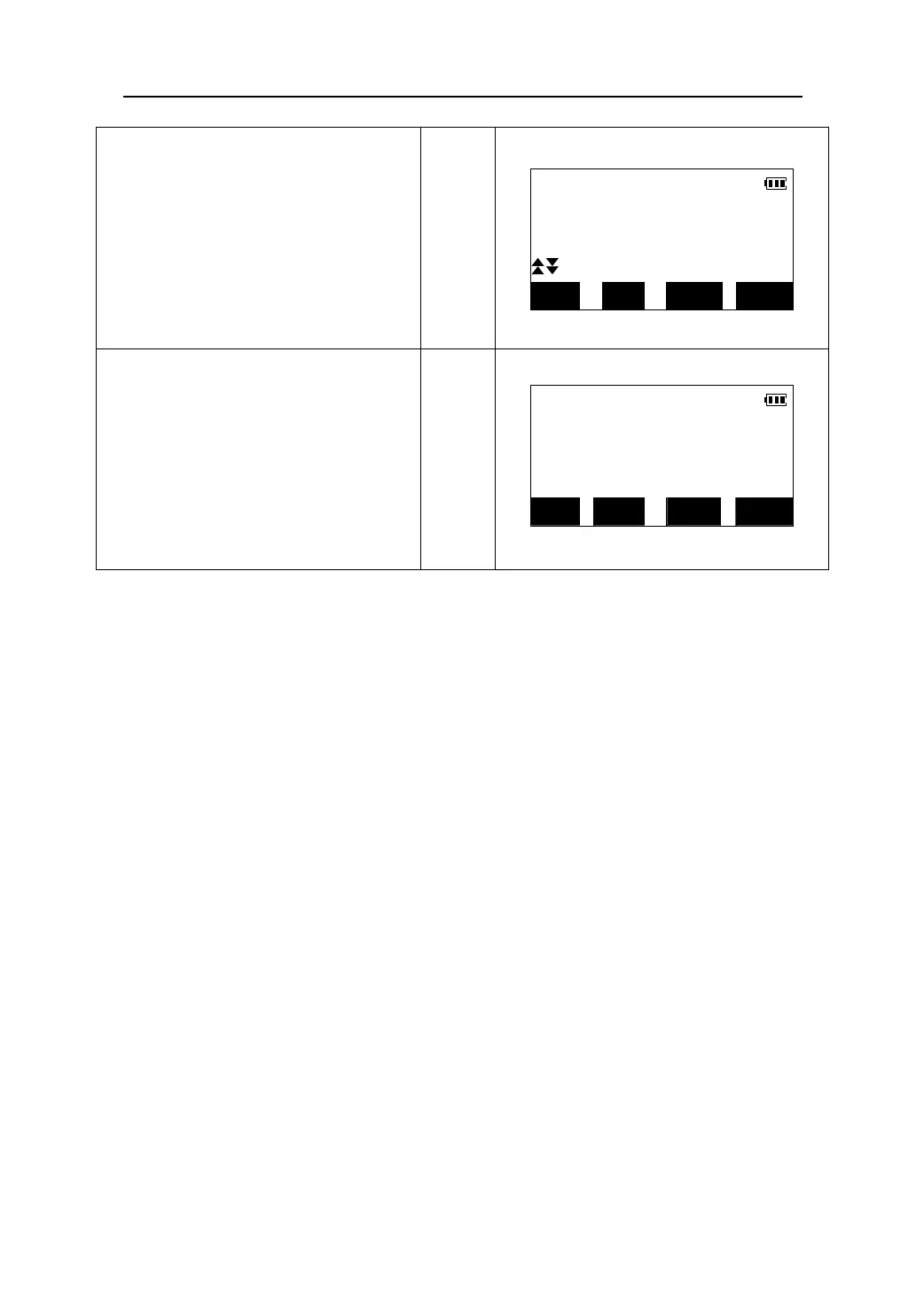
8. Move the prism upward and downward
until the value displayed on the fourth
Reference: Distance correction in the coordinates setting-out measurement.
The total station can carry out the distance correction of Average Elevation and
Projection by setting a scale factor.
The correction is performed using the following formula:
(1)The distance on the projection plane:
HDg = HD×scale factor
HDg:The distance on the projection plane.
HD: The distance on the ground.
(2)The distance on the ground:
HD = HDg/ scale factor
z Note: When the scale factor is set, it will affect all functions related to coordinate
measuring.
z Scale factor input range: 0.98-1.02. Default value is 1.000000(This means no
correction is carried out.)
z The steps to change scale factor are described next.
line is 0m.
When the height difference approach
0m,two arrows will be displayed.
When all the values displayed on the
screen are 0, the position of the rod is
now marking the point to set out.
S-O Coord.
▼
← 0°0′0″
↑↓ 0.000m
0.000m
MODE DIFF EDM
STOP
9. Press 【DIFF】to display the setting-out
results (Deltas)
S-O Coord.
Press 【ESC】to return to <S-O> menu.
【DIFF】
dN: 0.000m
dE: -0.001m
dZ: 0.001m
EDM MODE DIFF
STOP
43











 To Next Page