xStack DGS-3400 Series Layer 2 Gigabit Ethernet Managed Switch
Port Utilization
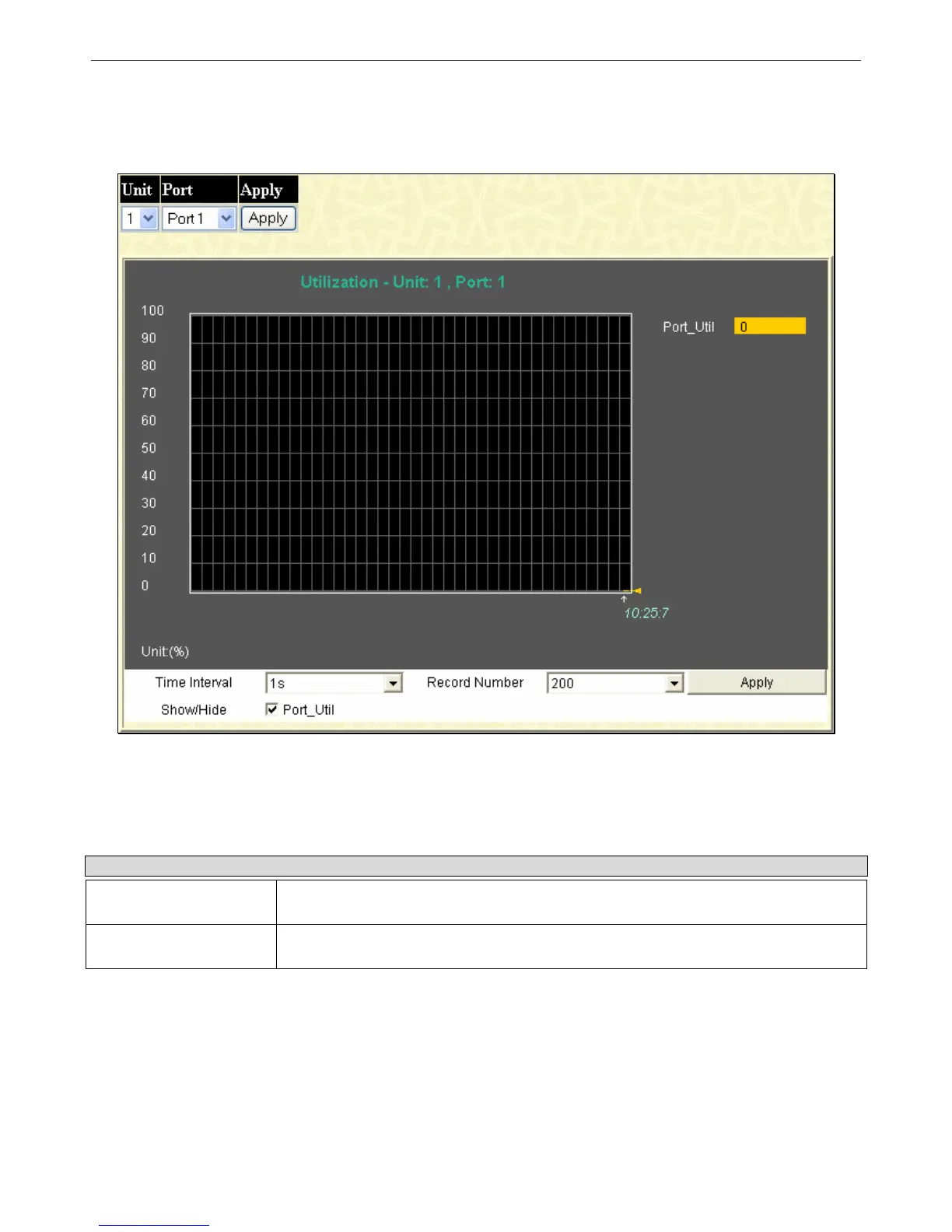
The Port Utilization page displays the percentage of the total available bandwidth being used on the port.
To view the port utilization, click Monitoring > Port Utilization:
Figure 11- 5. Port Utilization window
To select a port to view these statistics for, first select the Switch in the switch stack by using the Unit pull-down menu and then
select the port by using the Port pull-down menu. The user may also use the real-time graphic of the Switch and/or switch stack at
the top of the web page by simply clicking on a port.
Change the view parameters as follows:
Parameter Description
Time Interval [1s ]
Select the desired setting between 1s and 60s, where "s" stands for seconds. The
default value is one second.
Record Number [200]
Select number of times the Switch will be polled between 20 and 200. The default value
is 200.
251












 To Next Page