xStack
®
DGS-3400 Series Layer 2 Gigabit Ethernet Managed Switch
263
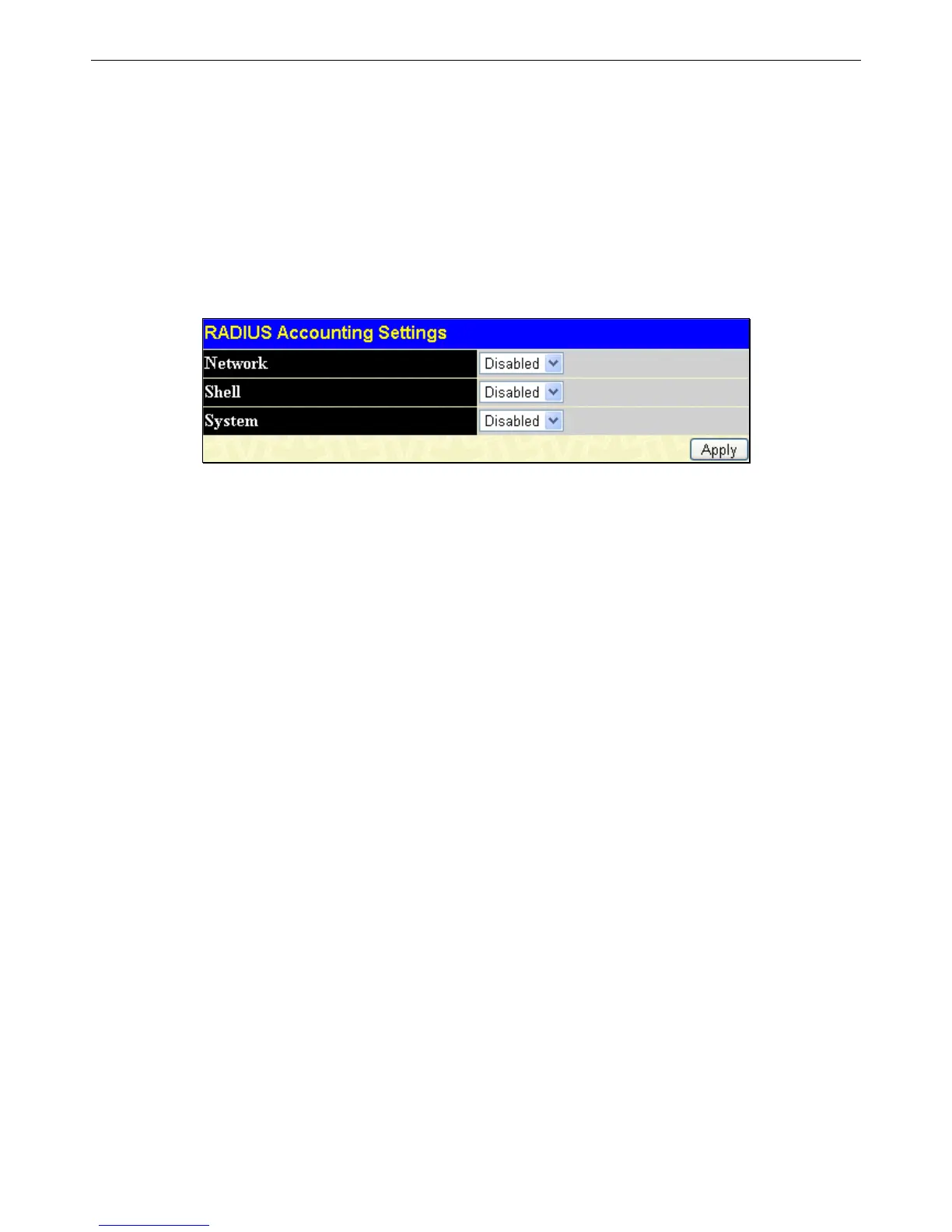
There are three types of Accounting that can be enabled on the Switch.
Network – When enabled, the Switch will send informational packets to a remote RADIUS server when 802.1X users connect to
the physical ports on the switch to access the network. Network accounting only works when 802.1X is enabled
Shell – When enabled, the Switch will send informational packets to a remote RADIUS server when a user either logs in, logs out
or times out on the Switch, using the console, Telnet, or SSH.
System – When enabled, the Switch will send informational packets to a remote RADIUS server when system events occur on the
Switch, such as a system reset or system boot.
Remember, this feature will not work properly unless a RADIUS Server has first been configured. This RADIUS server will
format, store and manage the information collected here.
To view this window, click Security > Access Authentication Control > RADIUS Accounting Settings, as shown below:
Figure 6 - 50 RADIUS Accounting Settings window












 To Next Page