xStack
®
DGS-3400 Series Layer 2 Gigabit Ethernet Managed Switch
297
UMB Cast (RX)
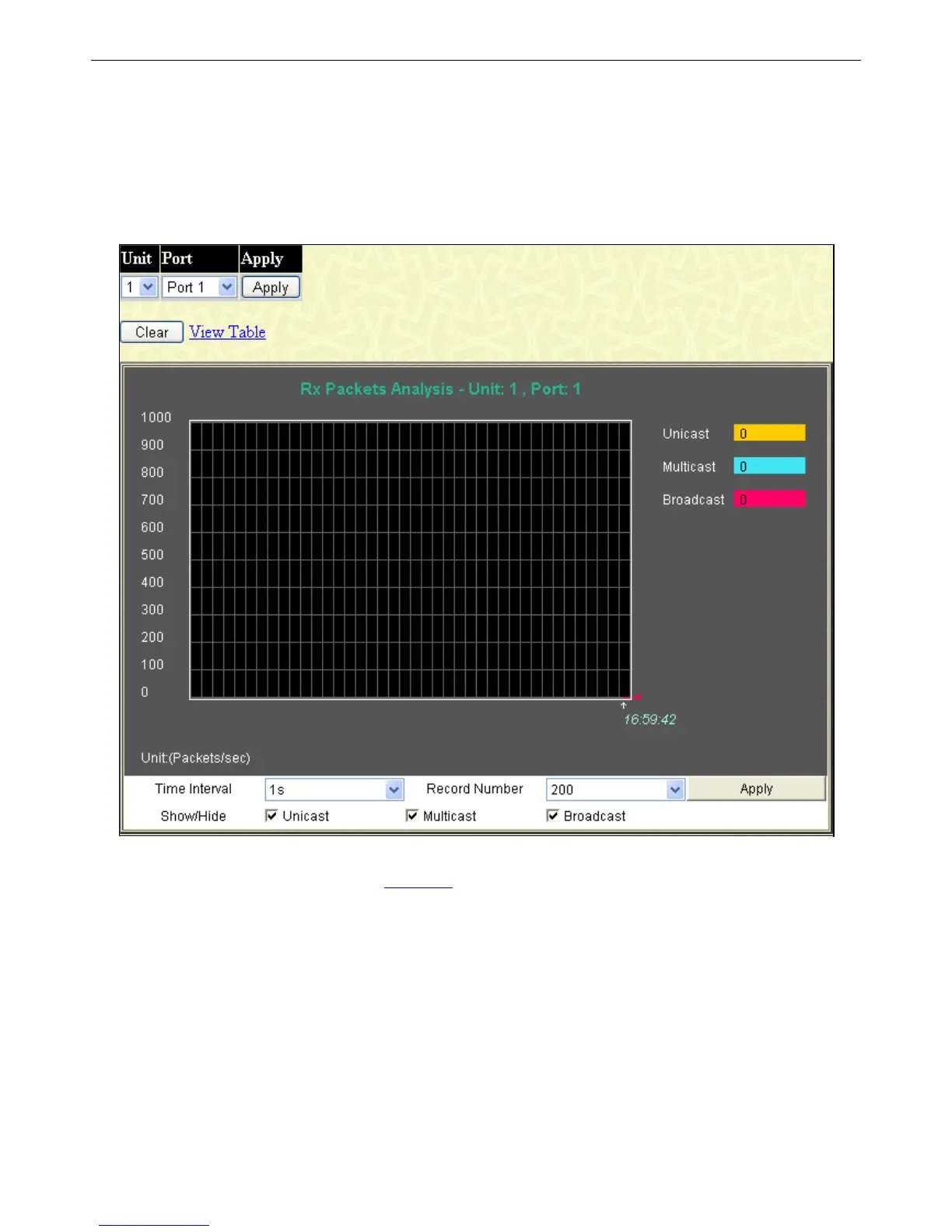
To select a port to view these statistics for, first select the Switch in the switch stack by using the Unit pull-down menu and then
select the port by using the Port pull-down menu. The user may also use the real-time graphic of the Switch and/or switch stack at
the top of the window by simply clicking on a port.
To view this window, click Monitoring > Packets > UMB Cast (RX), as shown below:
Figure 7 - 9 Packets Analysis (line graph for Unicast, Multicast, and Broadcast Packets)
To view the UMB Cast Table window, click the View Table link.












 To Next Page