xStack
®
DGS-3400 Series Layer 2 Gigabit Ethernet Managed Switch
279
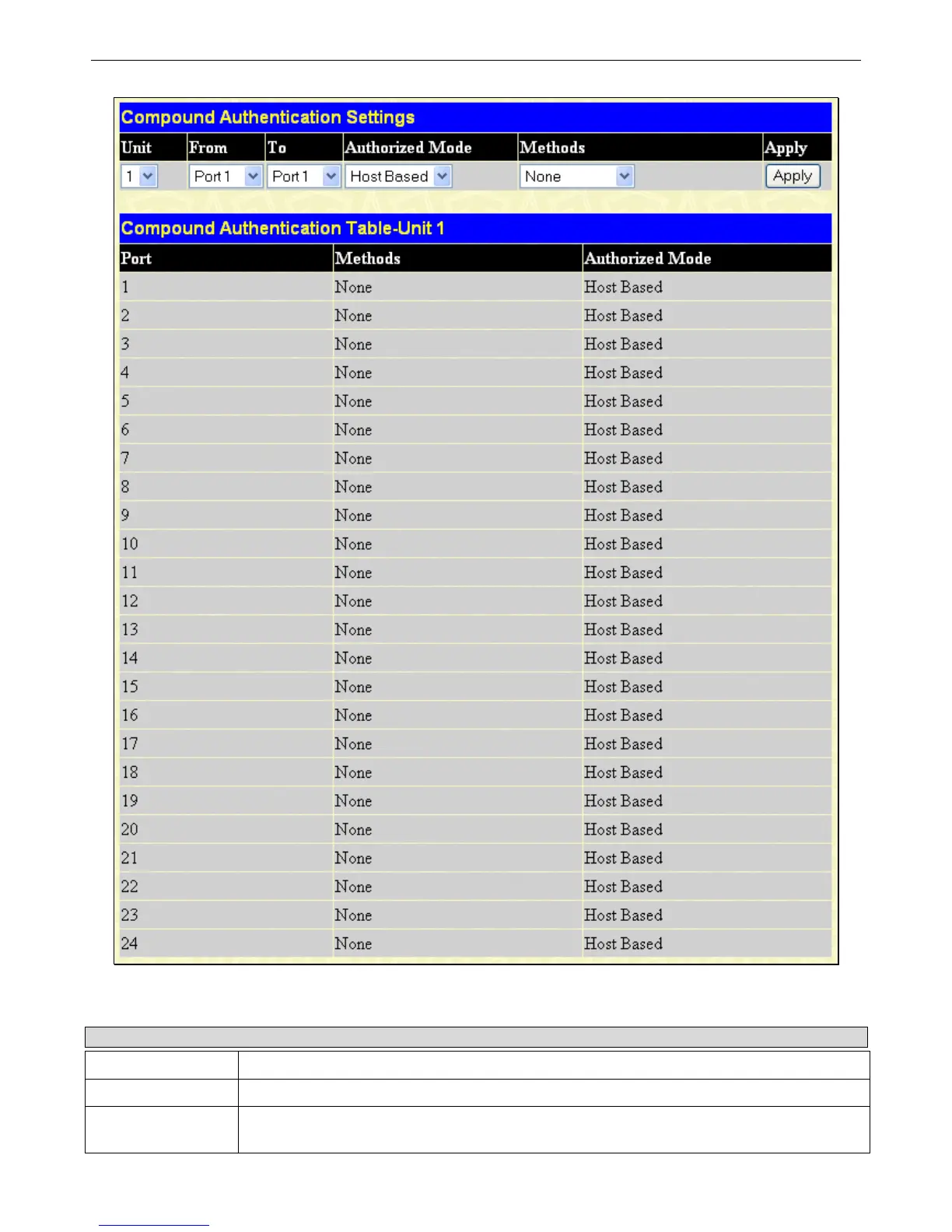
Figure 6 - 66 Compound Authentication Settings window
The following parameters may be set:
Parameter Description
Unit
Choose the Unit ID of the switch in the switch stack you wish to configure.
From/To
Select a port or range of ports to be configured.
Authorized Mode
Use the drop down menu to select either Port Based or Host Based authorized mode.
Port Based – If one of the attached hosts passes the authentication process, all host on the












 To Next Page