4. Commands
4-62 UniSite-xpi User Manual
Device Configure (Devices
Supporting Sector
Configuration Only) The device configure feature allows you to set the switches for erasing,
programming, and protecting sectors on devices that support sector
configuration. These settings are used during the Program and Electronic
Erase operations.
To use the device configure feature, follow these steps:
1. Select a device that supports sector configuration.
2. If you wish to enable electronic erase, set the
Erase EE device field
to Yes in the Program screen.
3. On the Device Configure screen, use the arrow keys to move from
field to field and press S
PACE to toggle between Y (Yes) and N (No).
The following fields exist for each sector:
• Erase—Set to Y if you wish the sector to be erased when a device
erase operation is performed. Set to N to disable erase on the sector.
• Program—Set to Y if you wish the sector to be programmed when
a device program operation is performed. Set to N to disable
programming on the sector.
• Protect—Set to Y if you wish the sector protect to be enabled. Note
that not all devices that support sector erase and program also have
support for sector protect. Set to N to disable protect on the sector.
4. When you are finished setting the erase, protect, and program fields,
press F2 to return to the Device Checks menu, or press F1 to return to
the Main Menu.
Edit Data Use the commands on the Edit Data menu to make changes to data stored
in RAM or to data stored in a disk file. When you select the Edit Data
command, UniSite-xpi displays a menu corresponding to the type of
device that is currently selected. There are separate editors for memory
and logic devices. For logic devices, there is a fuse map and test vector
editor. For memory devices, there is a memory editor.
The commands on the Edit Logic menu are explained first, followed by
those on the Edit Memory menu.
Edit Logic Menu The Edit Logic menu appears if you have selected a logic device. This
menu contains the Edit Logic, Vector Edit, Fill Fuse Map, and Clear
Vectors commands.
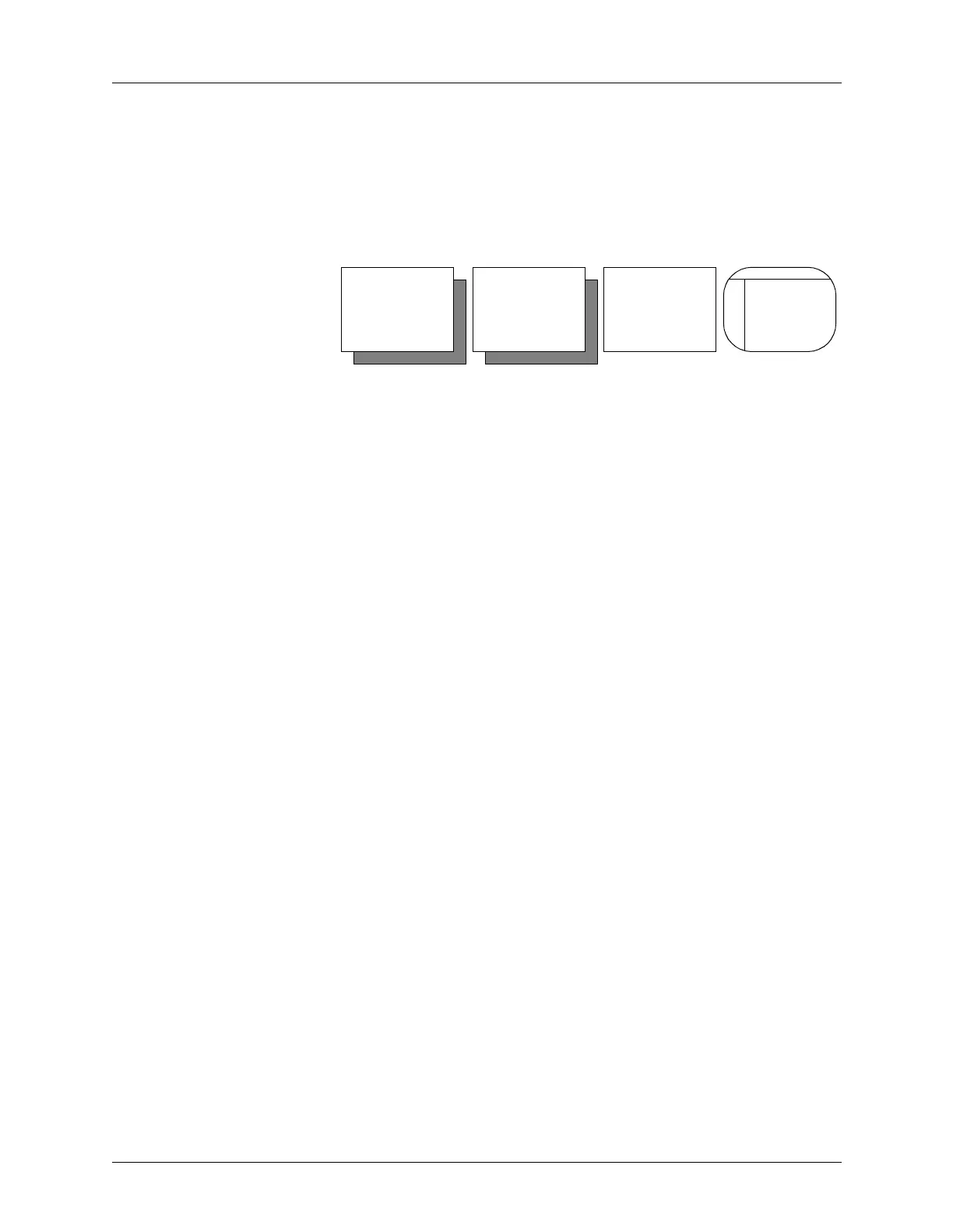
Main
Menu
More
Com-
mands
Device
Checks
Device
Configure


 To Next Page