2. Setup and Installation
2-10 UniSite-xpi User Manual
Note: In the following example, bold print indicates items you should modify if
your configuration is different.
echo off
Rem: HITERM will use the configuration filename
Rem: from command line if present.
If not (%1) == () HITERM c:\util\hiterm\%1
Rem: HITERM will use PRG9600.CFG if no
Rem: configuration file is specified.
If (%1) == () HITERM c:\util\hiterm\prg9600.cfg
5. Installation of HiTerm is now complete. Reboot your PC.
The Next Step UniSite-xpi is now connected to your PC. Skip to the section titled “Install
the Base” to continue with the setup and installation of UniSite-xpi.
Connecting to a Host Connecting the programmer to a host allows you to use the host for
remote file storage.
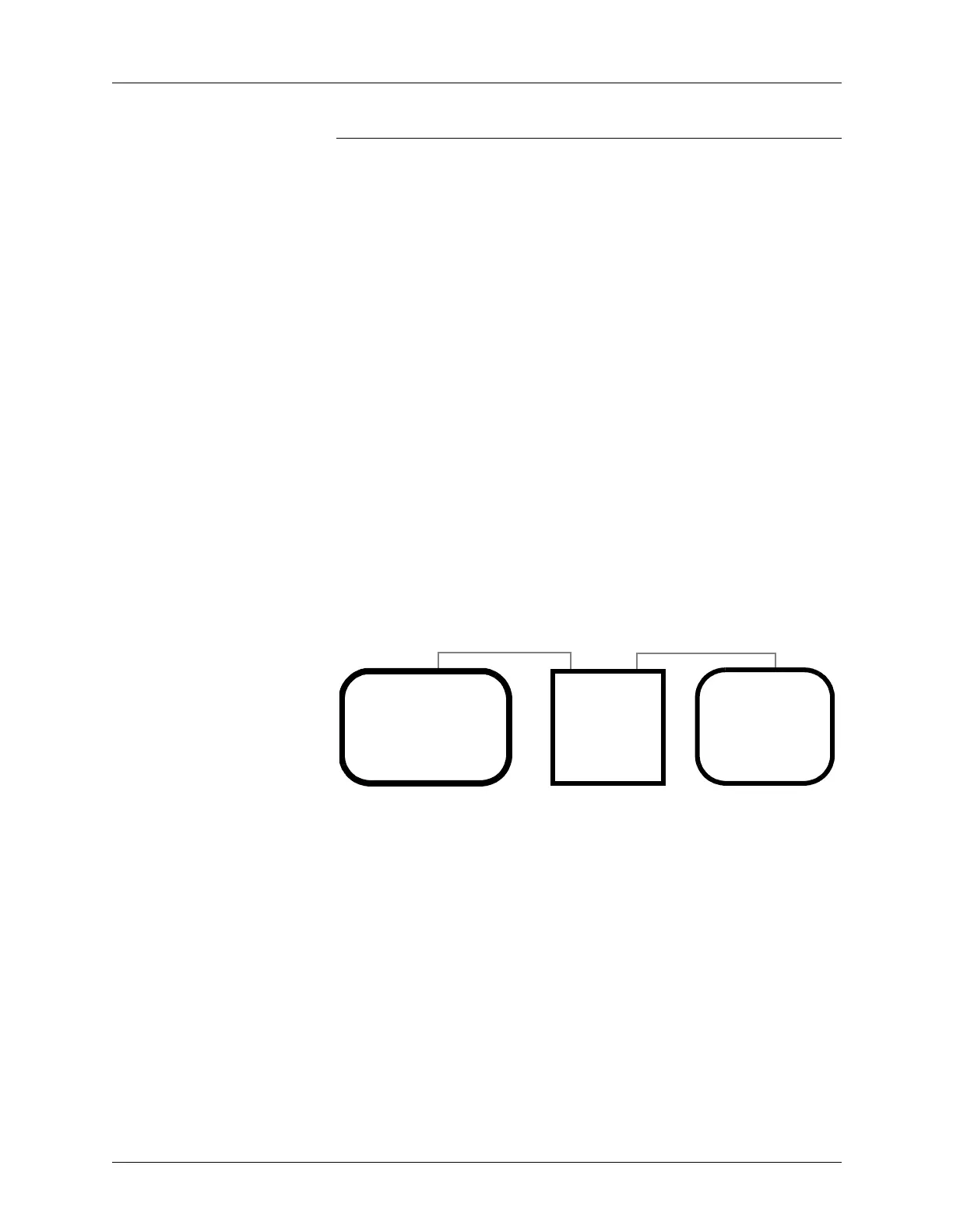
Transparent Mode Transparent mode, shown in Figure 2-3, is a feature of UniSite-xpi that
allows the programmer to be inline between your host computer and a
terminal. This eliminates the need for a switch box or a second link to the
host and enables you to communicate with the host and download
directly from the host to the programmer. The host could be a networked
file server, such as a VAX or a Sun. When set up properly, the terminal
connected to the programmer can control both the programmer and the
remote host.
In Transparent mode, the programmer passes all characters through its
Terminal and Remote ports as if it weren’t there. The two serial ports on
the programmer can even operate at different baud rates. While
operating the programmer from the terminal, press E
SC, CTRL + T to
toggle the programmer between terminal mode and transparent mode.
The programmer remains in transparent mode until it receives another
E
SC, CTRL + T command, at which time it switches back to terminal
mode.
What You Need To connect the programmer to a host, you need the following:
• An unused RS-232C serial port on the host.
• A 25-pin serial cable. If you need more information about which type
of cable will work with the programmer, see the section later in this
chapter titled “More About Cables.”
Making the Connections To connect the programmer to a host, follow the steps below.
Figure 2-3
Transparent Mode
Programmer
R
T
Host
Programmer
Terminal or
running
Terminal Emulation
Software
(Sun Workstation)
PC/Workstation



 To Next Page