3. Getting Started
3-12 UniSite-xpi User Manual
After a brief pause while the programmer sets up, a Device Footnote is
displayed. The programmer is now ready to process a device.
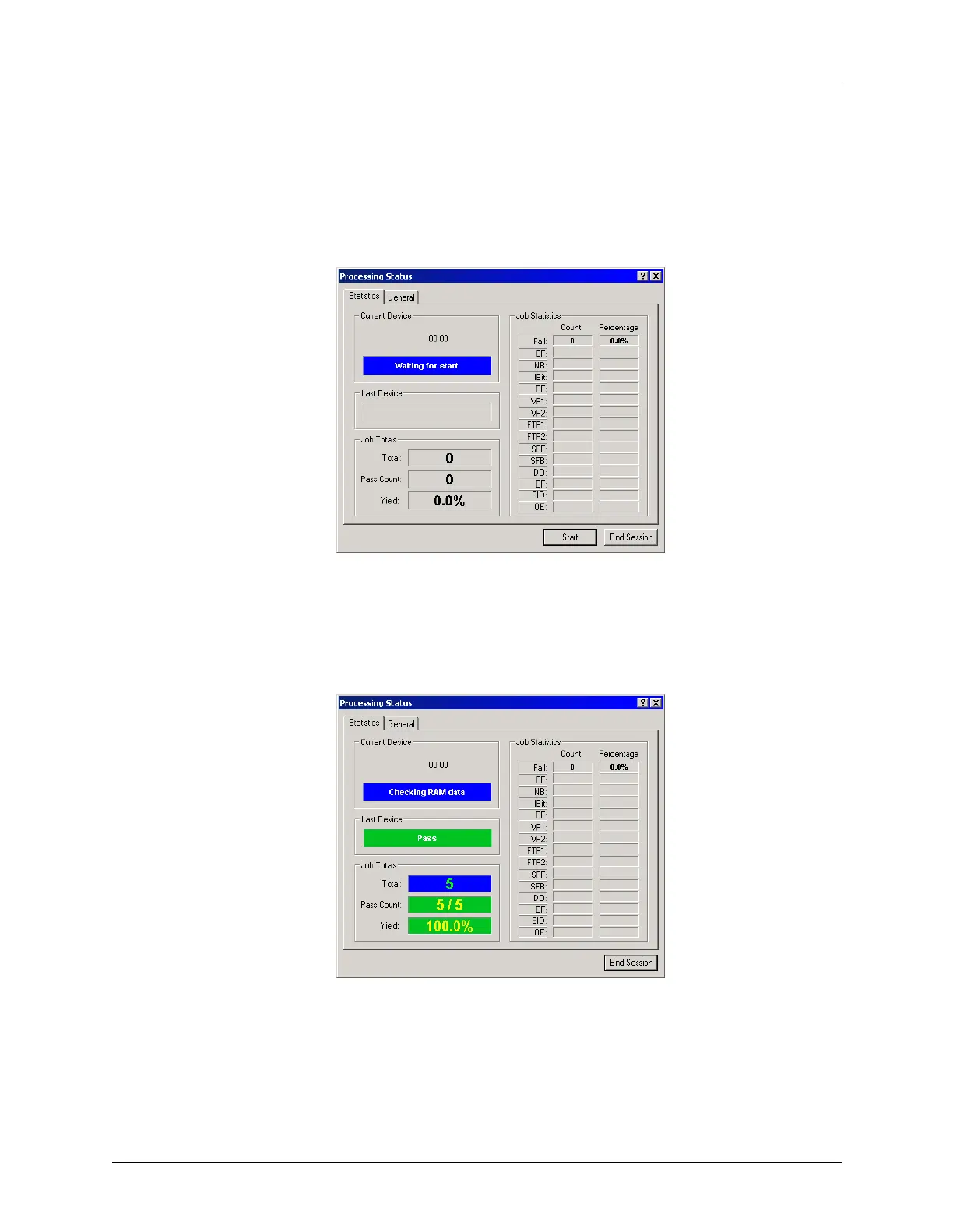
The Processing Status window is displayed with “Waiting to Start” in
the Current Device field.
Click Start.
After reaching the Pass Limit, or programming the desired number of
devices, the Processing Status window displays the results of the
programming session.
In this example, we processed five devices and all passed.
To finish, click End Session.
Figure 3-18
Waiting for Start
Figure 3-19
Results of Programming Session



 To Next Page