3. Getting Started
UniSite-xpi User Manual 3-11
Session 5: Programming a Device
Now it is time to program a device.
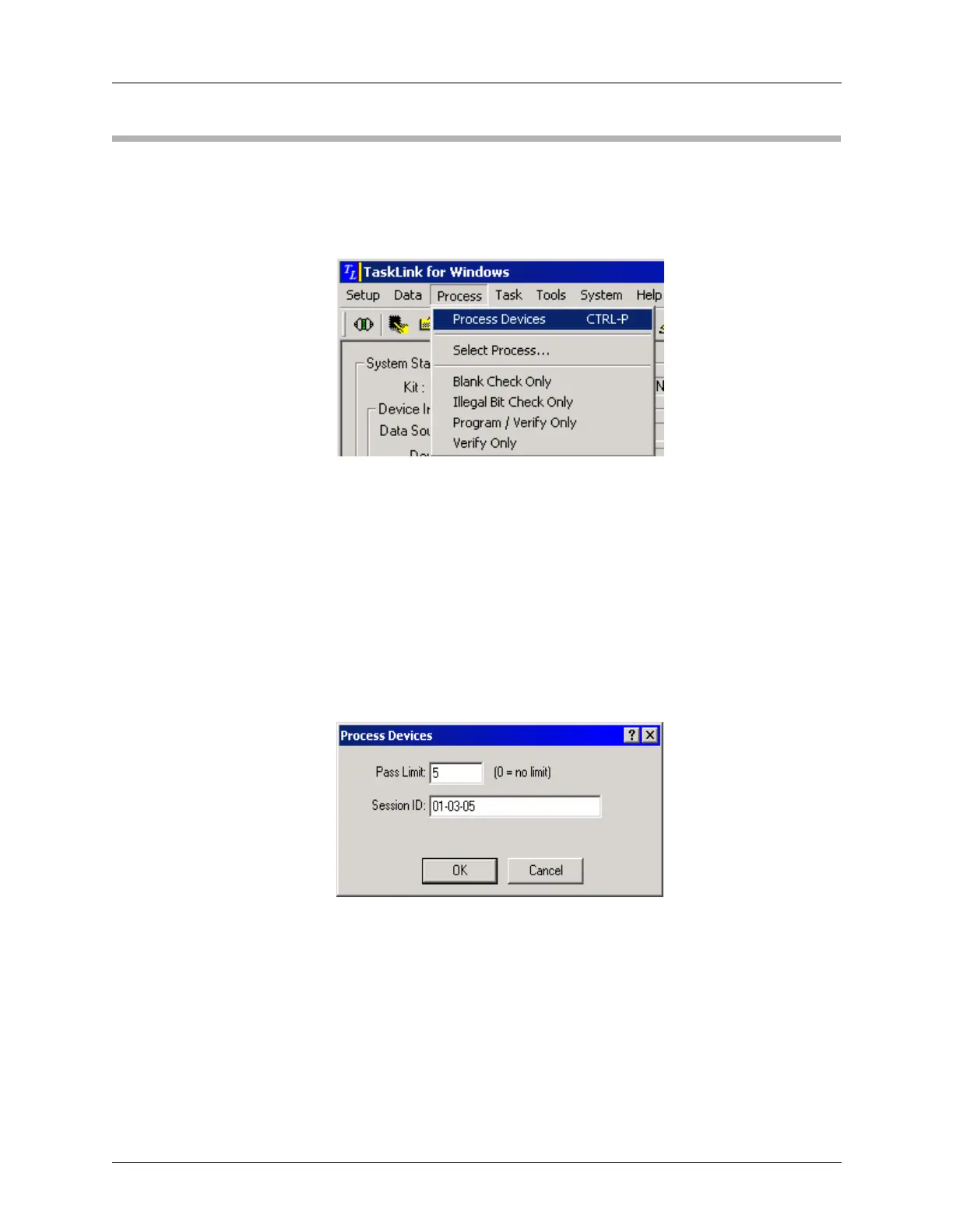
From the Process menu, select Process Devices.
In the Process Devices dialog, enter a Pass Limit. This number sets an
upper limit on the number of devices processed in this programming
session. If you want to process an unlimited number of devices, set the
value at “0.”
In this example, we’ll enter a Pass Limit of 5.
You may also enter a Session ID name or number. A Session ID is
optional and helps when tracking statistics.
In this example, we’ll enter a Session ID of 01-03-05.
Click OK.
Figure 3-16
Process Menu: Process Devices
Figure 3-17
Process Devices



 To Next Page