3. Getting Started
3-10 UniSite-xpi User Manual
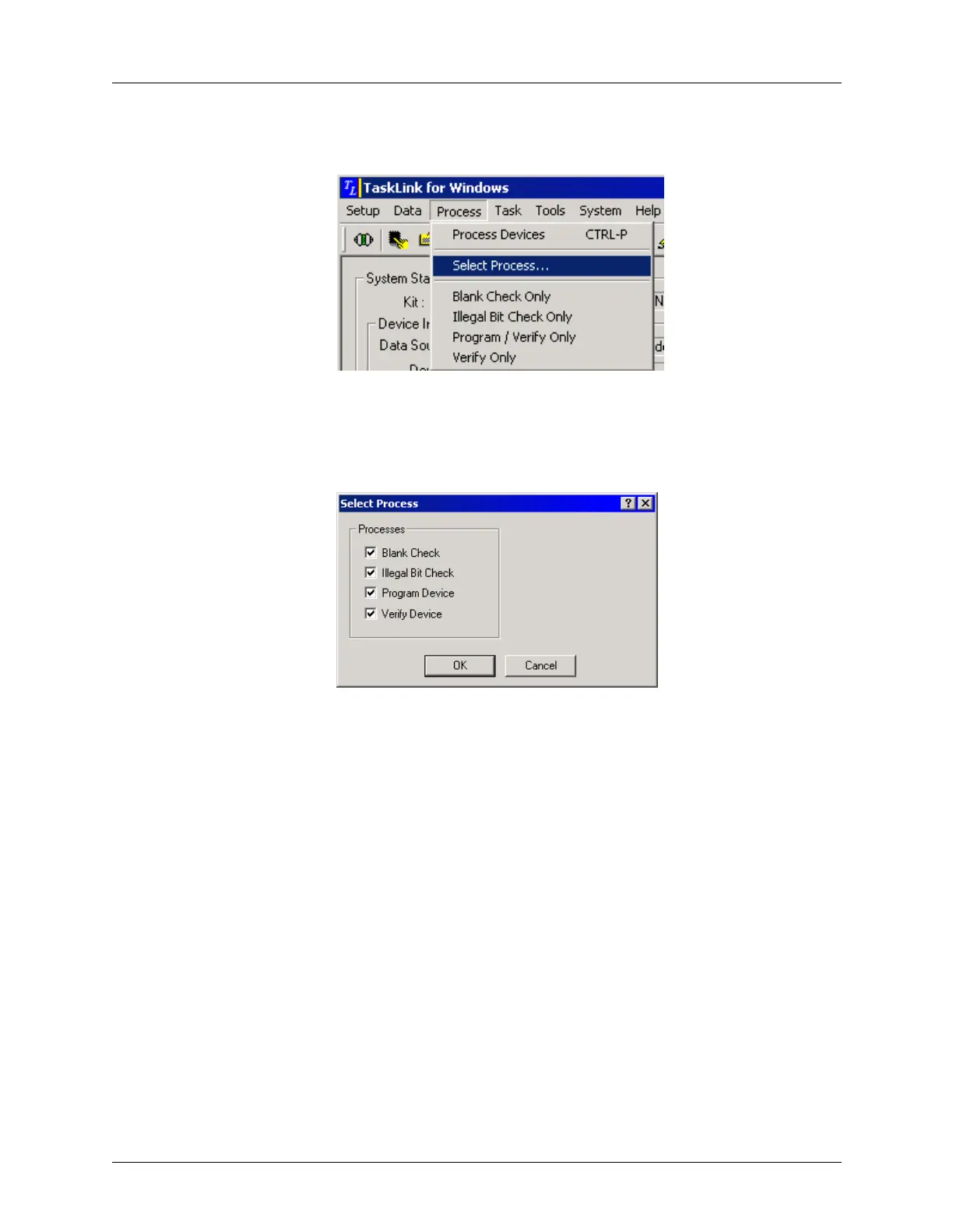
From the Process menu, select Select Process.
In the Select Process dialog, enter a check for each process you want
performed on the device to be programmed.
Click OK.
Figure 3-14
Process Menu: Select Process
Figure 3-15
Select Process



 To Next Page