2. Setup and Installation
2-18 UniSite-xpi User Manual
If the powerup self-test detected anything wrong, the four LEDs
illuminate in different patterns, telling you what the self-test found. In
general, if one or more front panel indicators is blinking after the self-test,
there may be a faulty circuit board in the programmer. Contact your
nearest Data I/O Customer Support office for more information. The
different combinations of blinking LEDs are explained below.
Note: X = don’t care condition.
“Terminal port OK” means that the programmer has detected an RS-232
serial device connected to the Terminal port and that a valid connection
has been established with that device.
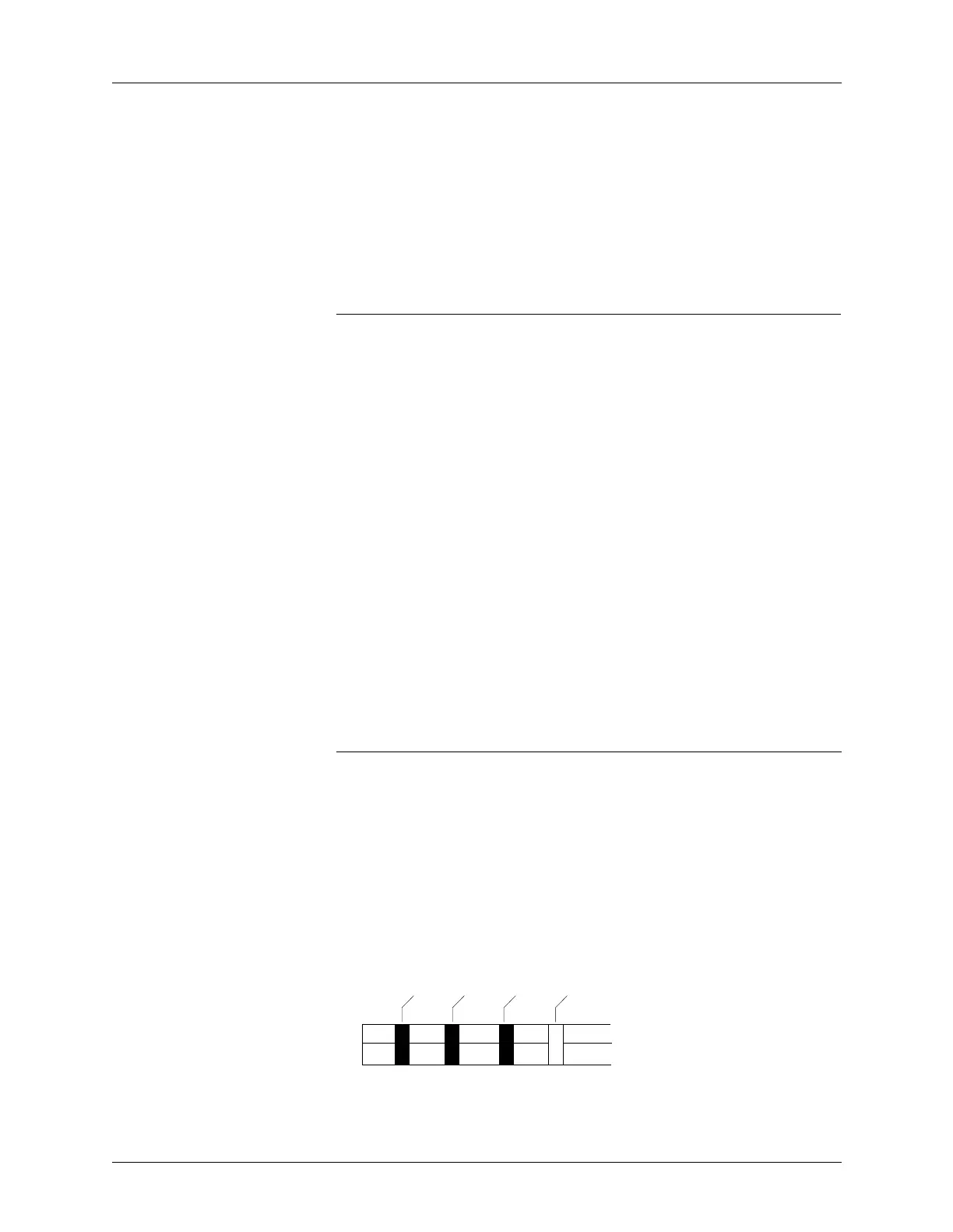
Are the Right LEDs Lit? If the programmer completed the self-test successfully, the Power LED
will be lit. Also, if you have equipment connected to the Terminal and
Remote ports, the corresponding LEDs should be lit. Figure 2-6 shows the
front panel indicators.
--------------------Indicator--------------------
Power Terminal Remote Self-test Description
On
Off Off On Self-test in progress.
Off X X On Bad power supply
On Blinking Blinking Blinking Power supply problem;
check voltage selector.
On Blinking Off On Bad CPU or EPROM
On Off Blinking On Bad system RAM
On Blinking Blinking On Bad serial port DUART
On On Off Off Terminal port connected;
self-test finished. No
errors.
On Off On Off Remote port connected;
self-test finished. No
errors.
On On On Off Remote & terminal ports
connected; self-test
finished. No errors.
Figure 2-6
Front Panel Indicators
FRONT PANEL LEDS
POWER
TERMINAL
0361-2
REMOTE
SELF TEST



 To Next Page