3. Getting Started
UniSite-xpi User Manual 3-19
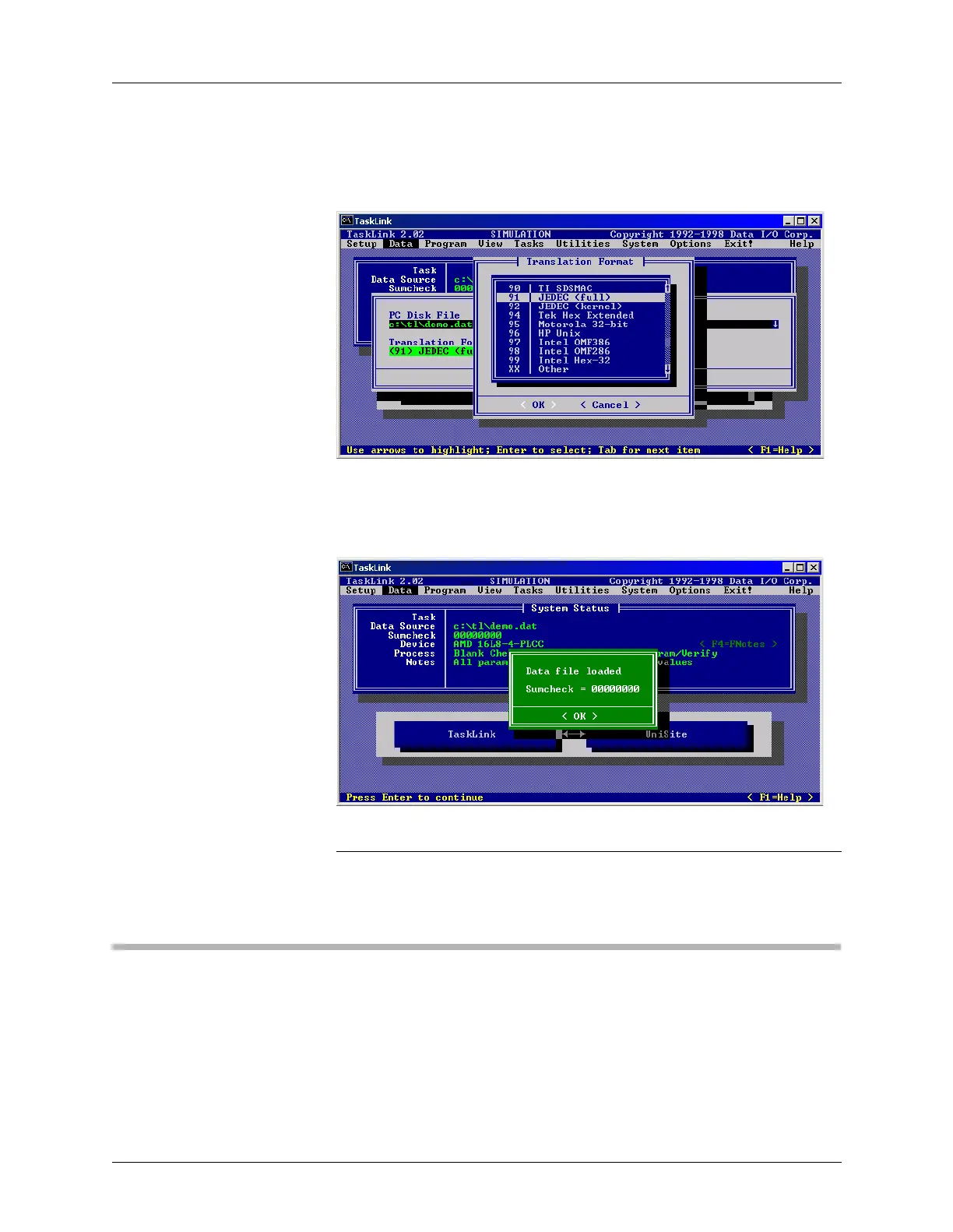
From the Data menu, select Translation Format. Highlight the format of
the file you will load into RAM, then click OK. For more information
about translation formats, see Chapter 6, “Translation Formats.”
When the file is successfully loaded into programmer RAM, a message
box displays the RAM sumcheck.
Note: Because TaskLink for DOS is running in Simulation Mode, the checksum
displayed is 00000000. When connected to a programmer and loading real
data, the checksum will display actual values.
Session 9: Selecting Processes
After loading data into programmer RAM, the next step is determining
which processes the programmer will perform on the device.
Figure 3-31
Translation Format
Figure 3-32
Sumcheck



 To Next Page