A. Using Modules
A-6 UniSite-xpi User Manual
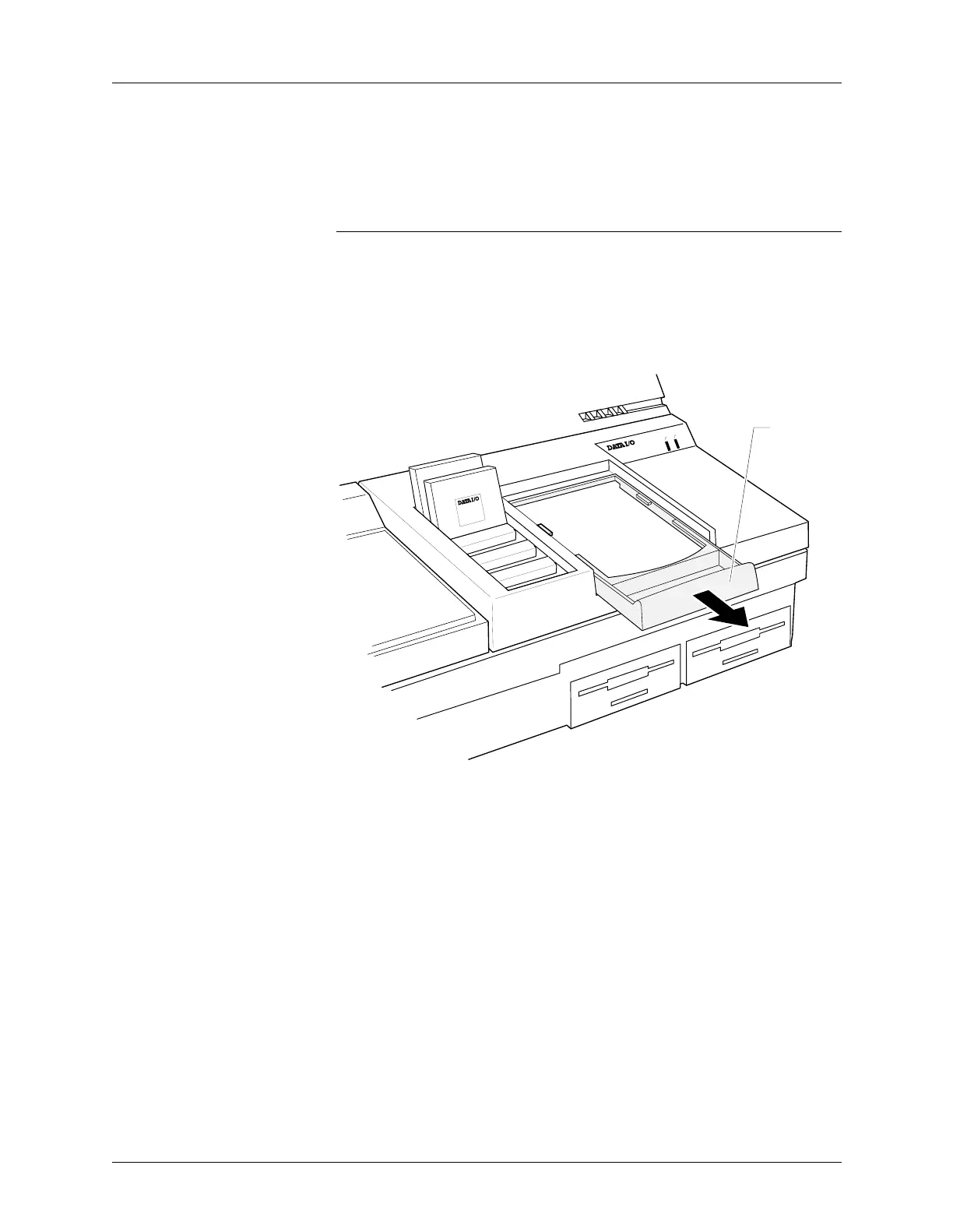
1. Position UniSite-xpi so that the disk drive slots are facing toward you.
2. Examine the Base receptacle opening. It has a sliding handle on the
front half. As shown in Figure A-4, pull the sliding handle toward
you until the handle stops. Do not remove the handle.
CAUTION: Do not insert a foreign object into the Base receptacle
opening. Also, do not touch any of the gold pins in the Base
receptacle opening. Pressing or touching the pins may cause
the pins to stick and will cause operational problems.
If the pins do get stuck, call Customer Support for more
information.
3. Remove the cardboard cover that protects the conductive pad.
Figure A-4
Base Receptacle Opening
ACTIVE
READY
PINSITE
44 Pin PLCC
44 Pin PLCC
0563-3
SLIDING
HANDLE



 To Next Page