3. Getting Started
UniSite-xpi User Manual 3-17
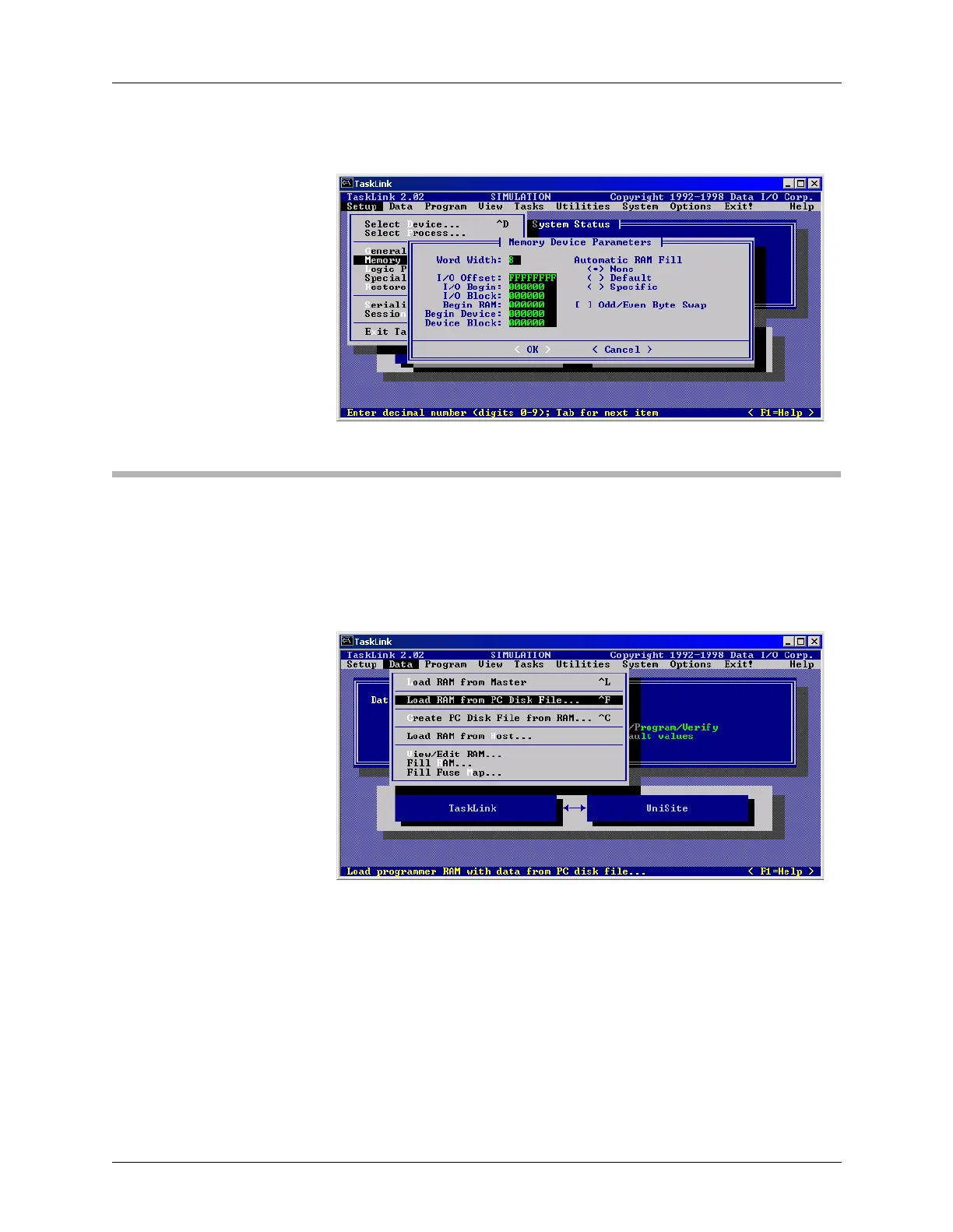
To learn about I/O Offset, highlight it, and then press F1 to display Help.
Session 8: Loading Data
After setting the programmer properties, the next step is to load
programmer RAM with the data to be programmed in the device. In this
example, the data is stored in a file on a disk.
From the Data menu, select Load RAM from PC Disk File.
Figure 3-27
Memory Device Parameters
Figure 3-28
Data Menu: Load RAM



 To Next Page