A. Using Modules
UniSite-xpi User Manual A-25
Information shown in each of the blocks will differ depending on what
kind of operation you are performing. If you are doing a Load operation,
the eight blocks show how UniSite’s user memory will be allocated. If
you are programming devices, the reverse video blocks show how the
user data will be organized into the parts.
After any device operation (such as loading or verifying data) has
completed, messages will appear in the area above each block. The
messages indicate what the device’s status is. PASS will appear above all
successfully programmed parts. Any programming errors that might
occur will display above the block where the error occurred. A list of
SetSite’s status and error messages can be found at the back of this
Appendix.
The “Next device” parameter on the screen can be used to visually scroll
through the data organization. This feature is useful if you are
programming partial sets of devices, or if you are programming a set of
more than eight devices. For example, if you are programming a set of 20
devices and want to check status of organization in the ninth device of the
set, move the cursor to the Next device parameter and type in 9. UniSite
will redisplay the status data showing device number 9’s status data in
socket number one.
Set and Gang
Programming
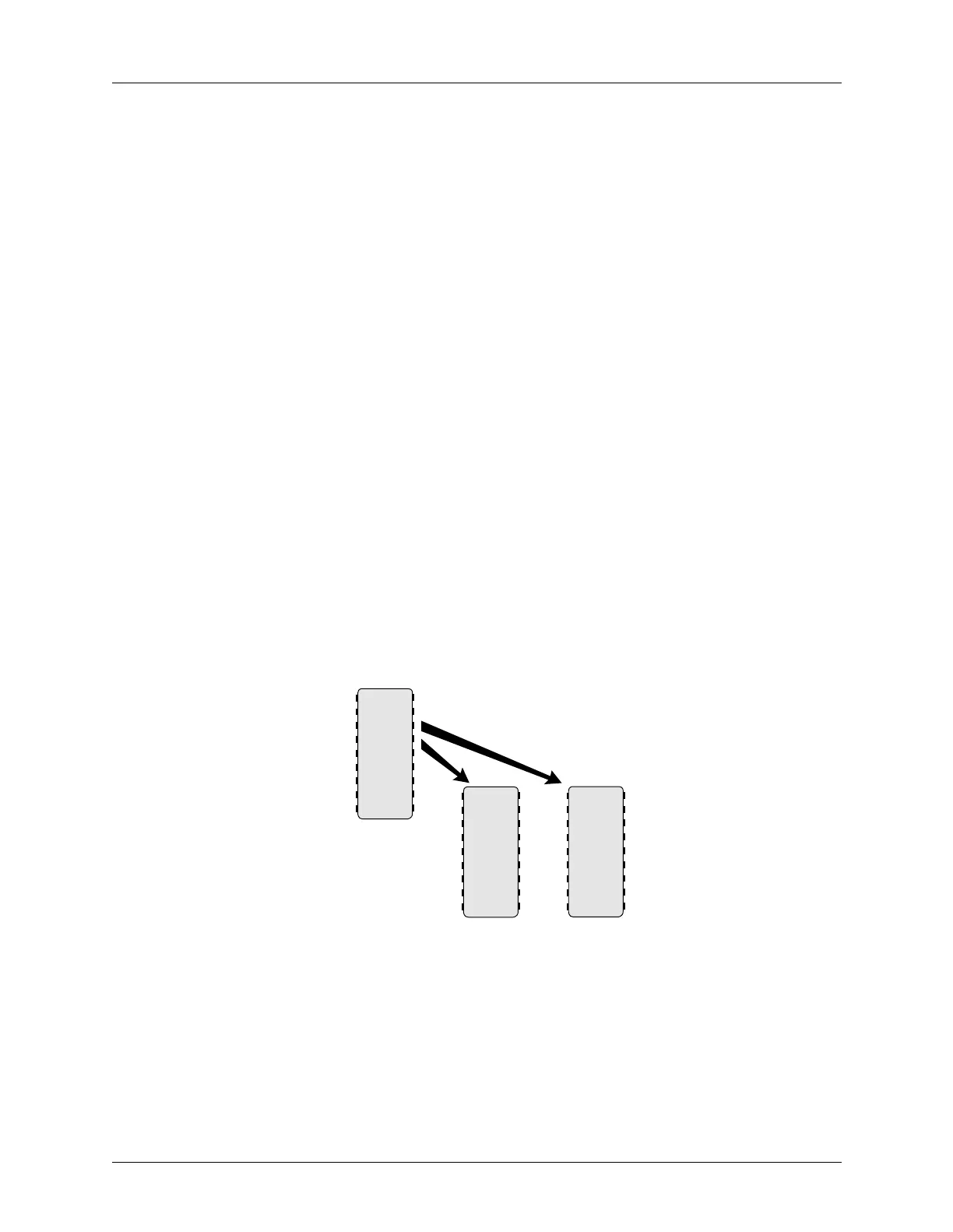
Set Programming A “set” is one or more devices that contain a unique block of data—
regardless of how many devices that data is programmed into.
Figure A-24
Set Programming
16-BIT-WIDE
DATA
8-BIT-WIDE DEVICES
AABB
CCDD
EEFF
GGHH
•
•
•
XXXX
A A
C C
E E
G G
•
•
•
X X
B B
D D
F F
H H
•
•
•
X X
SOCKET 1
SOCKET 2
0359-1



 To Next Page