3. Getting Started
UniSite-xpi User Manual 3-5
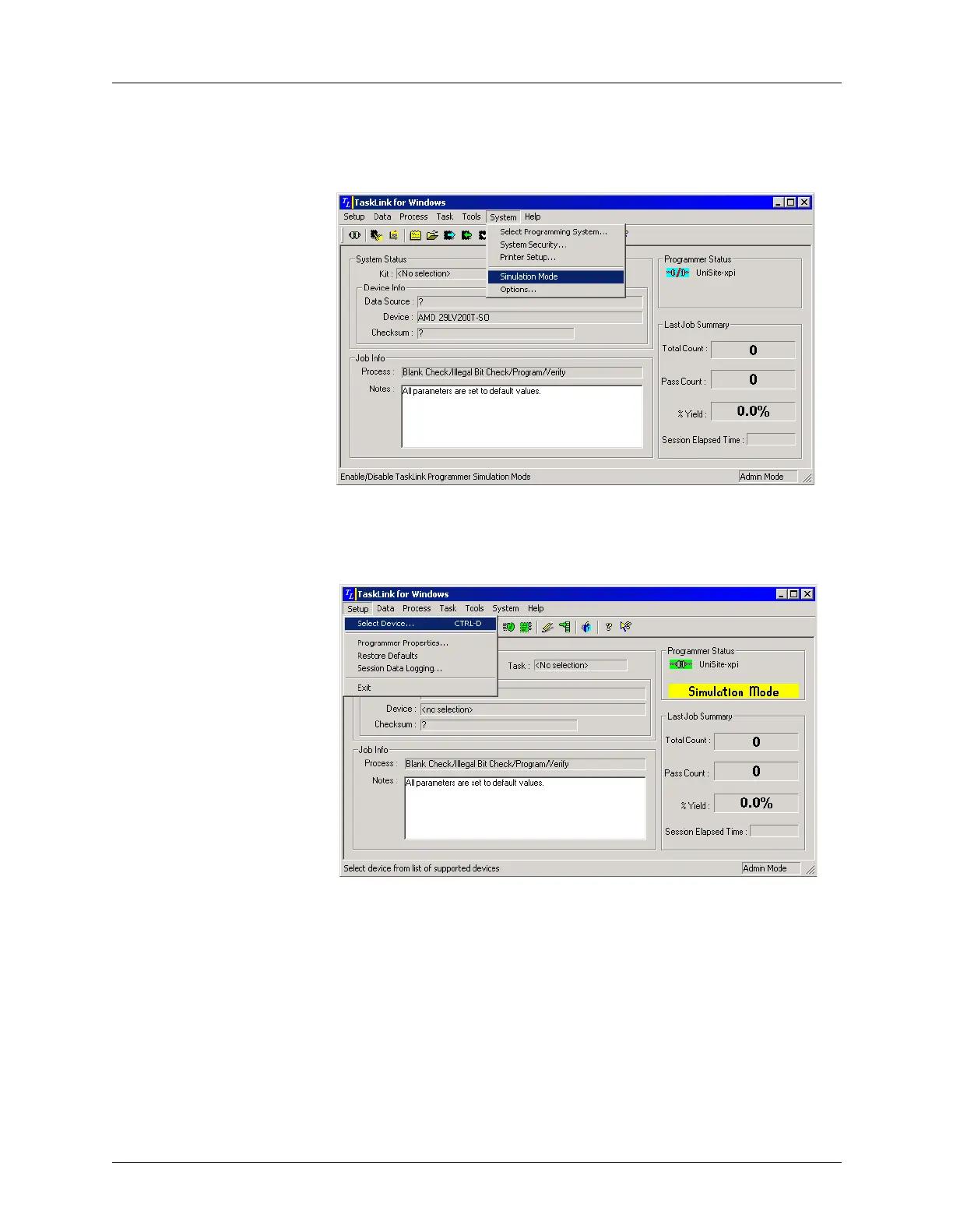
On the TaskLink main screen, under the System menu select Simulation
Mode.
Next specify the device to be programmed. From the TaskLink Setup
menu, select Select Device.
Figure 3-4
System Menu: Simulation Mode
Figure 3-5
Setup Menu: Select Device



 To Next Page