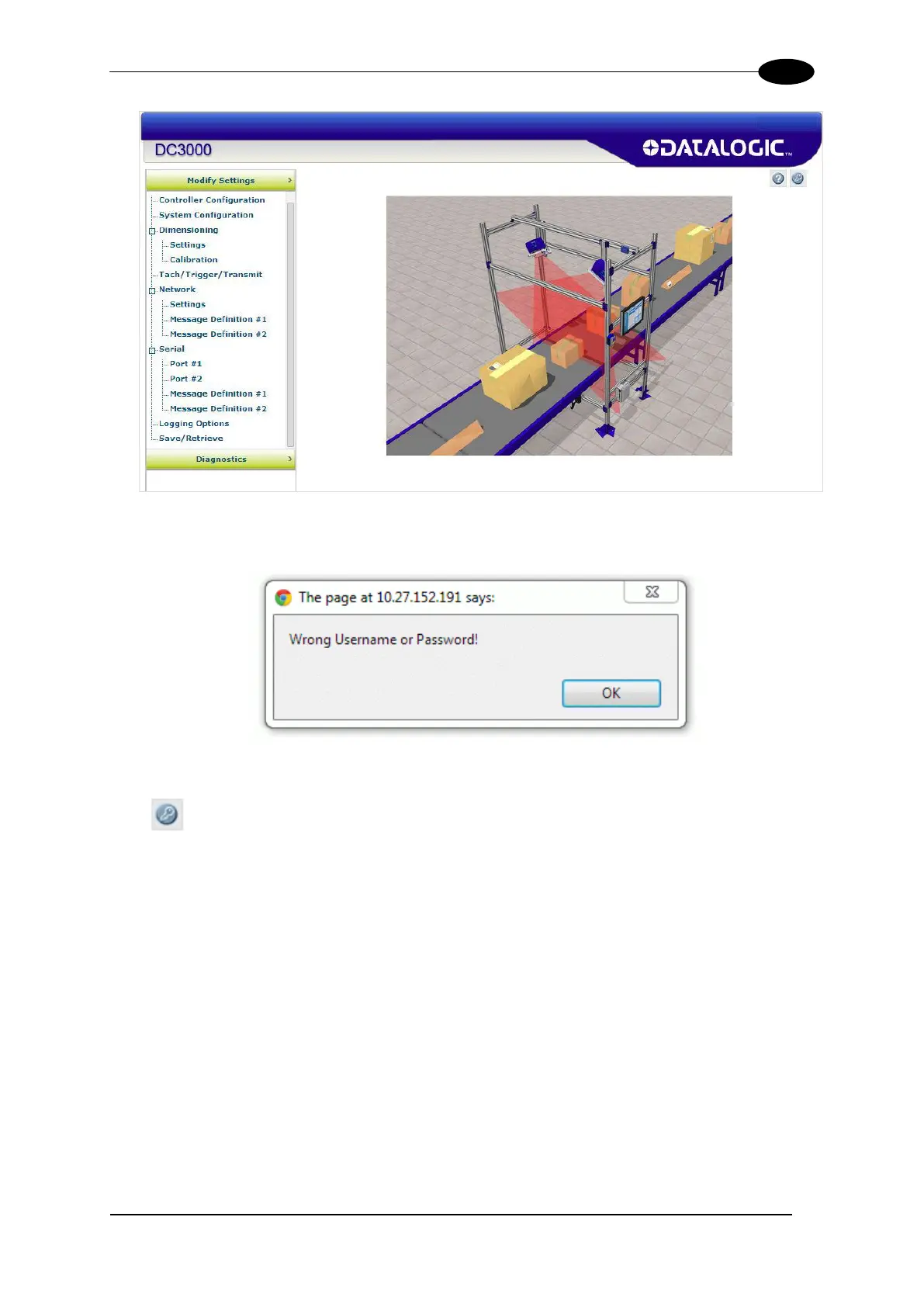
DC3000 USER INTERFACE
If the user ID and password are not valid, the log on screen is presented again with the
User ID and Password fields cleared.
To log out of the DC3000 User Interface:
Click at the upper right corner of the User Interface window to Log Out. When logged
out, the Log On window will appear.


 To Next Page