Chapter 3 Part Names
PAGE 3-5
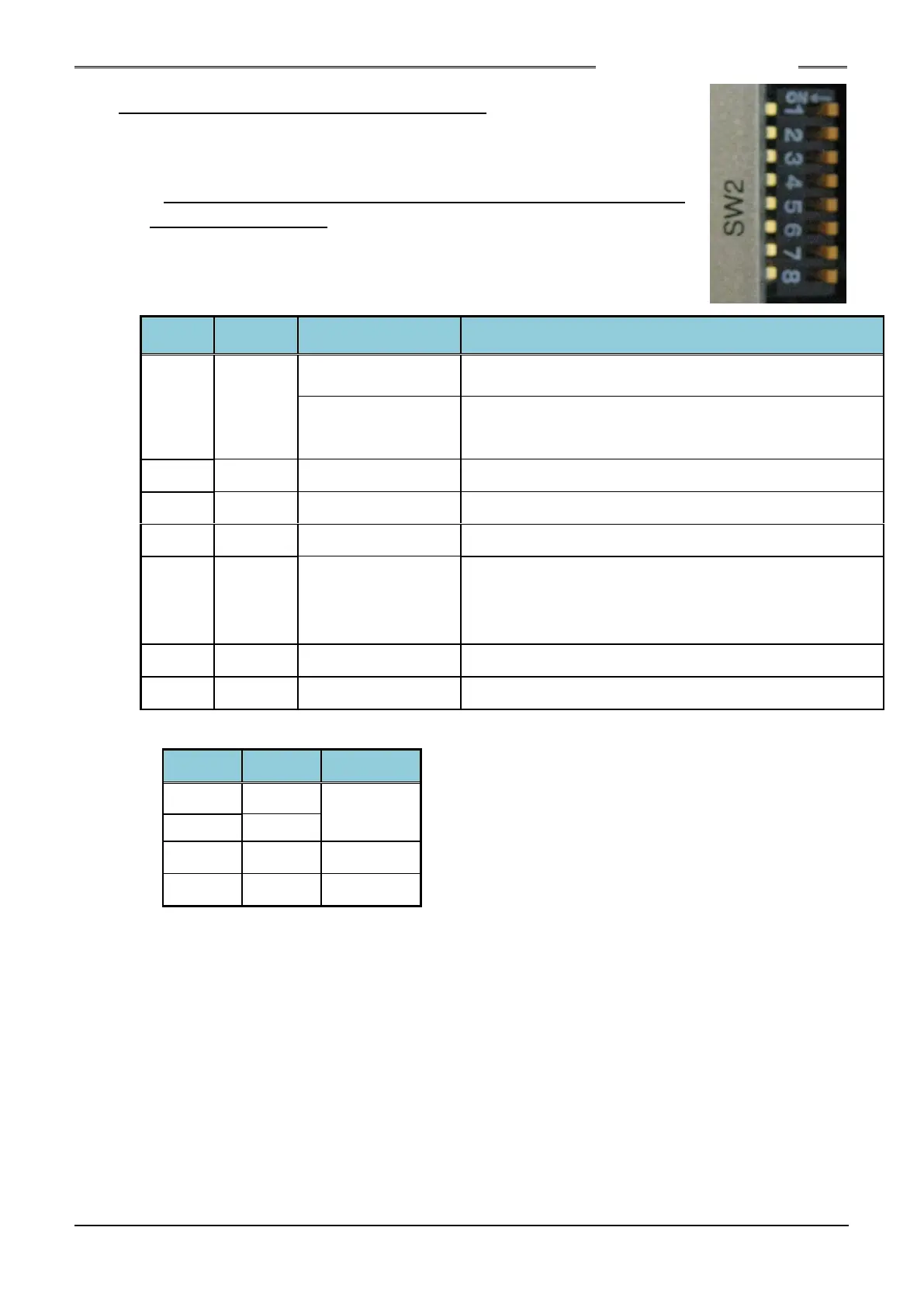
3-1-4. Bottom Panel SW2 Switch Settings
The SW2 switches on the Unit bottom panel are used to
change settings related to functions of the Unit.
* Be sure to change the SW2 dip switch settings with the power
of the Unit being OFF
Used for in-house adjustment
(Controller software version V1.219 or earlier)
External Monitoring
ANGLE PULSE
Output
See the table below
(Contorller software version V 1.220 or later)
Used for in-house adjustment
Used for in-house adjustment
Used for in-house adjustment
the PLC I/O STOP
signal release
(STOP signal
cancel)
When this is set to ON, Fastening operation cannot be
stopped by the PLC I/O input signal “STOP”. Be sure to
set this function to OFF if this equipment is to be put in
full operation.
Used for in-house adjustment
Used for in-house adjustment
●Angle pulse monitor output resolution
S0140185-H



 To Next Page