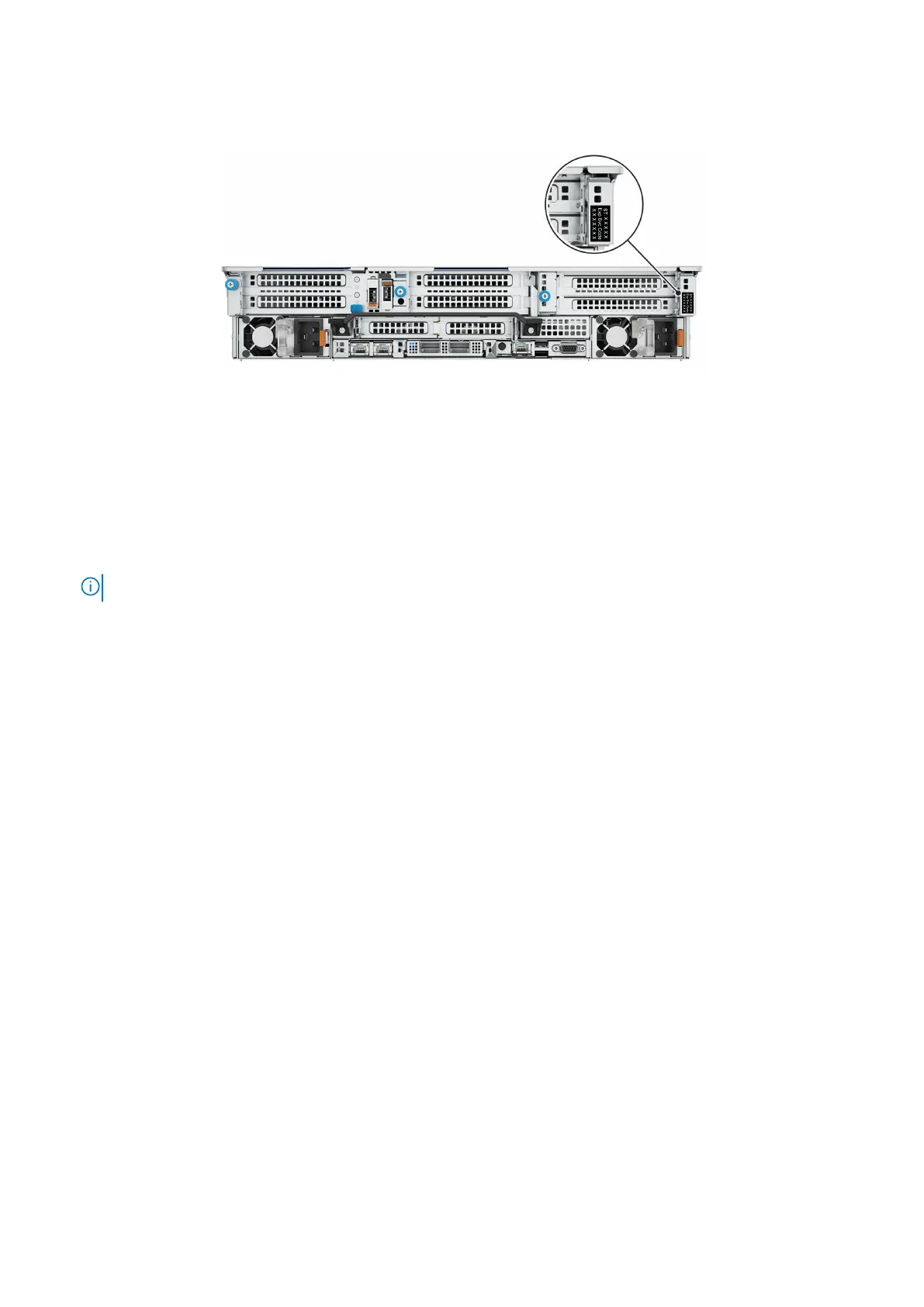
The Mini Enterprise Service Tag (MEST) label is on the rear of the system that includes the Service Tag (ST), and Express
Service Code (Exp Svc Code). Dell uses the Exp Svc Code to route support calls to the appropriate personnel.
Figure 2. Locating the Mini Express Service Tag
Required tools and supplies
Ensure that you have the required tools and supplies on hand for the PowerProtect system installation.
You will need:
● Antistatic wrist strap and conductive foam pad
● USB to DB9 serial port dongle (USB-RS-232)
NOTE: Two are required if the computer used to connect to the system does not have a serial port.
● Null modem cable with DB-9 female connector to connect a computer to the PowerProtect system.
● Screwdrivers:
○ Phillips #1
○ Phillips #2 with a 4- to 6-inch blade and a magnetic tip
○ Phillips #2 with a 12 in. or longer blade and magnetic tip
○ Flat head with a 3/16 in. blade
○ Flat head with a 1/4 in. blade
○ Torx T6
○ Torx T30
● Flashlight (free-standing for single-person installations)
● Roll of 5/8 inch Velcro cable tie material (3M Scotchmate SJ-3401 or similar)
● Power adapter or a power cord for your laptop power adapter so that you can power your laptop from a rack PDU
The following additional tools and supplies might be needed when working with PowerProtect systems:
● Pliers
○ Needle nose
○ Regular
○ Locking
● 10 mm socket or wrench
● Diagonal wire cutters (for cutting tie wraps)
● exFAT formatted 8 GB or greater USB flash memory drive
● Tie wraps (4 in. and 8 in.)
● Labels
● Pen or marker
● Masking tape
Introduction and Preparation
13















 To Next Page