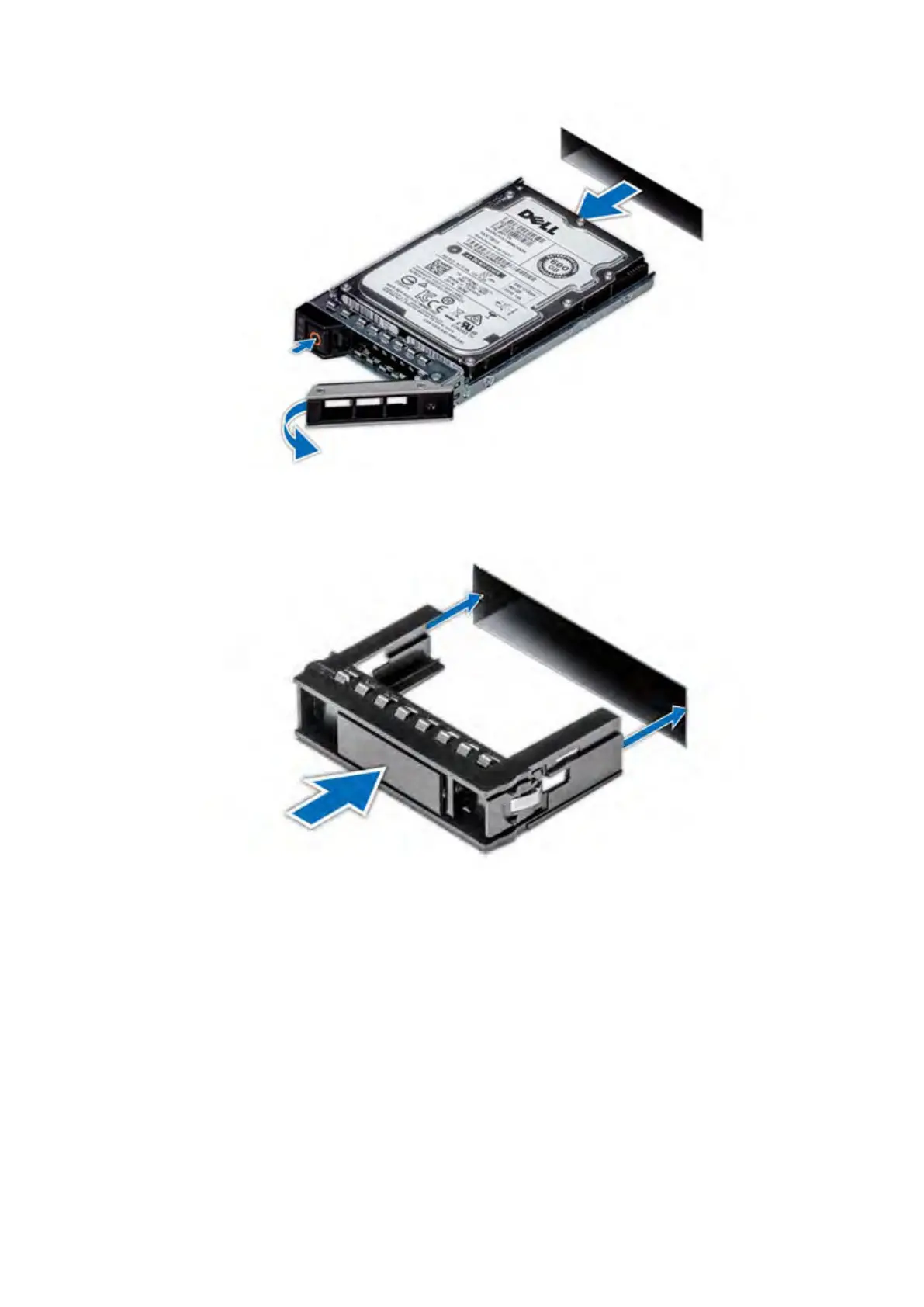
Figure 64. Remove a cache drive
4. Insert the drive blank into the drive slot, and push the blank until the release button clicks into place.
Figure 65. Install a drive blank
5. Repeat the previous steps to replace all the cache drives with drive blanks.
Install the standby node in the rack
Install the second node in the rack.
About this task
Follow the steps in Install the System in the Rack to install the standby node in the rack.
Single Node to HA Upgrade
87















 To Next Page