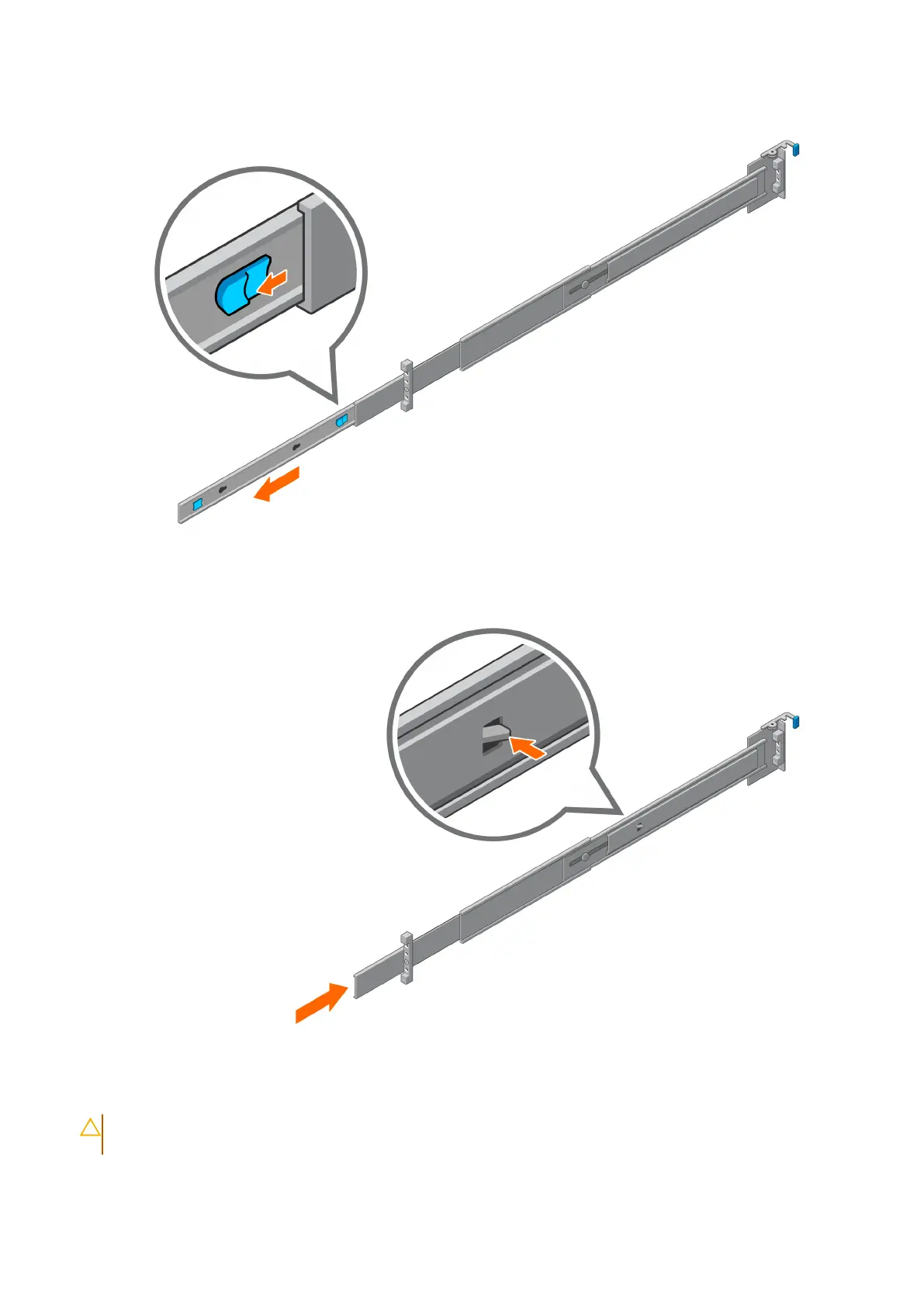
Figure 15. Remove the inner rails
2. Push the tab and slide the middle rails back until they lock into place.
Figure 16. Push the middle rails back
3. Attach the inner rails to the chassis by aligning the keyhole on the rail with the standoffs on the chassis and sliding forward
until they lock into place.
CAUTION:
Verify all the keyholes on the rails are aligned with the rail standoffs on the chassis. Improper
installation of the rails may damage the rails or cause the chassis to fall when extended.
26 Install the Disk Shelves in the Rack















 To Next Page