In this example, the new disks will be installed in enclosure 2, pack 2.
Open the system cover
To access the drives, open the system cover:
Steps
1. Loosen the thumbscrews on the rack mount ears and pull out the enclosure from the rack.
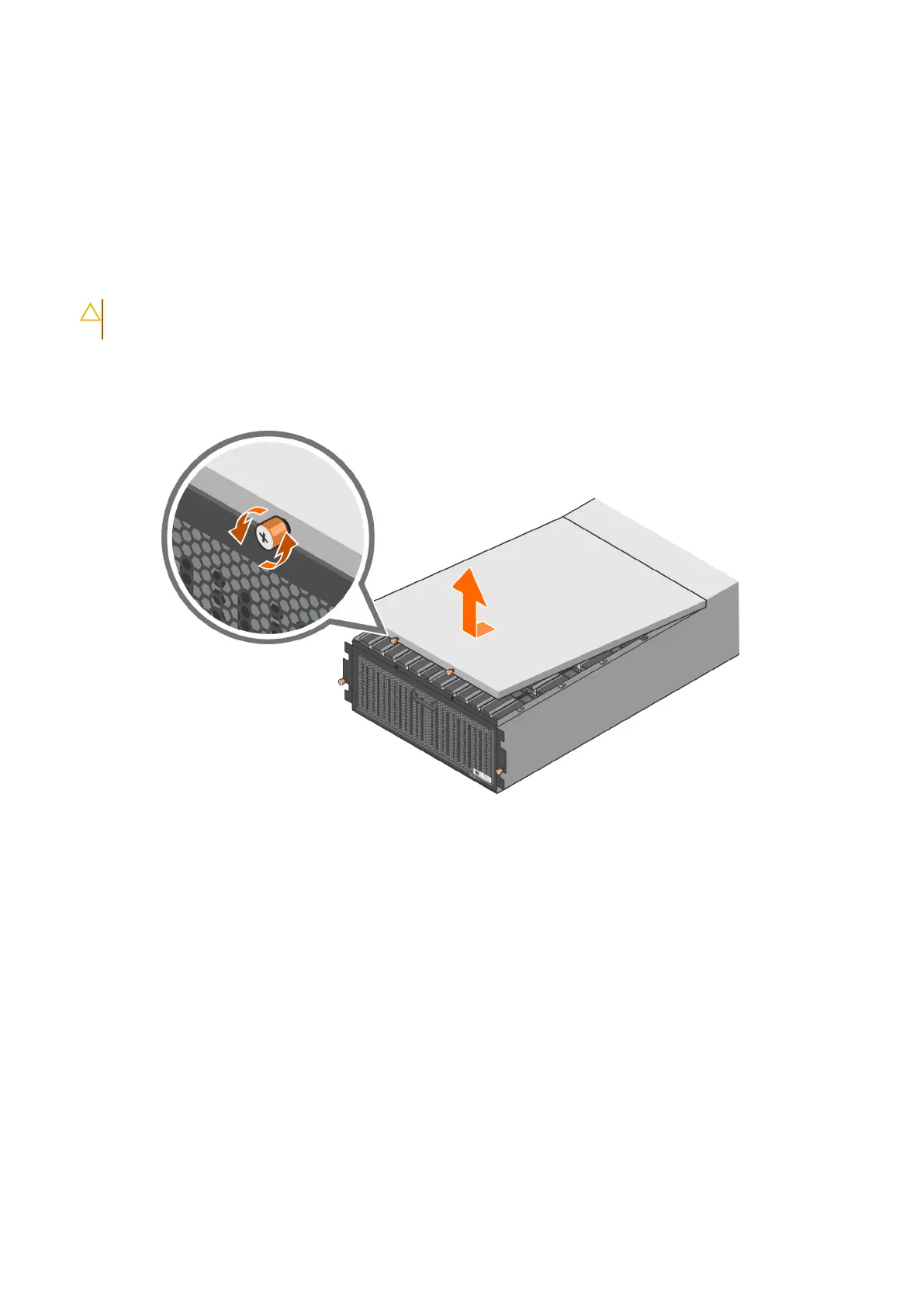
2. Loosen the two thumbscrews that attach the system cover to the chassis.
CAUTION: When you open the system cover, it must be closed within twelve minutes to prevent the
enclosure from overheating.
3. Pull the system cover forward and lift it out of the enclosure.
Figure 59. Open the system cover
Install the replacement disk drive in the drive carrier
Steps
1. Insert the drive into the drive carrier with the connector end of the drive at the back.
76
Add Storage Capacity















 To Next Page