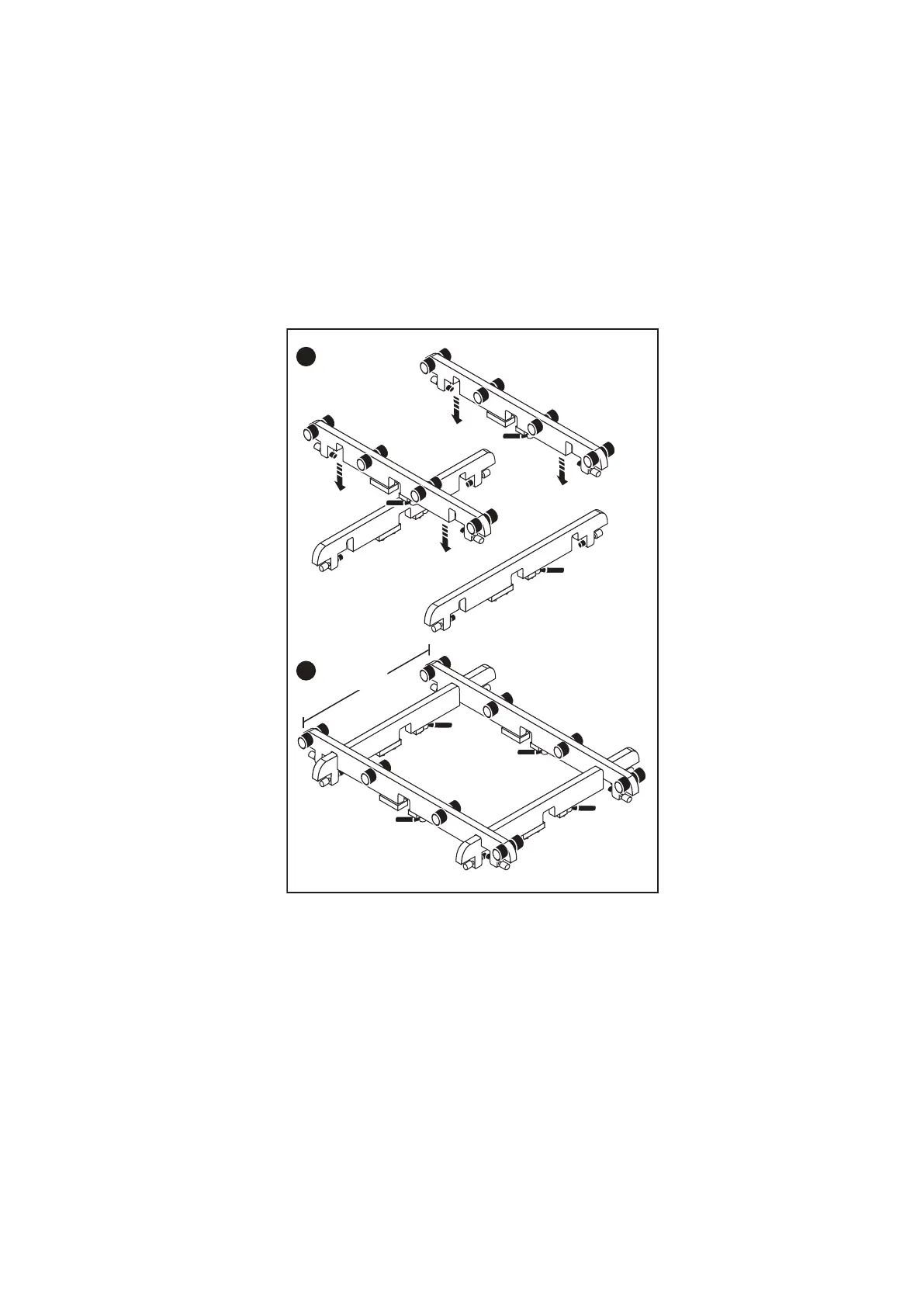
Adjusting the arms for a frontal lift
About this task
If you plan to use the mechanical lift directly in front of the cabinet, adjust the width of the lift arm/tray to just under 17 inches
to ensure that the arms will stay under the chassis.
Steps
1. Adjust the two arms with rollers so that they are 17 inches apart measured from the outside edges.
2. Tighten the arms to secure them.
The following figure shows an example of adjusting the lift arm/tray to just under 17 inches.
Figure 3. Adjusting the lift arm bar to just under 17 inches
Reconfiguring the lift with the Voyager kit
About this task
If you are using the Alum-A-Lift to install or remove components above 49 inches (28U) from the floor, use the single (lower)
mast configuration with the Voyager conversion kit and support table.
Steps
1. Unpack the Voyager kit.
2. Use the instructions provided within the kit to reconfigure the lift.
Introduction and Preparation
15















 To Next Page