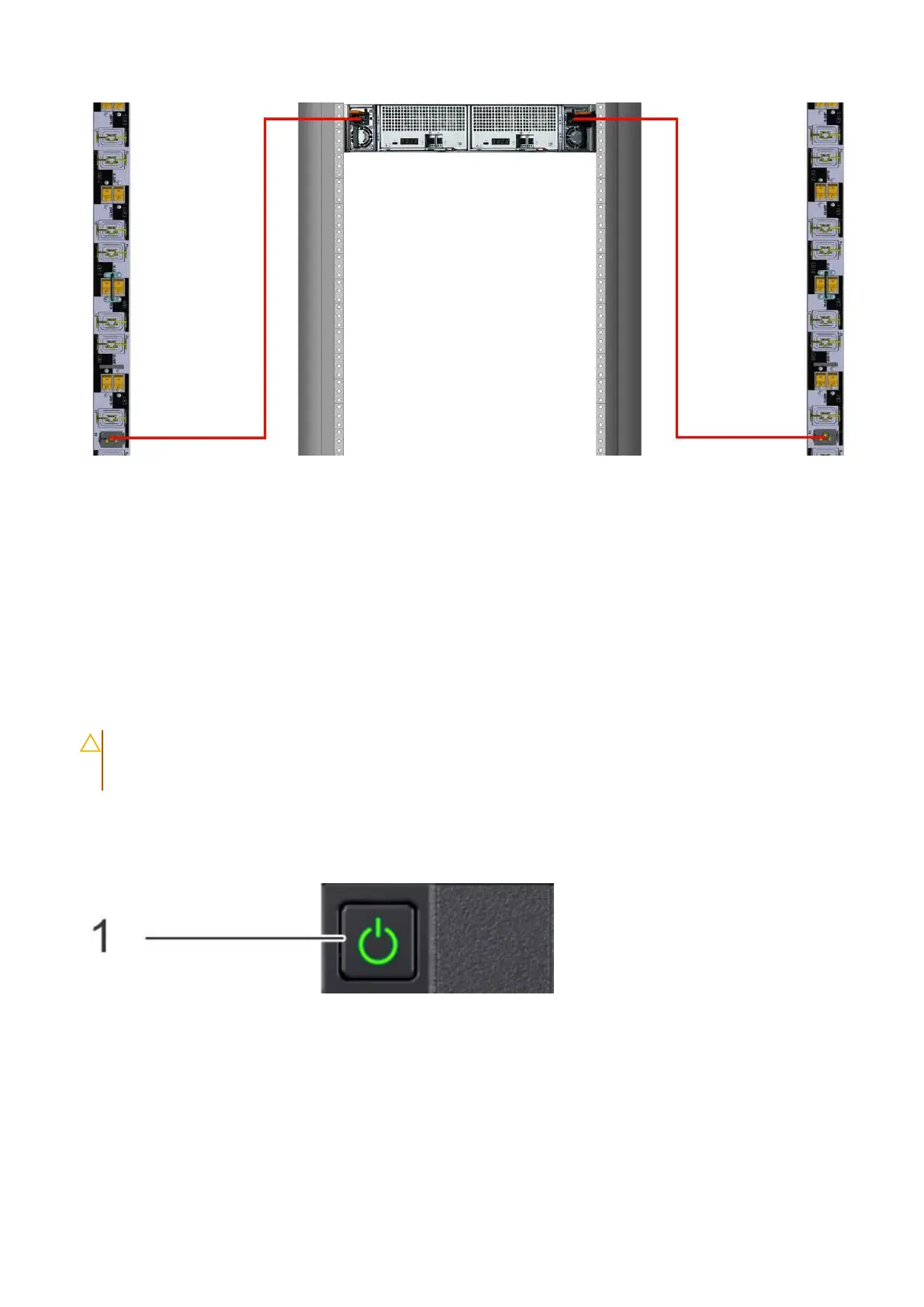
Figure 55. FS240 three phase WYE power cabling
5. Repeat the preceding steps for each shelf in the rack.
Connecting controller power cables and powering on
Prerequisites
Connect the power cables to power on the disk shelves before powering on the controller.
Steps
1. Connect the power supply units to the rack.
CAUTION:
Connect each PSU to a redundant AC power source. Redundant power sources allow one AC
source to fail or be serviced without impacting system operation. Connect PSU 0 to one AC source, and PSU
1 to the other AC source.
The system may not power on automatically after plugging in the AC power cords. The system identification button located
on the rear of the chassis, on the lower left-hand side illuminates blue when power is on.
2. If the system does not power on automatically after connecting the power cables, press the power button on the right
control panel at the front of the chassis to power on the system .
54
Connect Cables and Power On















 To Next Page