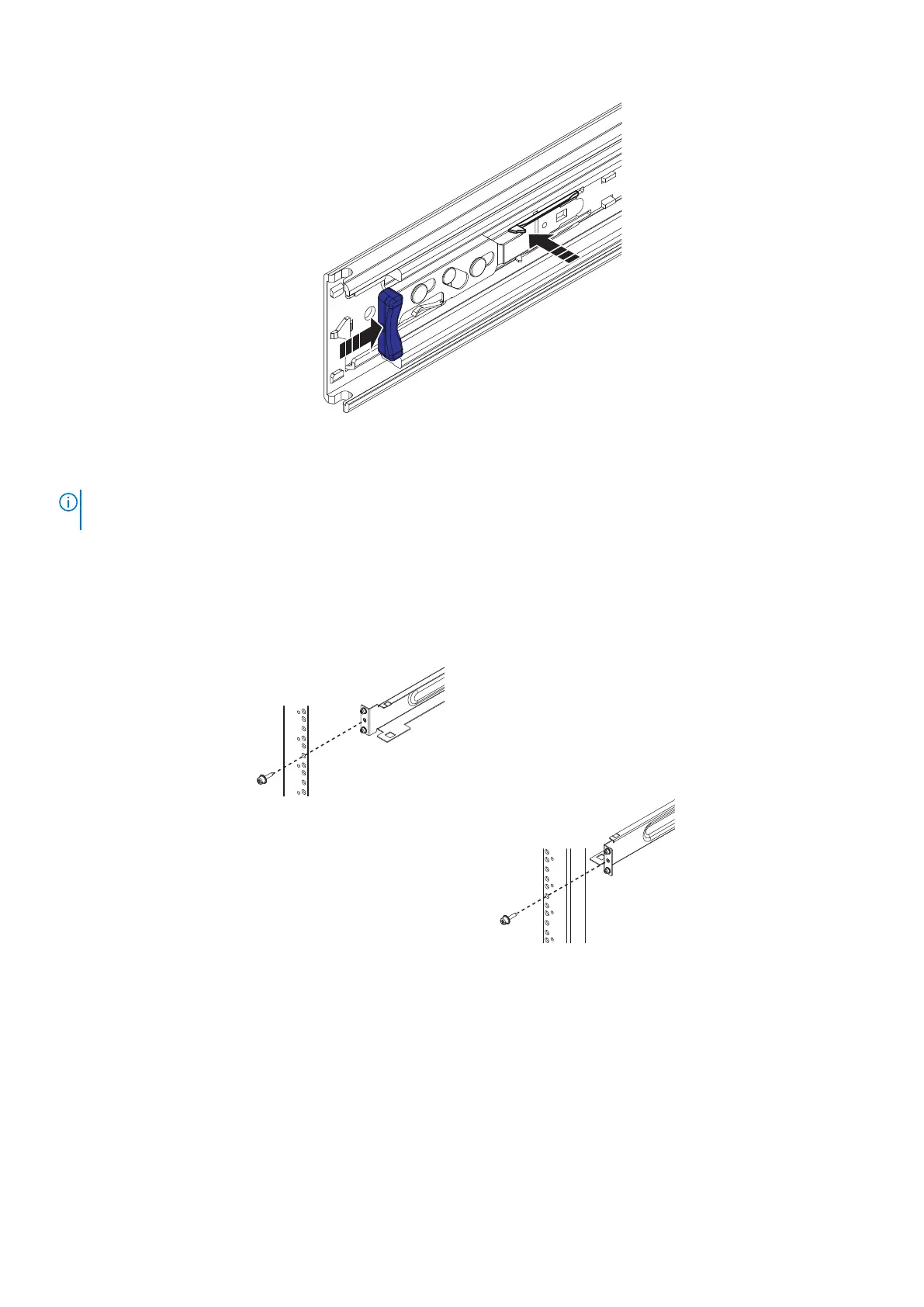
Figure 26. Blue tab on rail must be pushed in
About this task
NOTE: This procedure describes the installation of the 1U cable management tray into a standard Dell EMC rack. For third-
party racks, use the additional hardware that comes with the 1U cable management arm to install the rails as necessary.
The rails come preassembled with adapters that fit into standard round mounting holes. If the rack has a different configuration,
use the adapters in the hardware kit that come with the tray to mount the rails.
Steps
1. Identify the left and right rails. Orient the rails so that the UP arrow is pointed up and the end of the rails that are labeled
FRONT is at the front of the rack.
Figure 27. Installing and securing the rails—front
34
Install the Disk Shelves in the Rack















 To Next Page